> ## Documentation Index
> Fetch the complete documentation index at: https://docs.dialai.ca/llms.txt
> Use this file to discover all available pages before exploring further.
# Building Blocks
> Manage tags, voices, parameters, and test scenarios shared across your flows
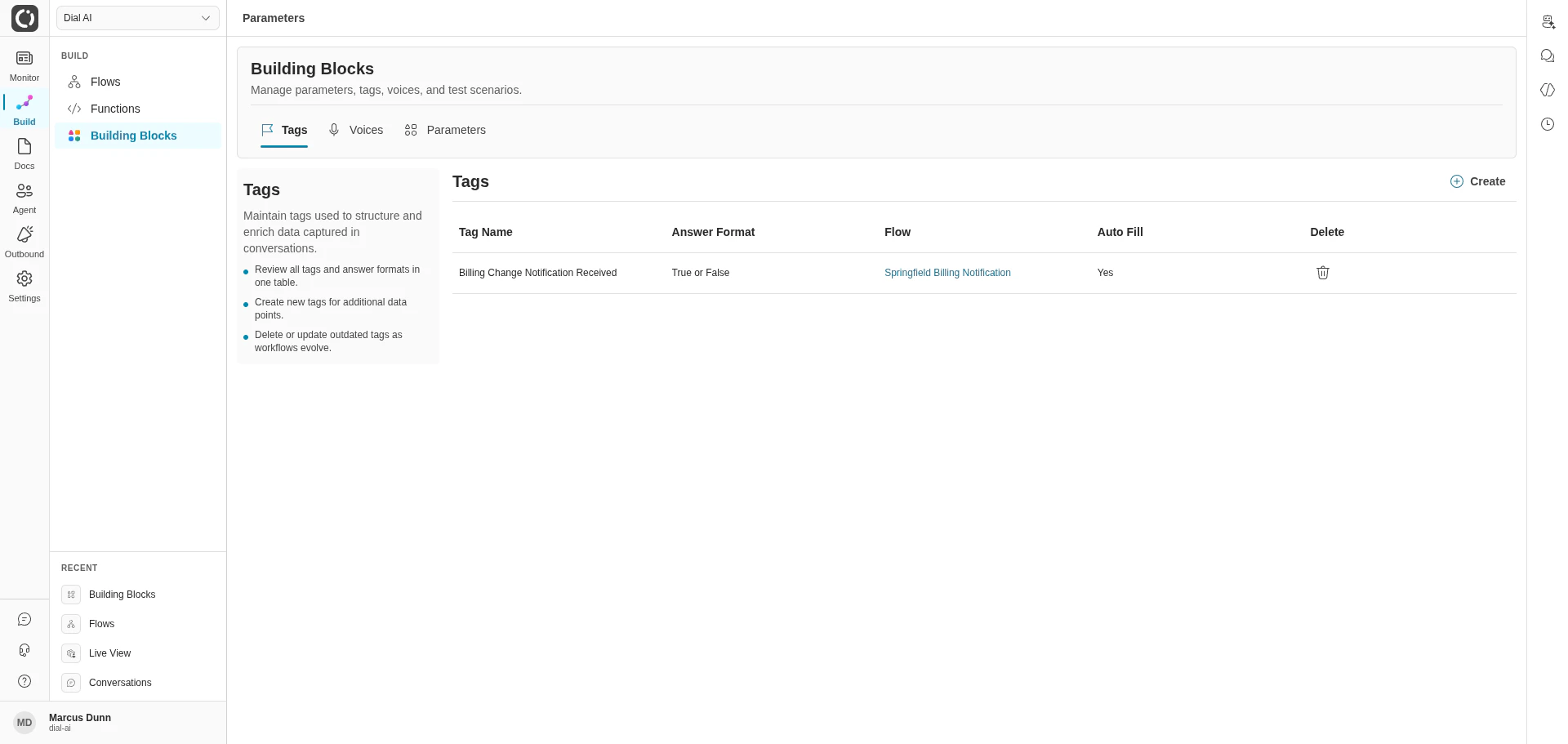
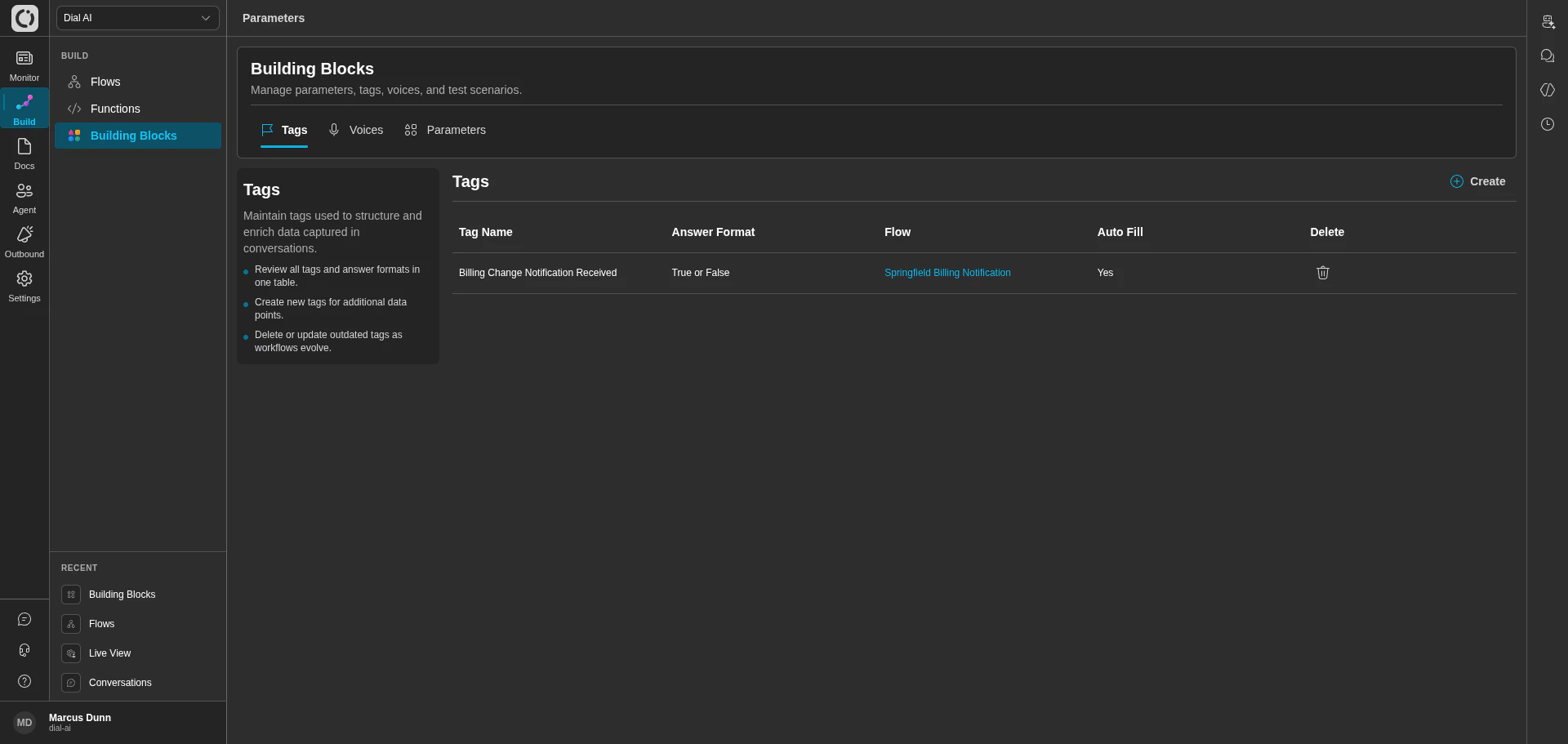 The **Building Blocks** page is a centralized hub for the reusable components that power your flows: **Tags** (the structured data you capture during conversations), **Voices** (the synthetic voices your AI agents use), **Parameters** (the typed JSON schemas your functions consume), and **Test Scenarios** (the recorded conversations that assert flow behavior).
To access Building Blocks, navigate to **Build > Building Blocks** in the left navigation menu.
The **Test Scenarios** tab only appears for users who have the `test-scenarios:list` permission scope. Ask an administrator if you don't see it.
***
## Tags
Tags structure and enrich the data captured during conversations. Use them to label intents, classify outcomes, surface fields the AI extracted, or any other key/value you want consistently attached to transcripts.
### What's in the table
Each row in the Tags table shows:
| Property | Description |
| ----------------- | ------------------------------------------------------------------- |
| **Tag Name** | The name used to label the captured data. |
| **Answer Format** | The expected format of the tag value (e.g., Text, True or False). |
| **Flow** | The flow this tag is configured on. |
| **Auto Fill** | Whether the tag is automatically populated during the conversation. |
### Working with tags
* **Create** — opens the new-tag form. Pick a name, format, and target flow.
* **Delete** — removes a tag definition. Existing transcripts that already have the tag set keep their data; future conversations won't write to it.
***
## Voices
The **Building Blocks** page is a centralized hub for the reusable components that power your flows: **Tags** (the structured data you capture during conversations), **Voices** (the synthetic voices your AI agents use), **Parameters** (the typed JSON schemas your functions consume), and **Test Scenarios** (the recorded conversations that assert flow behavior).
To access Building Blocks, navigate to **Build > Building Blocks** in the left navigation menu.
The **Test Scenarios** tab only appears for users who have the `test-scenarios:list` permission scope. Ask an administrator if you don't see it.
***
## Tags
Tags structure and enrich the data captured during conversations. Use them to label intents, classify outcomes, surface fields the AI extracted, or any other key/value you want consistently attached to transcripts.
### What's in the table
Each row in the Tags table shows:
| Property | Description |
| ----------------- | ------------------------------------------------------------------- |
| **Tag Name** | The name used to label the captured data. |
| **Answer Format** | The expected format of the tag value (e.g., Text, True or False). |
| **Flow** | The flow this tag is configured on. |
| **Auto Fill** | Whether the tag is automatically populated during the conversation. |
### Working with tags
* **Create** — opens the new-tag form. Pick a name, format, and target flow.
* **Delete** — removes a tag definition. Existing transcripts that already have the tag set keep their data; future conversations won't write to it.
***
## Voices
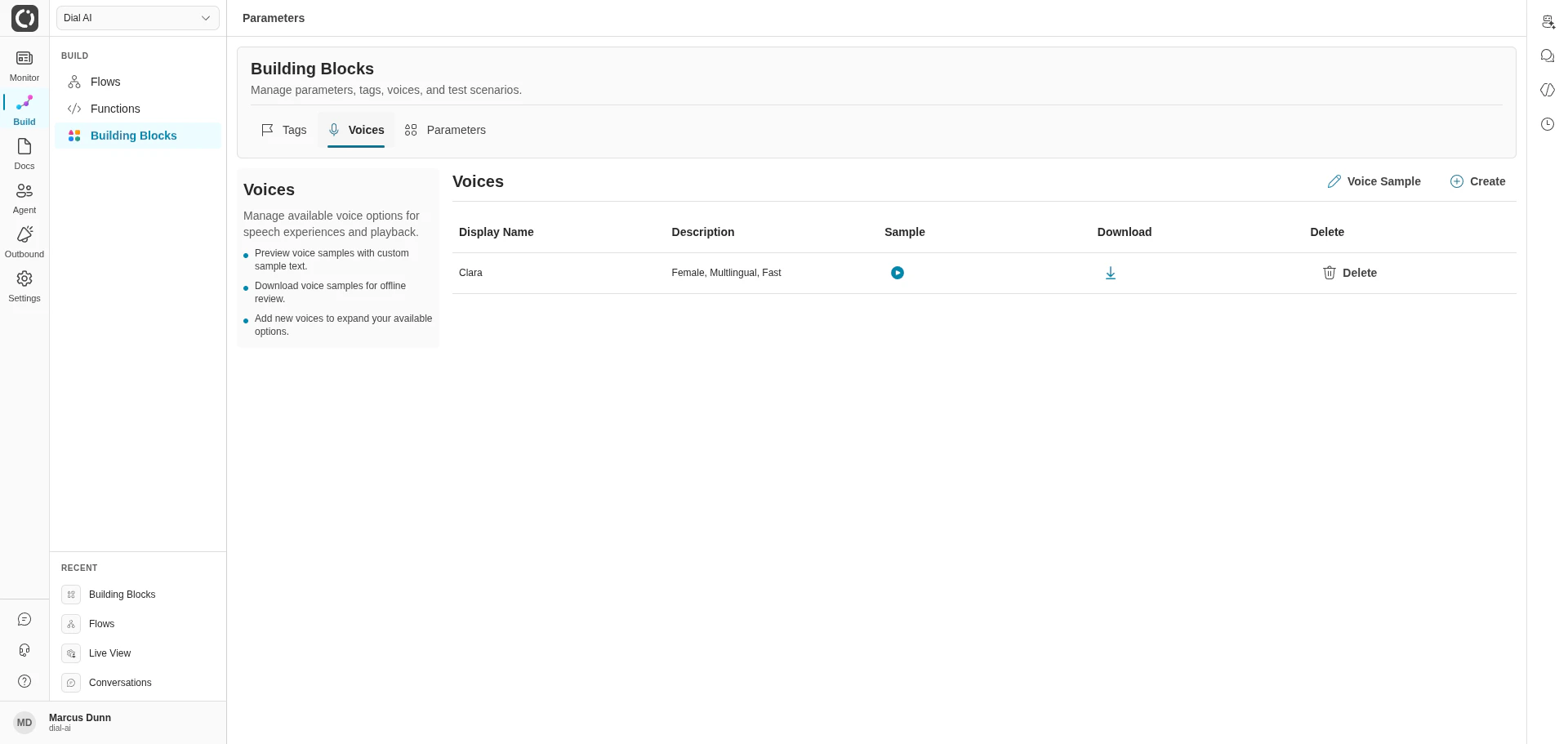
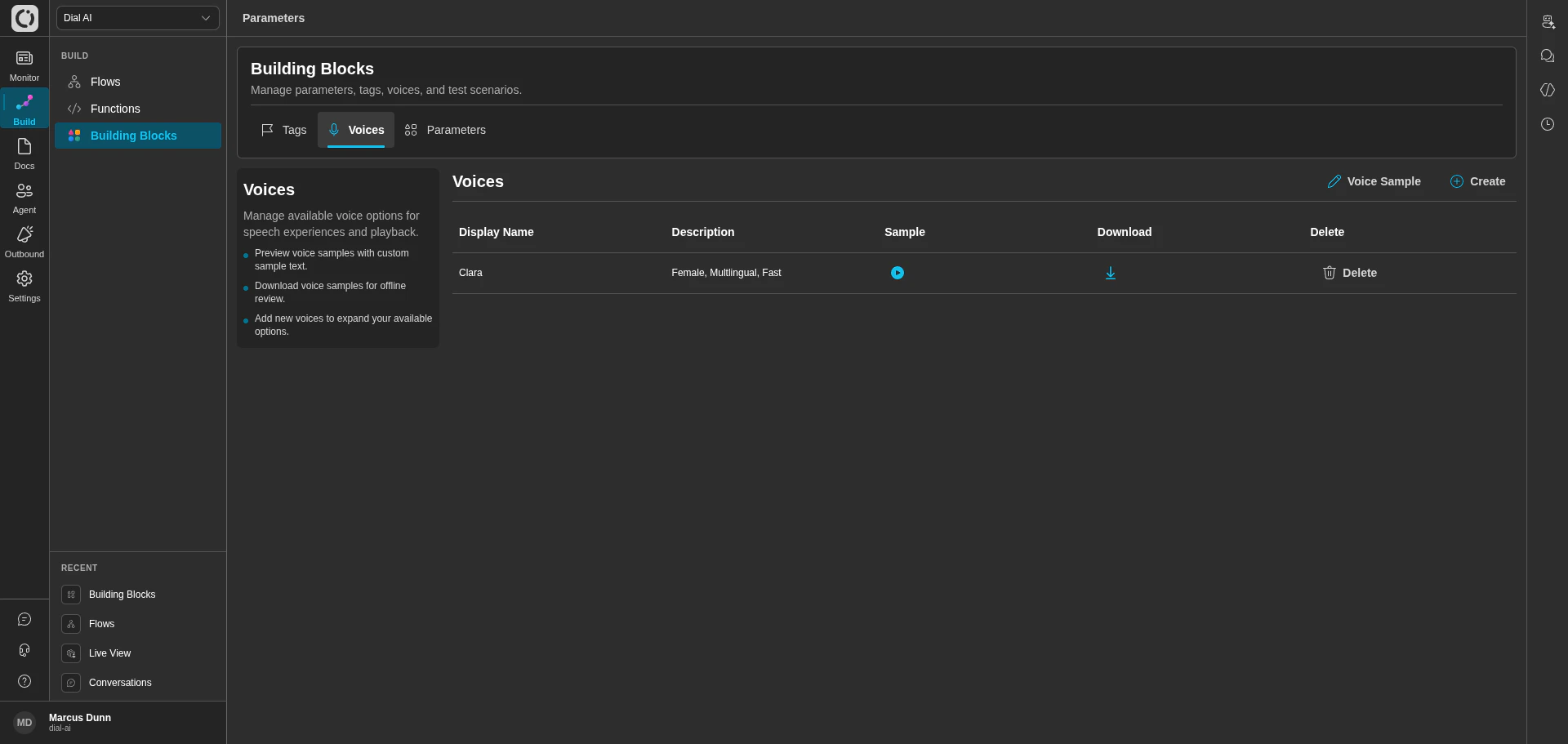 The Voices tab manages the synthetic voice options available to your flows.
### What's in the table
| Property | Description |
| ---------------- | ---------------------------------------------------------------------- |
| **Display Name** | The name shown when selecting a voice. |
| **Description** | Voice characteristics (e.g., "Female, Multilingual, Fast"). |
| **Sample** | Preview button — plays a short sample with the configured sample text. |
| **Download** | Save the voice sample to disk. |
### Working with voices
* **Voice Sample** — set the sample text used for preview playback. Edit and save to update what every voice previews against.
* **Create** — add a new voice from the catalog. Voices added here become selectable on every flow's Variables tab.
* **Delete** — remove a voice from your tenant. Flows currently using the voice fall back to the tenant default.
***
## Parameters
The Voices tab manages the synthetic voice options available to your flows.
### What's in the table
| Property | Description |
| ---------------- | ---------------------------------------------------------------------- |
| **Display Name** | The name shown when selecting a voice. |
| **Description** | Voice characteristics (e.g., "Female, Multilingual, Fast"). |
| **Sample** | Preview button — plays a short sample with the configured sample text. |
| **Download** | Save the voice sample to disk. |
### Working with voices
* **Voice Sample** — set the sample text used for preview playback. Edit and save to update what every voice previews against.
* **Create** — add a new voice from the catalog. Voices added here become selectable on every flow's Variables tab.
* **Delete** — remove a voice from your tenant. Flows currently using the voice fall back to the tenant default.
***
## Parameters
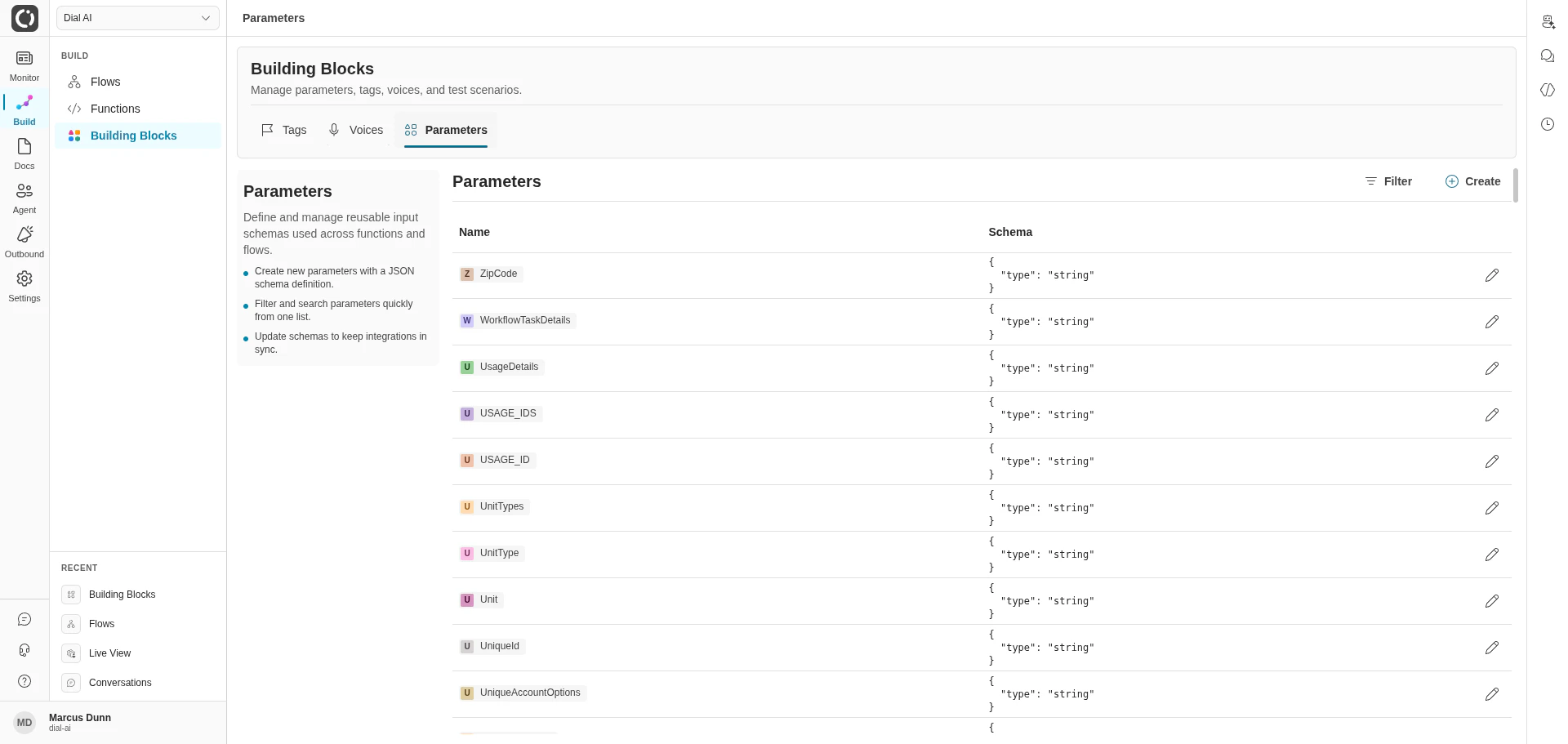
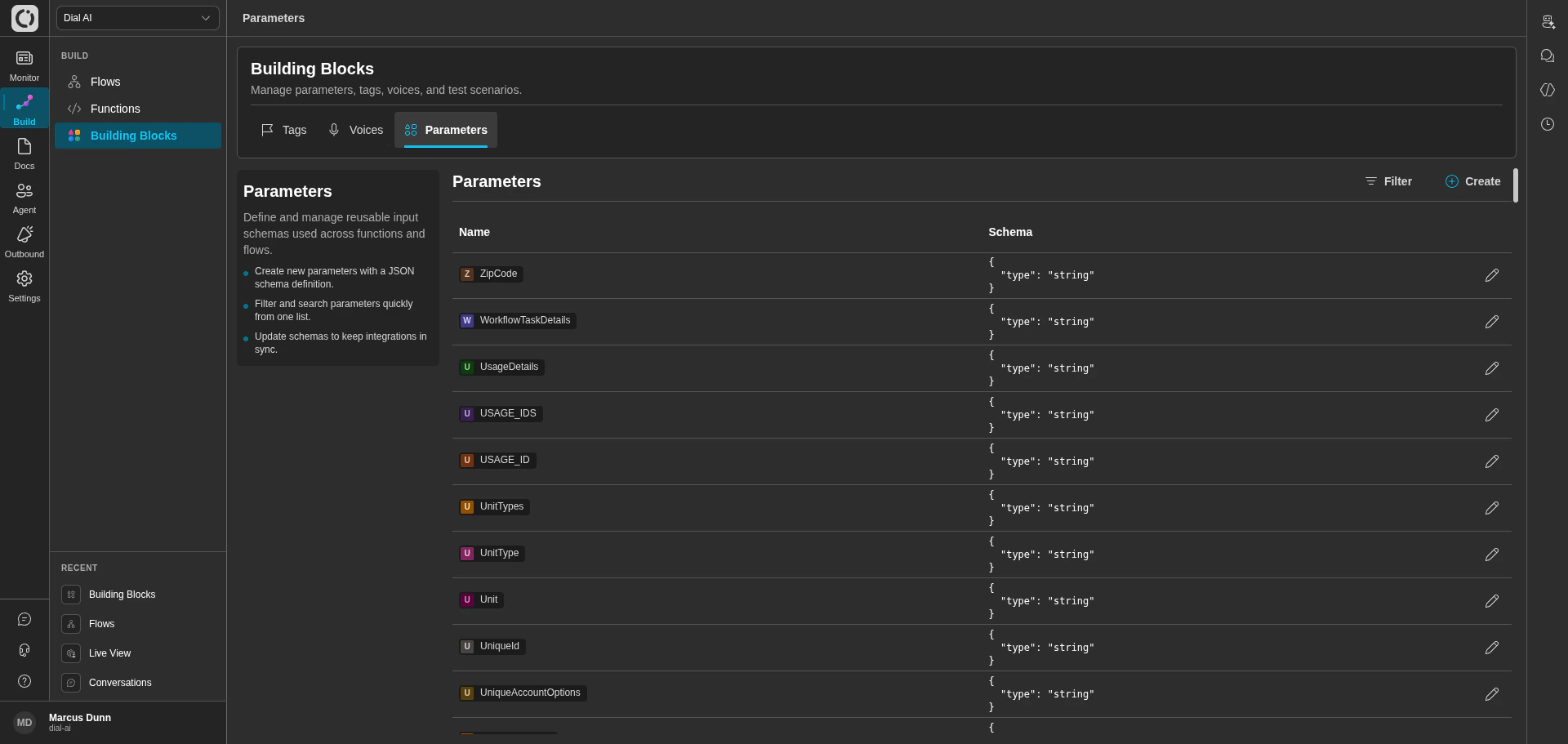 Parameters are typed JSON schemas reused across functions and flows. Define a parameter once here; reference it from any function input or static-parameter slot.
### What's in the table
| Property | Description |
| ---------- | ---------------------------------------------------------------- |
| **Name** | The parameter's identifier (e.g., `ZipCode`, `TwilioAuthToken`). |
| **Schema** | The JSON schema definition (e.g., `{ "type": "string" }`). |
### Working with parameters
* **Filter** — narrow the list by name.
* **Create** — add a new parameter. Pick a name and provide its JSON schema.
* **Edit** — update an existing parameter's schema. All functions referencing it see the new schema on next call.
Parameters are also accessible inline from the flow editor and function editor — anywhere you can attach a parameter, you can also create or edit one. The Building Blocks page is the only place to see them all at once.
***
## Test Scenarios
The **Test Scenarios** tab gives administrators a tenant-wide view of recorded test scenarios across every flow. Each scenario is a captured conversation with assertions that can be replayed against future flow versions to catch regressions.
Most operators interact with test scenarios from within an individual flow's editor; the Building Blocks tab is the cross-flow inventory and bulk-management view. For the full workflow — creating scenarios, adding assertions, and reviewing versioned results — see [Testing Flows](/testing-flows).
***
## Related
Wire parameters into function inputs.
Set static parameter values per flow.
Configure per-flow voice selection.
Parameters are typed JSON schemas reused across functions and flows. Define a parameter once here; reference it from any function input or static-parameter slot.
### What's in the table
| Property | Description |
| ---------- | ---------------------------------------------------------------- |
| **Name** | The parameter's identifier (e.g., `ZipCode`, `TwilioAuthToken`). |
| **Schema** | The JSON schema definition (e.g., `{ "type": "string" }`). |
### Working with parameters
* **Filter** — narrow the list by name.
* **Create** — add a new parameter. Pick a name and provide its JSON schema.
* **Edit** — update an existing parameter's schema. All functions referencing it see the new schema on next call.
Parameters are also accessible inline from the flow editor and function editor — anywhere you can attach a parameter, you can also create or edit one. The Building Blocks page is the only place to see them all at once.
***
## Test Scenarios
The **Test Scenarios** tab gives administrators a tenant-wide view of recorded test scenarios across every flow. Each scenario is a captured conversation with assertions that can be replayed against future flow versions to catch regressions.
Most operators interact with test scenarios from within an individual flow's editor; the Building Blocks tab is the cross-flow inventory and bulk-management view. For the full workflow — creating scenarios, adding assertions, and reviewing versioned results — see [Testing Flows](/testing-flows).
***
## Related
Wire parameters into function inputs.
Set static parameter values per flow.
Configure per-flow voice selection.