> ## Documentation Index
> Fetch the complete documentation index at: https://docs.dialai.ca/llms.txt
> Use this file to discover all available pages before exploring further.
# Introduction
> What Dialai does and how the pieces fit together
 Dialai runs AI agents that talk to your customers over voice, SMS, email, web chat, and other social-media platforms. You design what each agent says and does as a **flow** — a graph of conversation states with instructions, function calls, and rules for when to hand off to a human. You wire the flow to a **point of contact** (a phone number, email address, chat link, etc.), publish it, and watch it work.
When the AI can't handle something, it transfers the conversation to a human agent — with the full transcript, the customer's history, and any data the AI collected. Human agents pick up the conversation in their **inbox**; supervisors watch live traffic in **live view** and review completed conversations in the archive.
These docs cover the operator surface: building flows, connecting channels, monitoring conversations, and tuning what's in production.
## Quick start
Glossary of flows, states, transitions, agents, points of contact, and more.
A guided walkthrough of the flow editor, end to end.
Monitor in-progress calls, listen in, and step in when needed.
Handle transcripts that need human review or follow-up.
## How operators use Dialai
Use **Flows** to lay out conversation paths — greetings, intents, branches, and handoffs. Use **Thoughts** to express *how* the agent should think at each state in plain language. Ground the agent in your own knowledge by uploading **Documents** or connecting an S3 / Confluence source.
Wire a **Point of Contact** — a phone number, SMS line, email address, web chat snippet, or Slack workspace — to the flow. Each channel can run its own flow, or share one across many.
Run **Test Scenarios** to assert behavior end-to-end. Use the in-product chat sandbox for quick iteration. Publish a flow only when its tests pass.
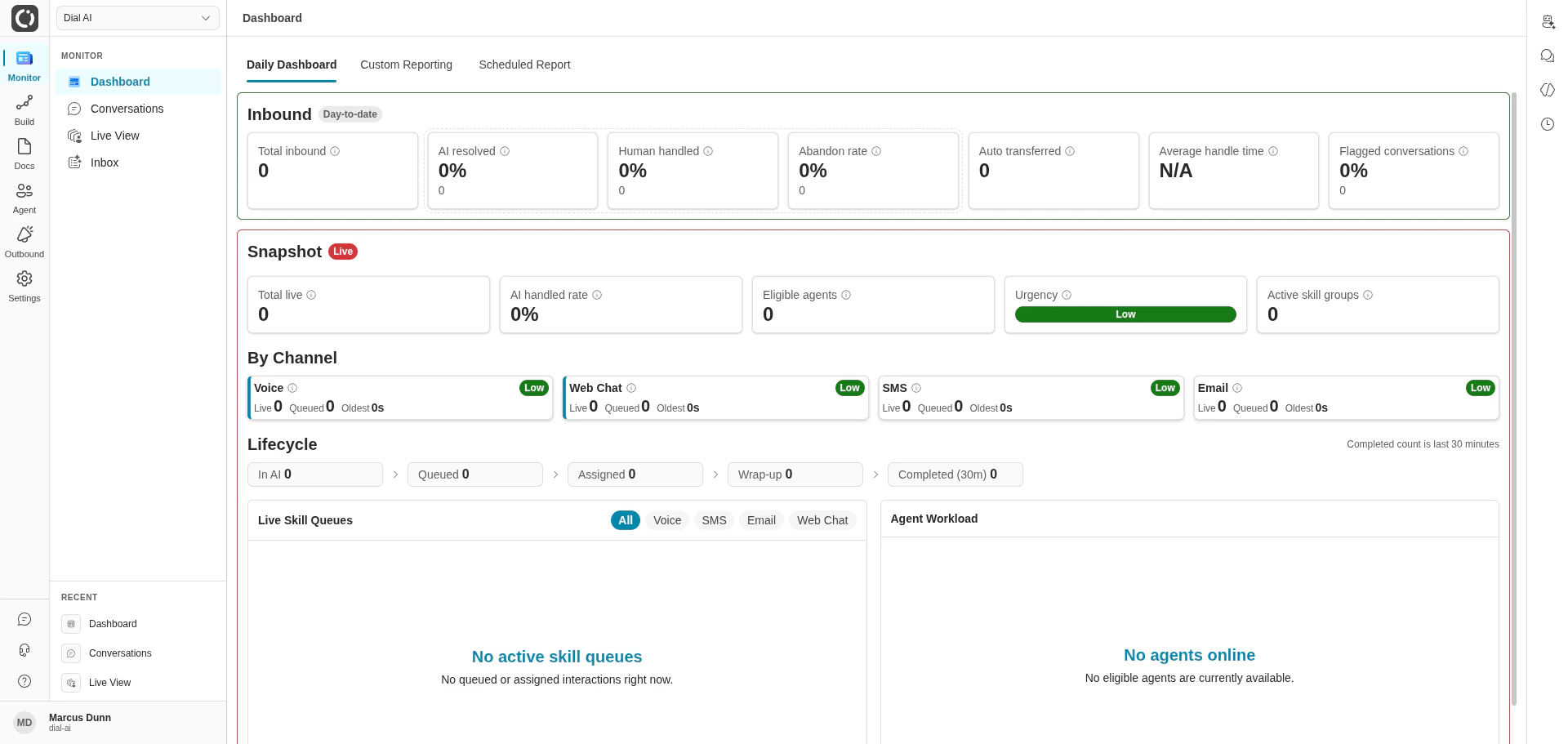
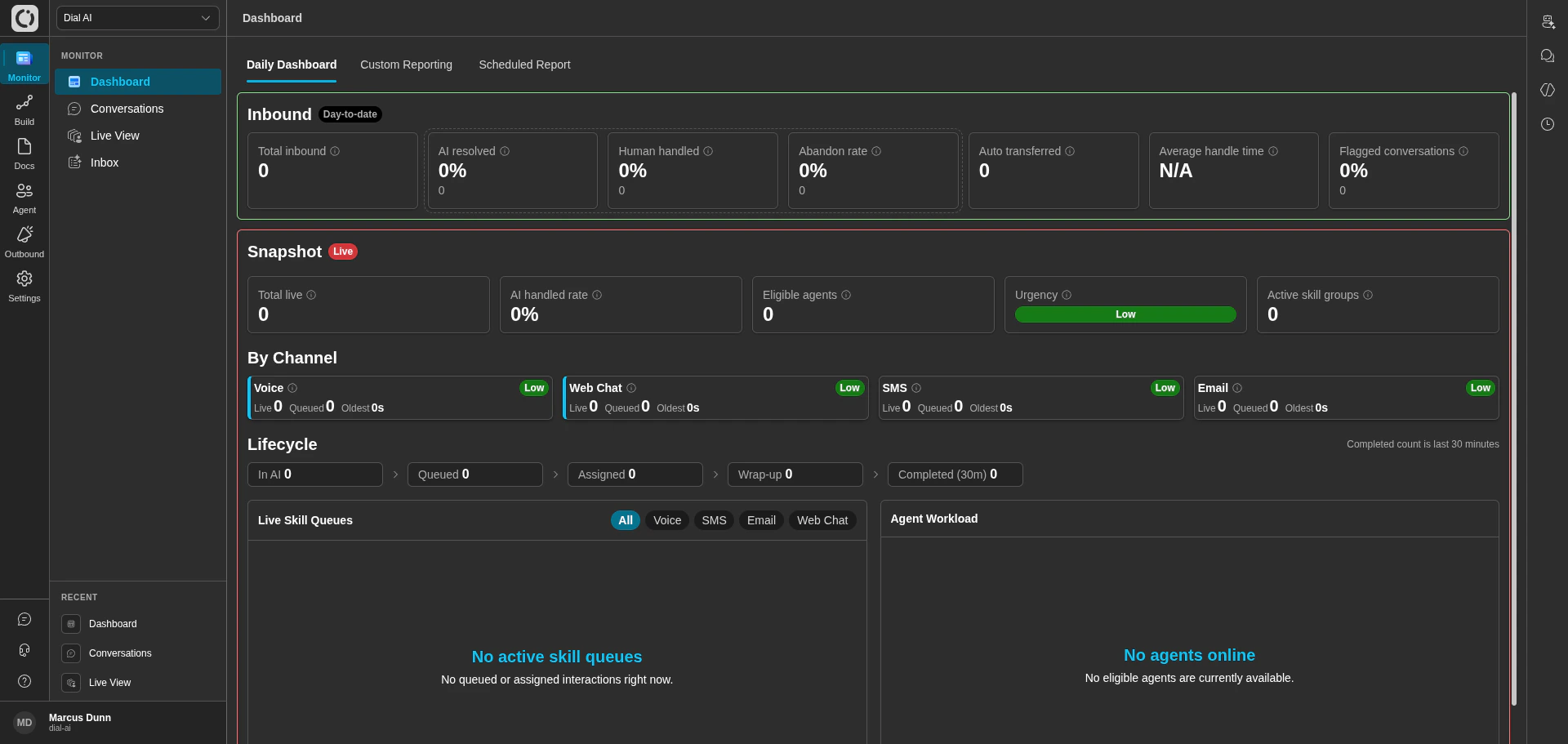
The **Dashboard** shows day-to-date and live operational metrics. **Live View** gives you a real-time pulse on every in-flight conversation. **Conversations** is the searchable archive of everything that already happened.
Use call review criteria, flagged conversations, and analytics to identify gaps. Refine flows, add documents, retrain — and ship the new version when you're confident.
## What you can build
Branching conversation flows with state-level instructions, function calls, and human-handoff rules.
Voice, SMS, email, web chat, and Slack — each with its own routing and schedule.
Choose or tune the synthetic voice that represents your brand on every call.
Run AI-driven outbound voice or email campaigns against a manifest of contacts.
Upload documents or sync from Confluence and S3 so agents answer from your sources of truth.
Embed an iframe, drop a script tag, or call the REST API to plug Dialai into existing systems.
## Looking for something else?
* The **Building & Managing Flows** group covers everything about designing agents — start with [Key concepts](/keyconcepts) if you're new.
* The **Monitoring** group covers the day-to-day operator views — Dashboard, Conversations, Live View, Inbox.
* The **Settings** group covers tenant-wide configuration — users, permissions, theming, environment variables.
Need help that isn't in the docs? Email [support@dialai.ca](mailto:support@dialai.ca).
Dialai runs AI agents that talk to your customers over voice, SMS, email, web chat, and other social-media platforms. You design what each agent says and does as a **flow** — a graph of conversation states with instructions, function calls, and rules for when to hand off to a human. You wire the flow to a **point of contact** (a phone number, email address, chat link, etc.), publish it, and watch it work.
When the AI can't handle something, it transfers the conversation to a human agent — with the full transcript, the customer's history, and any data the AI collected. Human agents pick up the conversation in their **inbox**; supervisors watch live traffic in **live view** and review completed conversations in the archive.
These docs cover the operator surface: building flows, connecting channels, monitoring conversations, and tuning what's in production.
## Quick start
Glossary of flows, states, transitions, agents, points of contact, and more.
A guided walkthrough of the flow editor, end to end.
Monitor in-progress calls, listen in, and step in when needed.
Handle transcripts that need human review or follow-up.
## How operators use Dialai
Use **Flows** to lay out conversation paths — greetings, intents, branches, and handoffs. Use **Thoughts** to express *how* the agent should think at each state in plain language. Ground the agent in your own knowledge by uploading **Documents** or connecting an S3 / Confluence source.
Wire a **Point of Contact** — a phone number, SMS line, email address, web chat snippet, or Slack workspace — to the flow. Each channel can run its own flow, or share one across many.
Run **Test Scenarios** to assert behavior end-to-end. Use the in-product chat sandbox for quick iteration. Publish a flow only when its tests pass.
The **Dashboard** shows day-to-date and live operational metrics. **Live View** gives you a real-time pulse on every in-flight conversation. **Conversations** is the searchable archive of everything that already happened.
Use call review criteria, flagged conversations, and analytics to identify gaps. Refine flows, add documents, retrain — and ship the new version when you're confident.
## What you can build
Branching conversation flows with state-level instructions, function calls, and human-handoff rules.
Voice, SMS, email, web chat, and Slack — each with its own routing and schedule.
Choose or tune the synthetic voice that represents your brand on every call.
Run AI-driven outbound voice or email campaigns against a manifest of contacts.
Upload documents or sync from Confluence and S3 so agents answer from your sources of truth.
Embed an iframe, drop a script tag, or call the REST API to plug Dialai into existing systems.
## Looking for something else?
* The **Building & Managing Flows** group covers everything about designing agents — start with [Key concepts](/keyconcepts) if you're new.
* The **Monitoring** group covers the day-to-day operator views — Dashboard, Conversations, Live View, Inbox.
* The **Settings** group covers tenant-wide configuration — users, permissions, theming, environment variables.
Need help that isn't in the docs? Email [support@dialai.ca](mailto:support@dialai.ca).