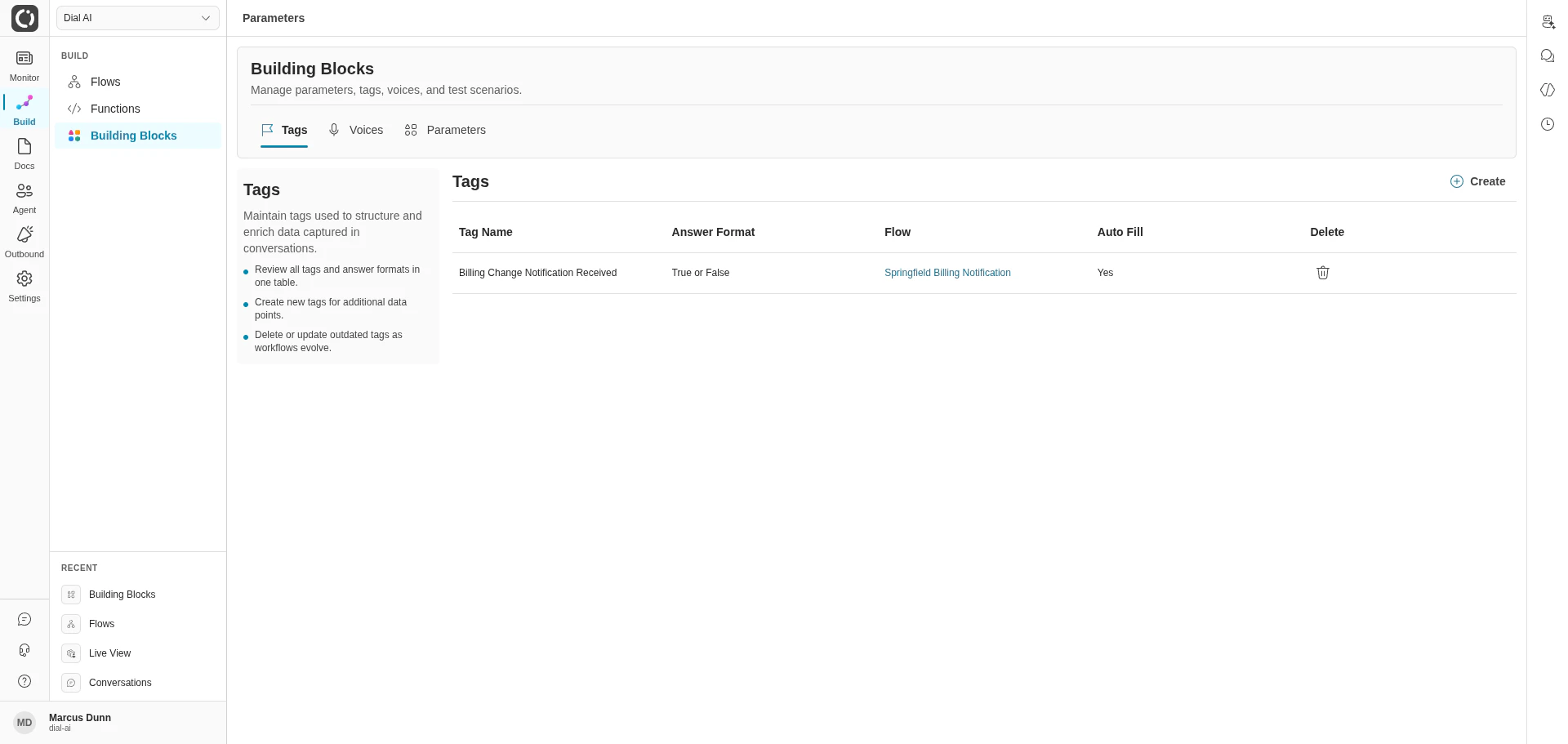
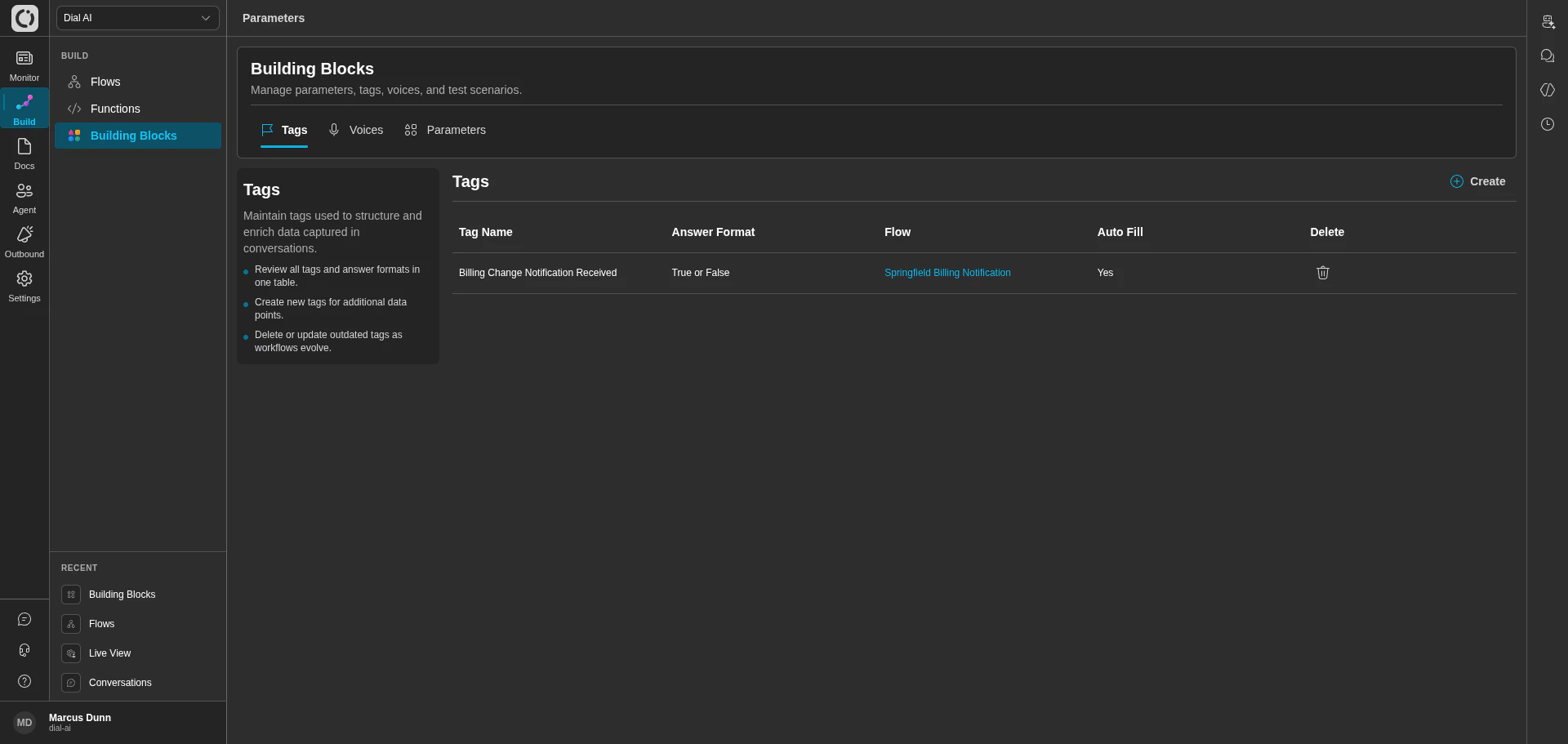
Building Blocks — Tags tab
The Test Scenarios tab only appears for users who have the
test-scenarios:list permission scope. Ask an administrator if you don’t see it.Tags
Tags structure and enrich the data captured during conversations. Use them to label intents, classify outcomes, surface fields the AI extracted, or any other key/value you want consistently attached to transcripts.What’s in the table
Each row in the Tags table shows:Working with tags
- Create — opens the new-tag form. Pick a name, format, and target flow.
- Delete — removes a tag definition. Existing transcripts that already have the tag set keep their data; future conversations won’t write to it.
Voices
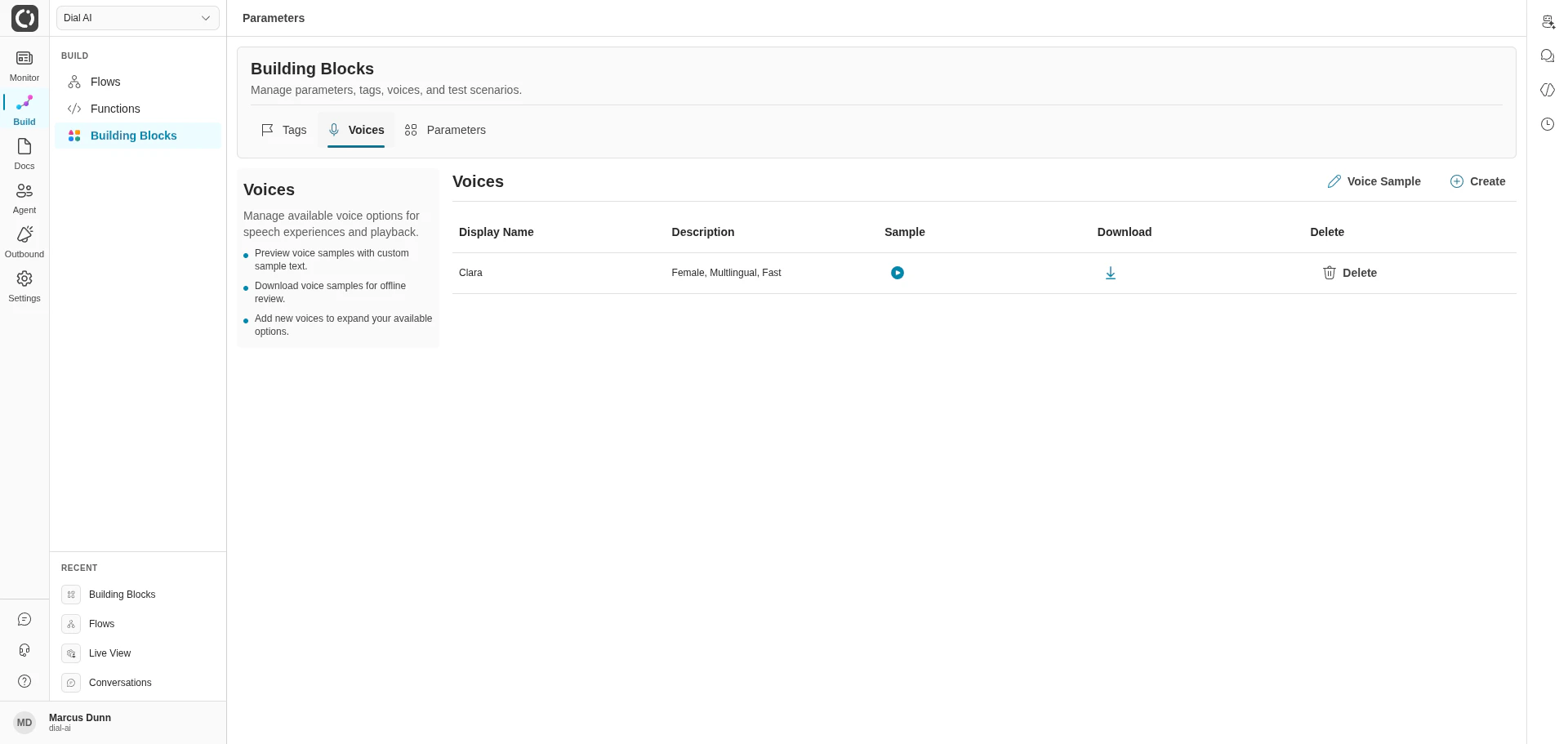
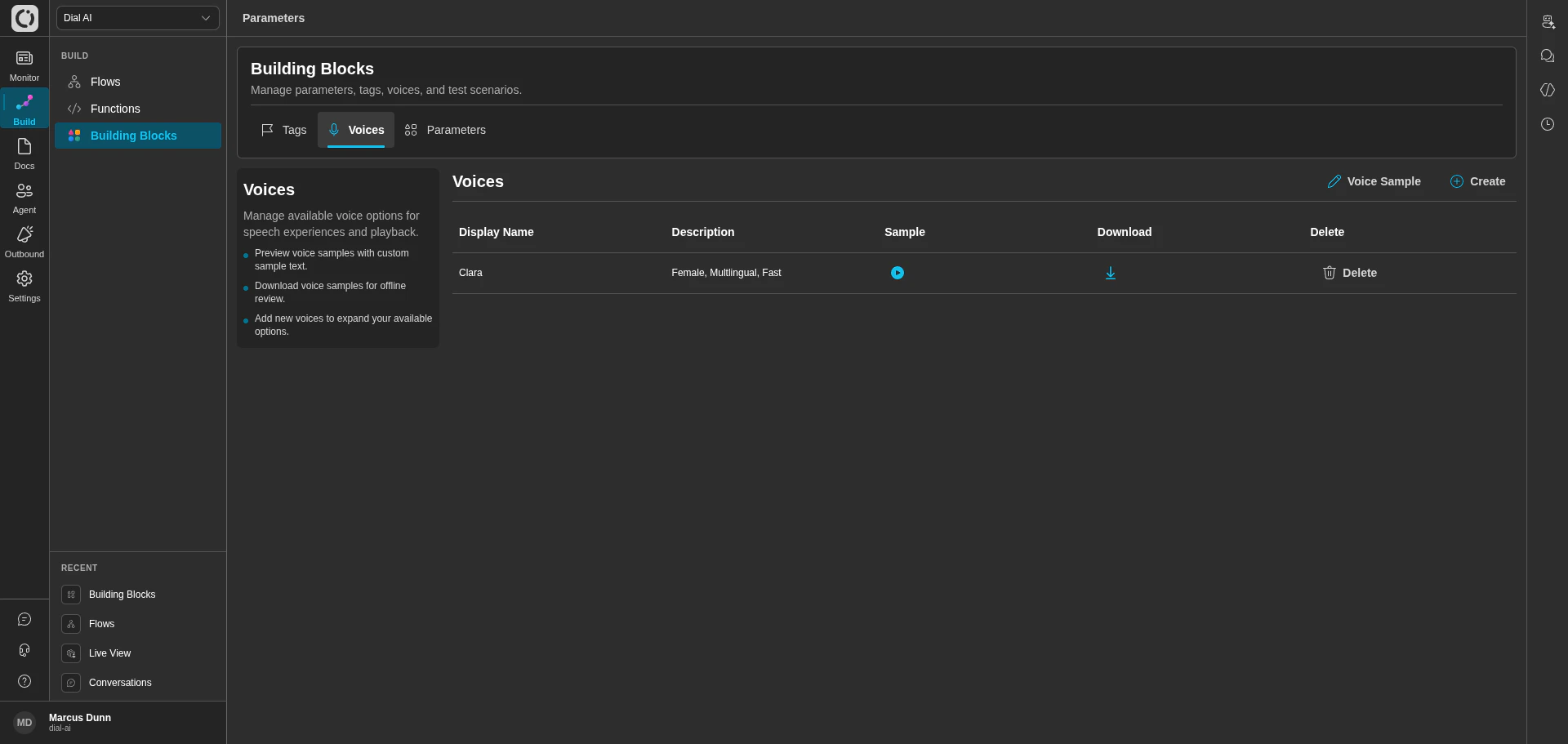
Building Blocks — Voices tab
What’s in the table
Working with voices
- Voice Sample — set the sample text used for preview playback. Edit and save to update what every voice previews against.
- Create — add a new voice from the catalog. Voices added here become selectable on every flow’s Variables tab.
- Delete — remove a voice from your tenant. Flows currently using the voice fall back to the tenant default.
Parameters
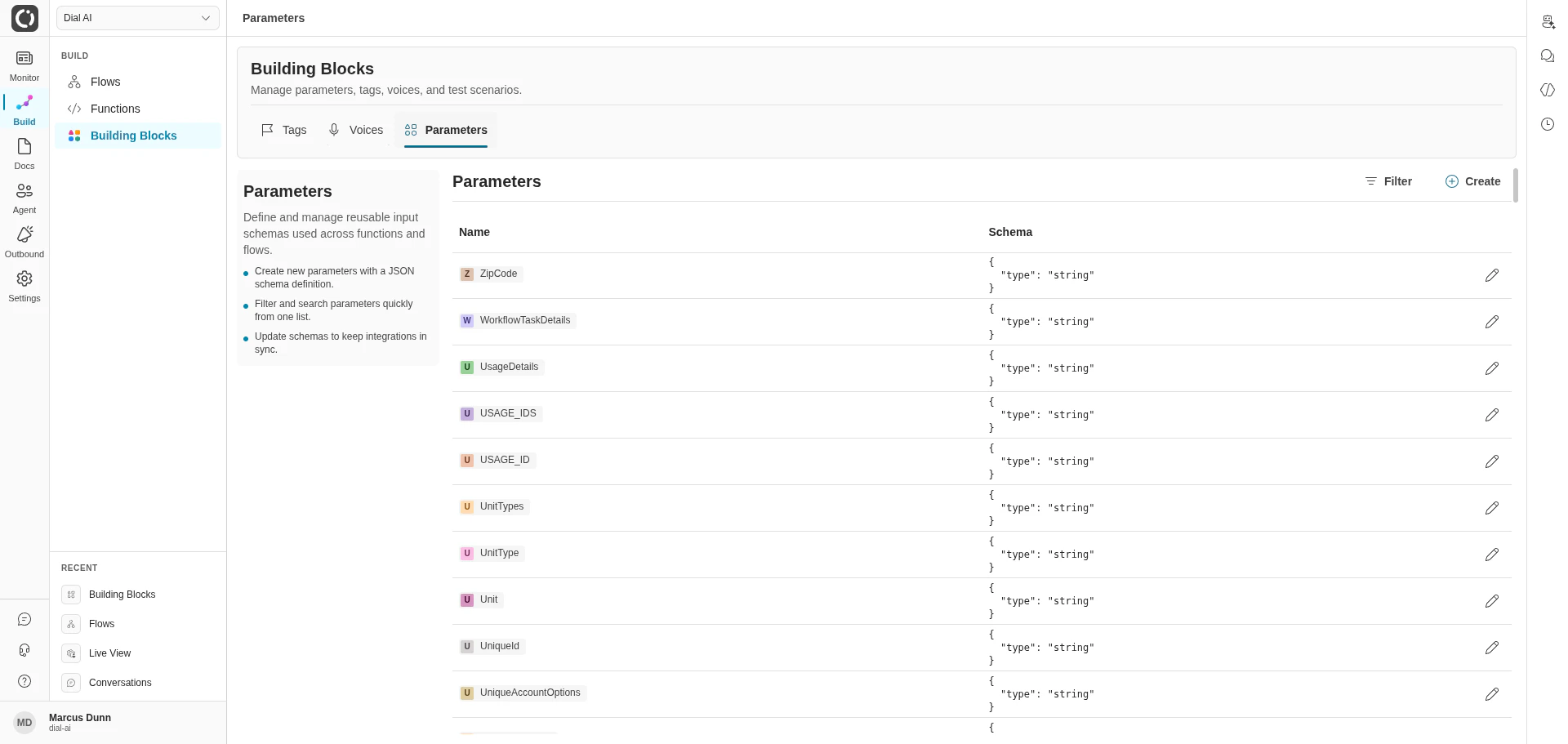
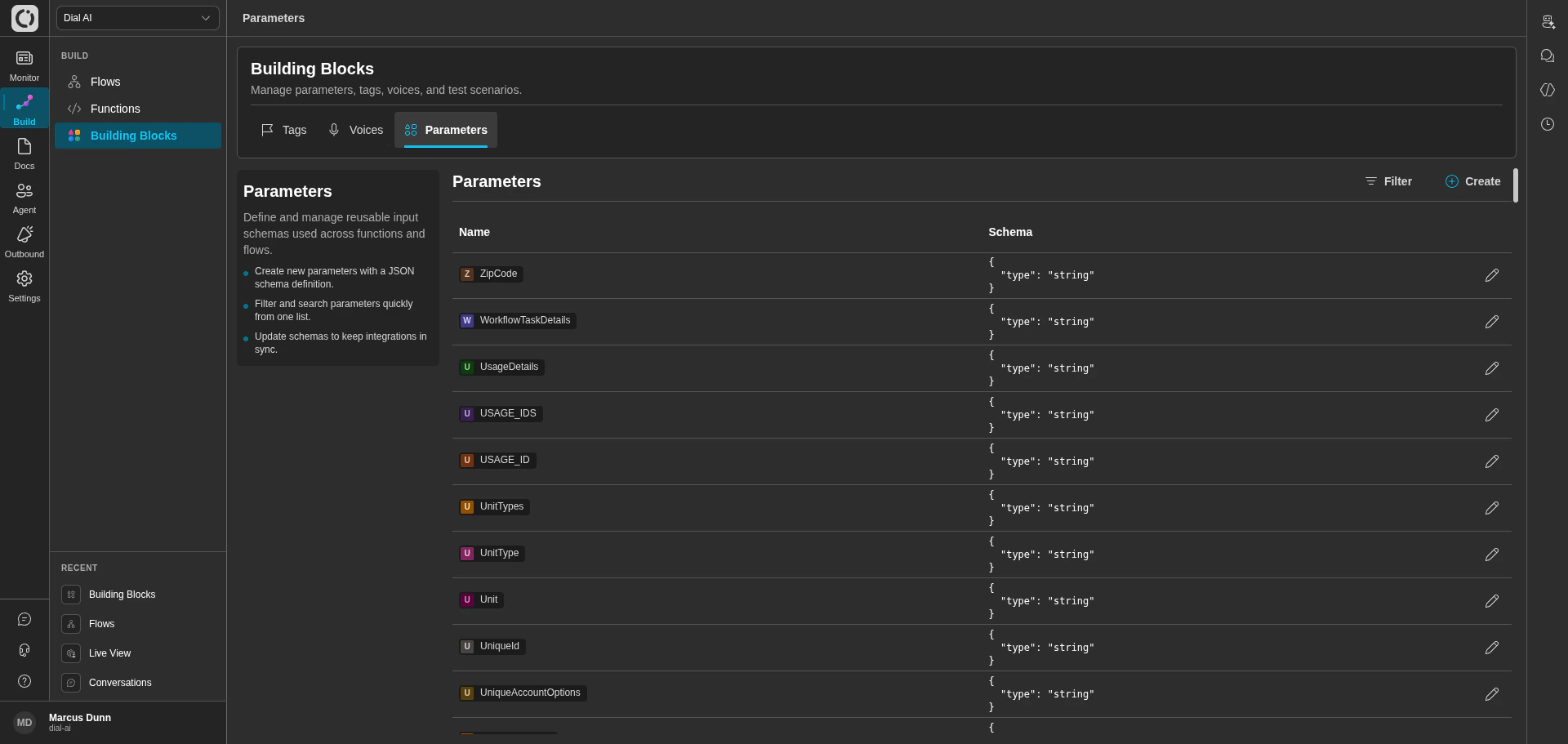
Building Blocks — Parameters tab
What’s in the table
Working with parameters
- Filter — narrow the list by name.
- Create — add a new parameter. Pick a name and provide its JSON schema.
- Edit — update an existing parameter’s schema. All functions referencing it see the new schema on next call.
Parameters are also accessible inline from the flow editor and function editor — anywhere you can attach a parameter, you can also create or edit one. The Building Blocks page is the only place to see them all at once.
Test Scenarios
The Test Scenarios tab gives administrators a tenant-wide view of recorded test scenarios across every flow. Each scenario is a captured conversation with assertions that can be replayed against future flow versions to catch regressions. Most operators interact with test scenarios from within an individual flow’s editor; the Building Blocks tab is the cross-flow inventory and bulk-management view. For the full workflow — creating scenarios, adding assertions, and reviewing versioned results — see Testing Flows.Related
Functions and events
Wire parameters into function inputs.
Flow configuration
Set static parameter values per flow.
Agent voice
Configure per-flow voice selection.