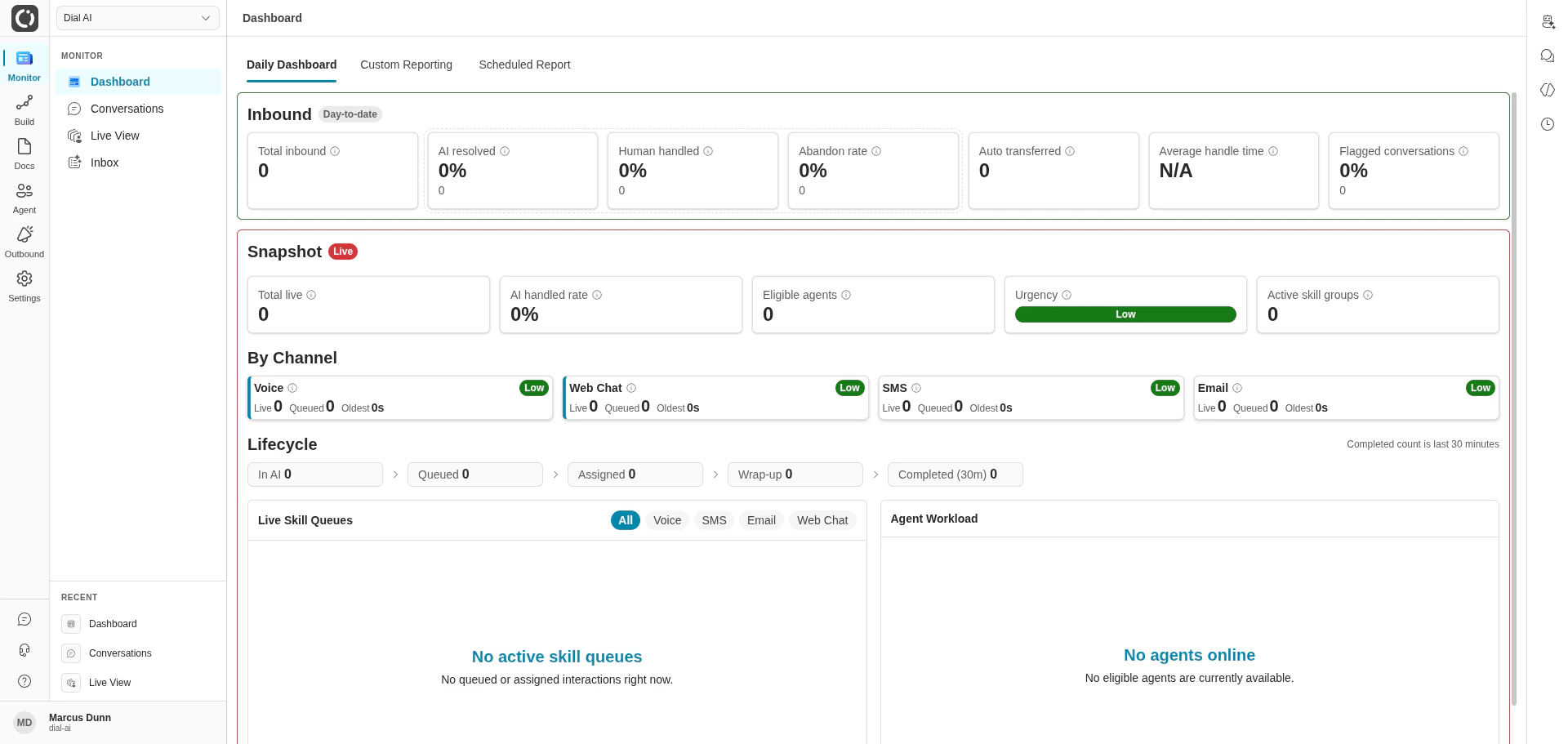
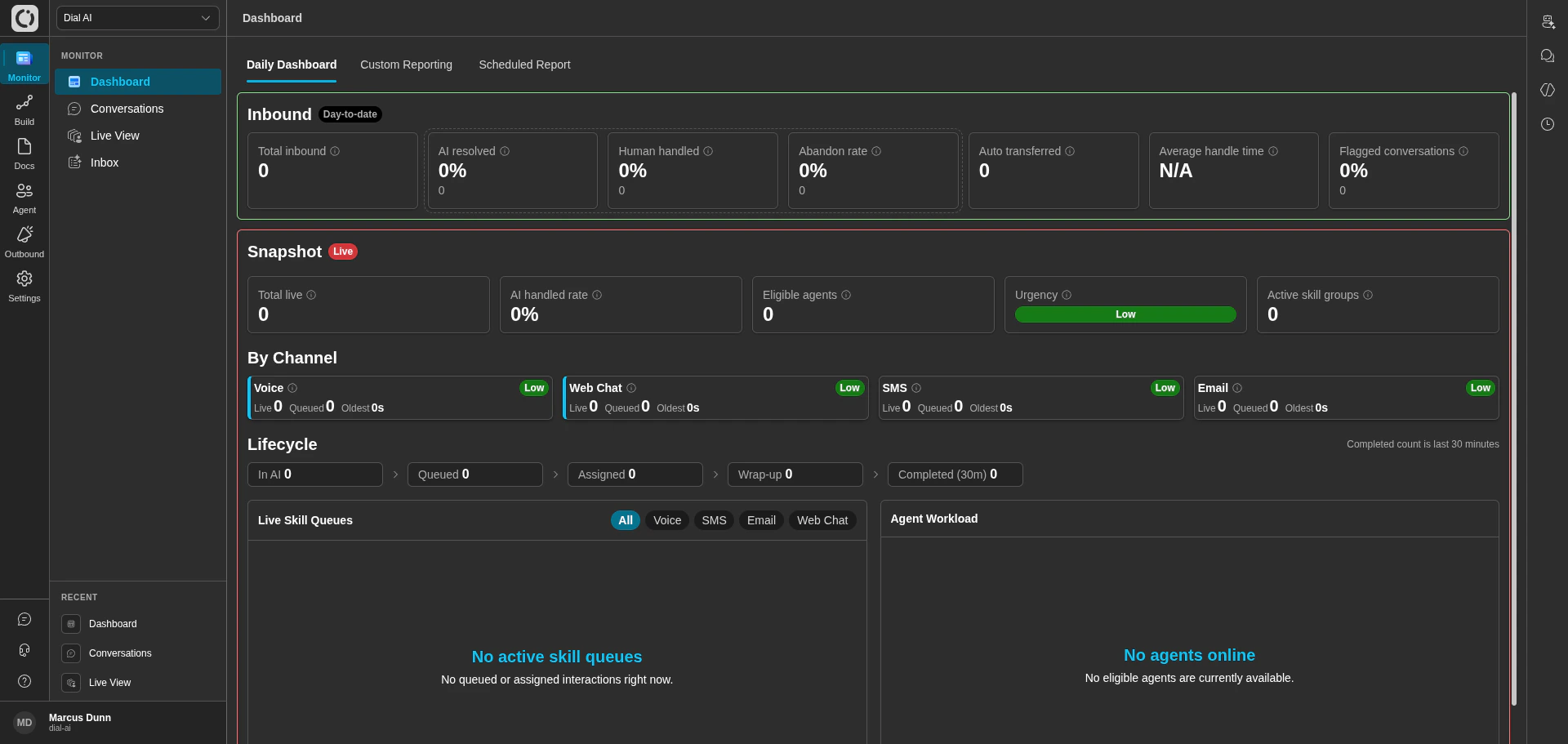
Mission Control: the day-to-date dashboard
New here? Take the tour
A quick look around the platform: where everything is, and what each part is for. Then read the Getting started handbook for a step-by-step guide to your first days.Platform tour · 3:02
Getting started handbook · 14 pages
Getting started handbook · 14 pages
Quick start
Key concepts
Glossary of flows, states, transitions, agents, points of contact, and more.
Build your first flow
A guided walkthrough of the flow editor, end to end.
Watch conversations live
Monitor in-progress calls, listen in, and step in when needed.
Triage the inbox
Handle transcripts that need human review or follow-up.
How operators use Dial AI
1
Define what the agent should do
Use Flows to lay out conversation paths — greetings, intents, branches, and handoffs. Use Thoughts to express how the agent should think at each state in plain language. Ground the agent in your own knowledge by uploading Documents or connecting an S3 / Confluence source.
2
Connect a channel
Wire a Point of Contact — a phone number, SMS line, email address, web widget, or Slack workspace — to the flow. Each channel can run its own flow, or share one across many.
3
Test before you ship
Run Test Scenarios to assert behavior end-to-end. Use the in-product chat sandbox for quick iteration. Publish a flow only when its tests pass.
4
Watch it work
The Dashboard shows day-to-date and live operational metrics. Live View gives you a real-time pulse on every in-flight conversation. Conversations is the searchable archive of everything that already happened.
5
Tune as you learn
Use call review criteria, flagged conversations, and analytics to identify gaps. Refine flows, add documents, retrain — and ship the new version when you’re confident.
What you can build
Flexible flows
Branching conversation flows with state-level instructions, function calls, and human-handoff rules.
Multiple channels
Voice, SMS, email, web chat, and Slack — each with its own routing and schedule.
Custom agent voice
Choose or tune the synthetic voice that represents your brand on every call.
Outbound campaigns
Run AI-driven outbound voice or email campaigns against a manifest of contacts.
Grounded knowledge
Upload documents or sync from Confluence and S3 so agents answer from your sources of truth.
Integrations
Put a web widget on your site, or call the REST API to plug Dial AI into your systems.
Looking for something else?
- The Building & Managing Flows group covers everything about designing agents — start with Key concepts if you’re new.
- The Monitoring group covers the day-to-day operator views — Dashboard, Conversations, Live View, Inbox.
- The Settings group covers tenant-wide configuration — users, permissions, theming, environment variables.
Training hub
Short videos and handbooks for every part of the platform, in one place.