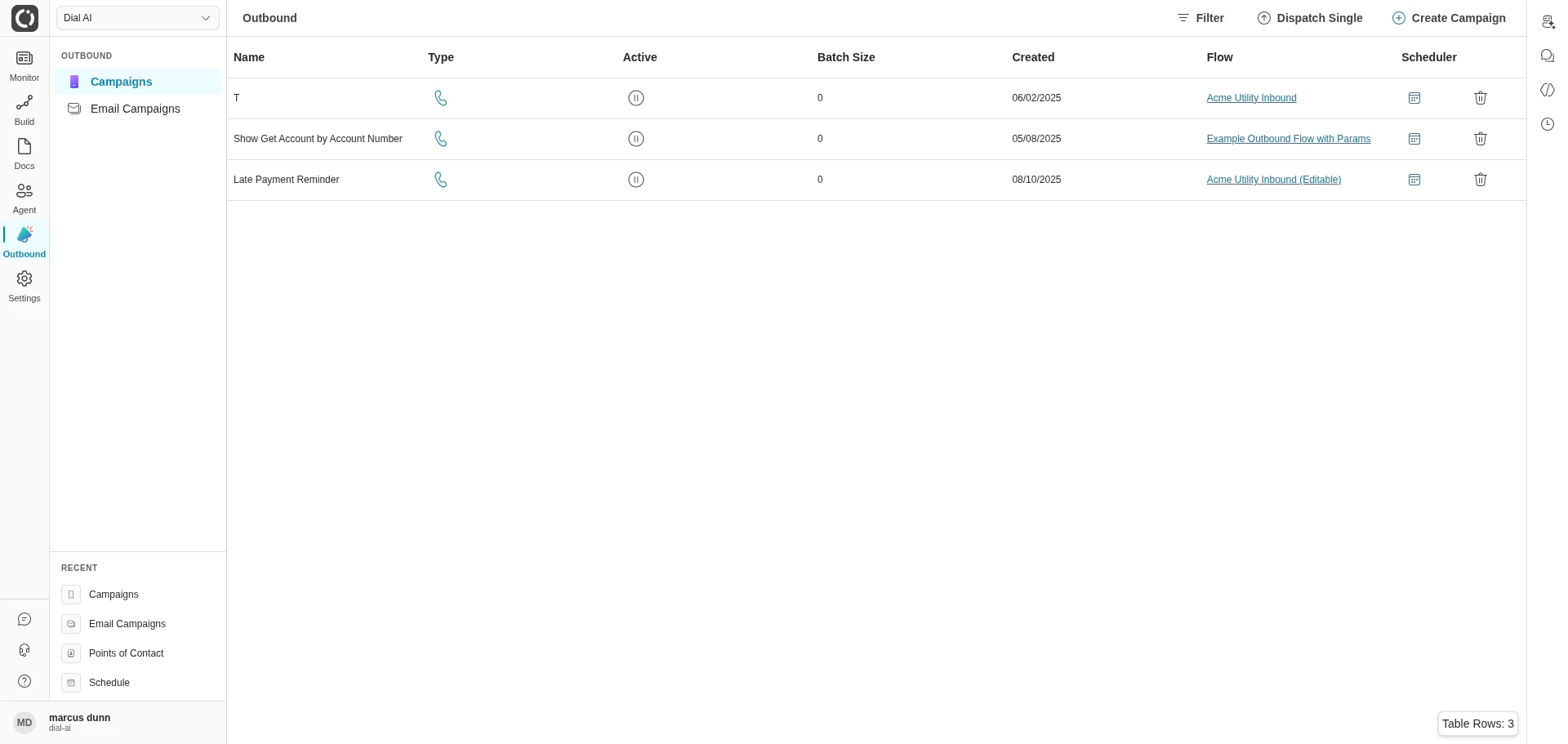
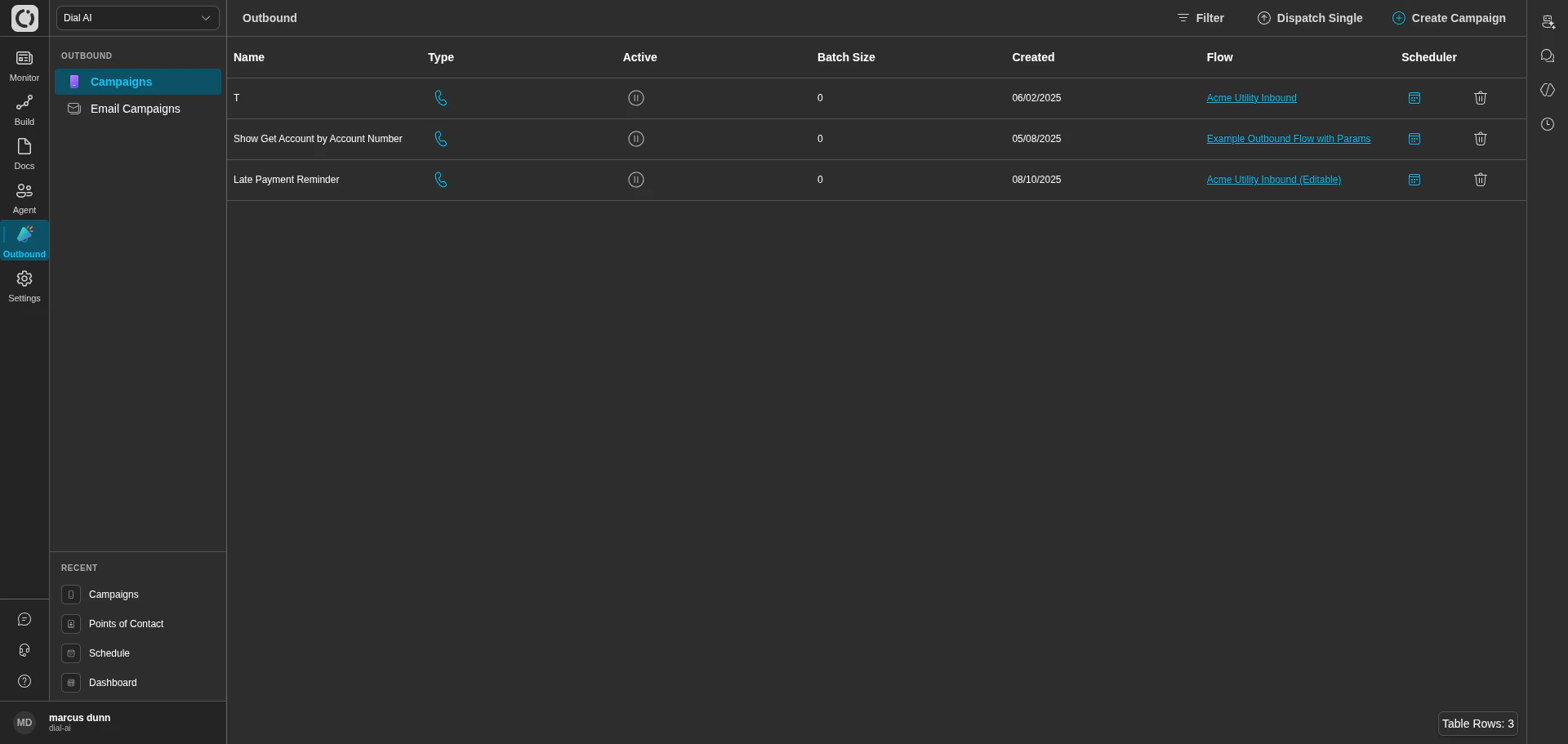
The Outbound Campaigns page — every campaign in your tenant
Accessing Outbound
Navigate to Outbound > Campaigns in the left sidebar.What’s on the page
The campaigns table shows every outbound voice campaign in the tenant.
Top-right actions:
- Filter — narrow the campaigns by name, date, or active status.
- Dispatch Single — open the one-off call form.
- Create Campaign — start the campaign-creation flow.
Creating a campaign
Click Create Campaign to start the create flow. You’ll attach a flow, configure the dispatcher, and upload a contacts manifest. The contacts table inside the campaign is where the actual call queue lives.Inside a campaign
Open a campaign by clicking its row. Each campaign has three tabs: Contacts, Manual, and Schedule.Scheduler
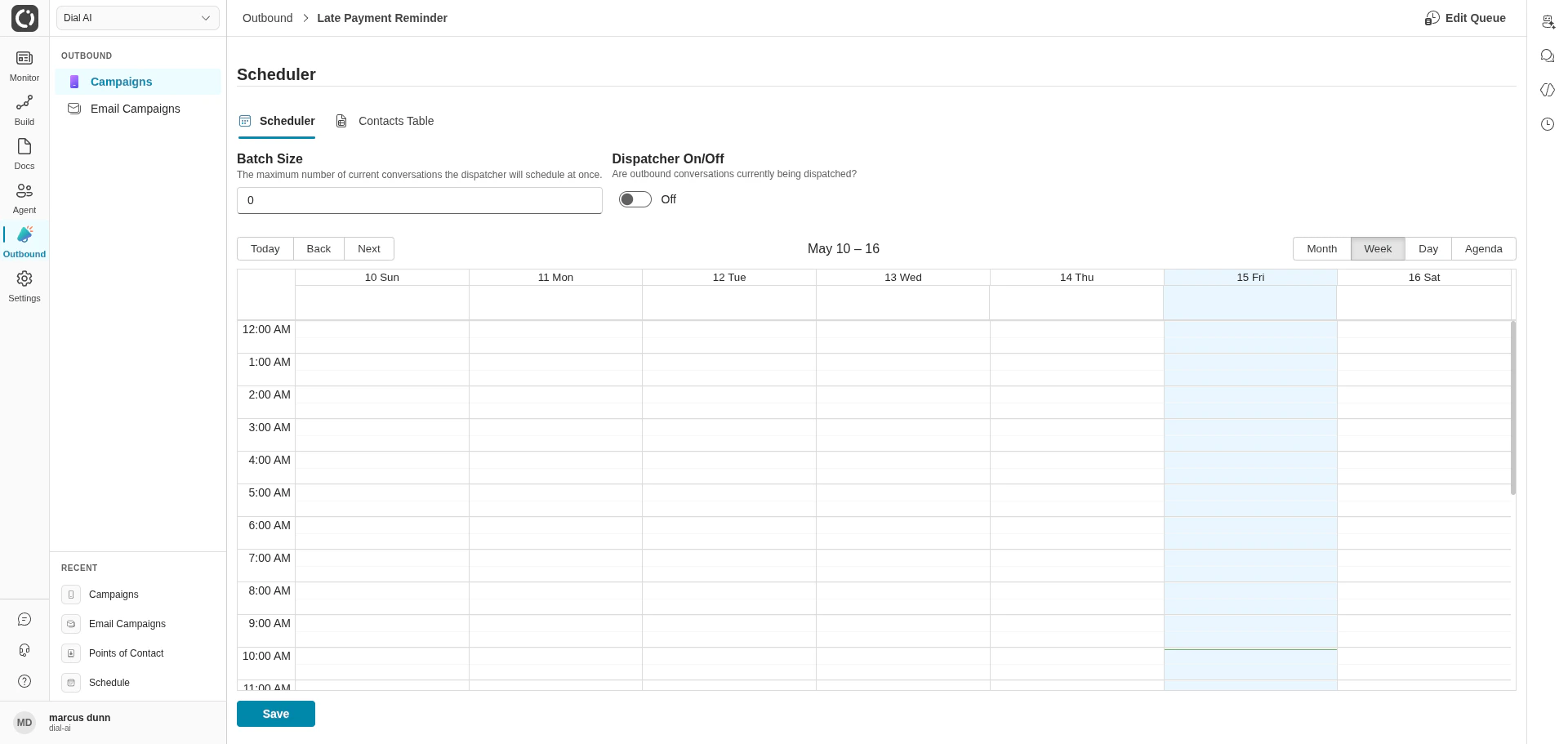
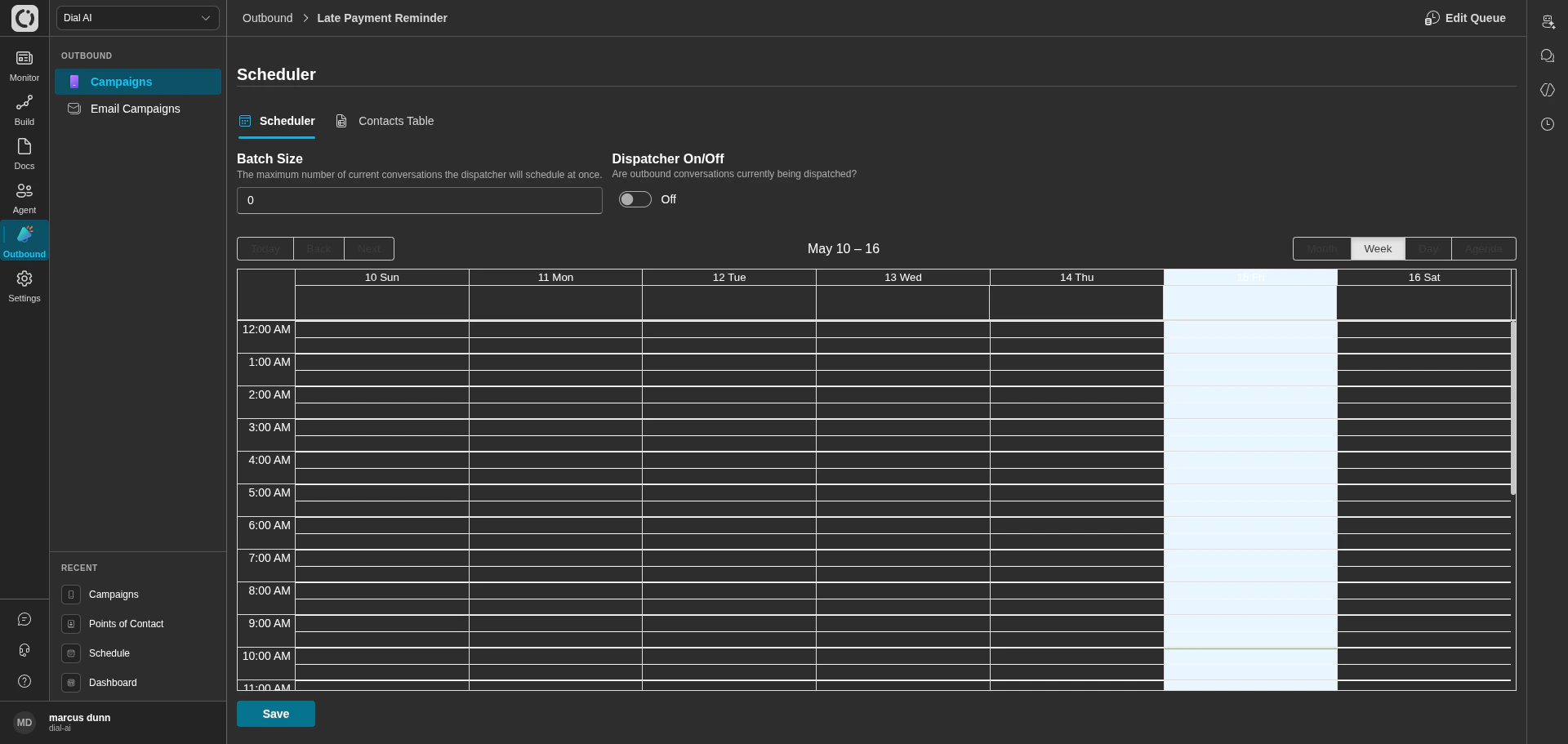
Campaign Scheduler tab — when and how fast calls go out
- Batch Size — maximum concurrent calls the dispatcher will schedule at once. Higher numbers process the contact list faster but consume more telephony capacity.
- Dispatcher On/Off — master switch. Flip on when you want the campaign to start placing calls.
- Calendar — schedule windows for when the dispatcher is allowed to run. Same calendar widget as the platform-wide Schedule page, but scoped to this campaign. Use windows like “Tue–Thu 10am–4pm” to respect customer timezones and call-time rules.
Contacts Table
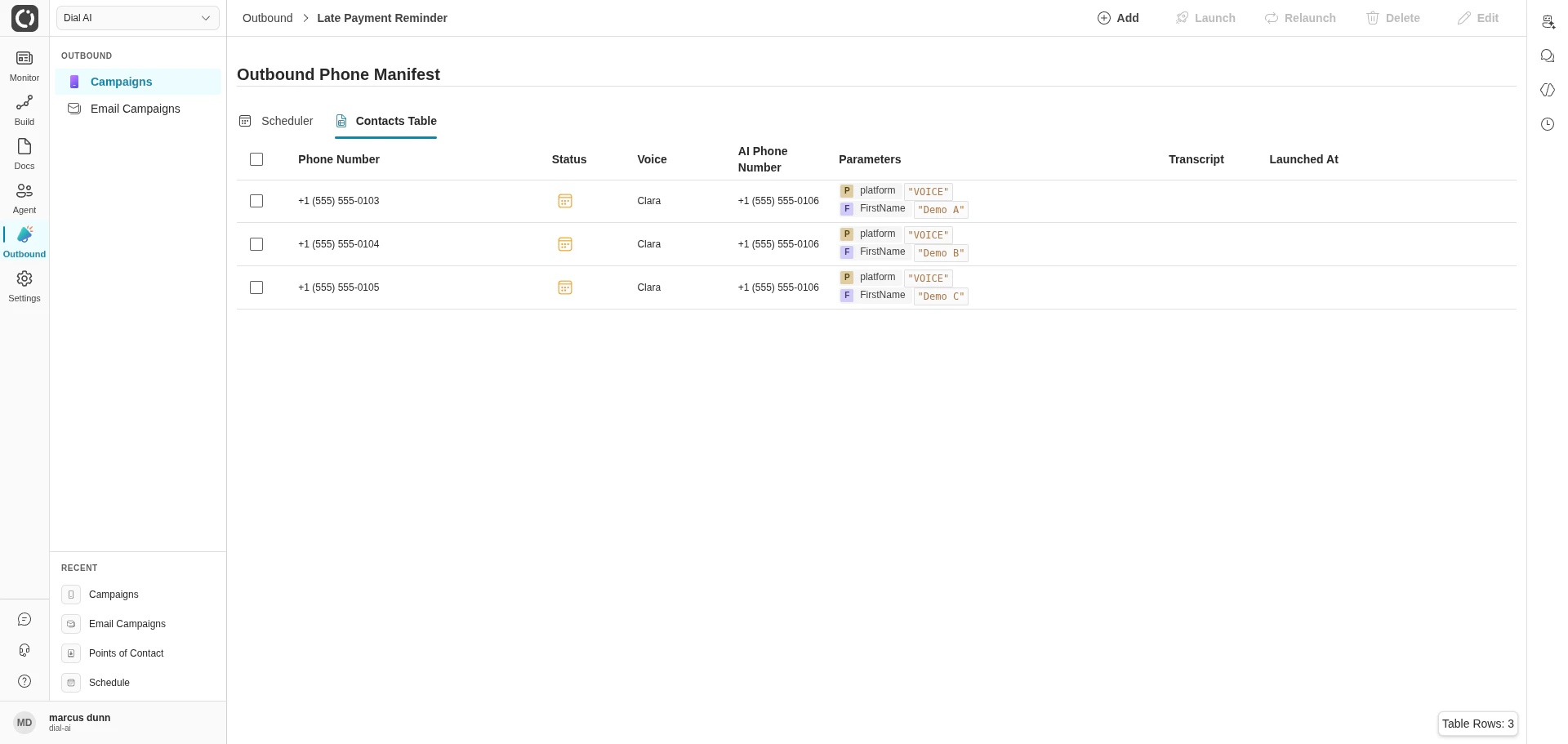
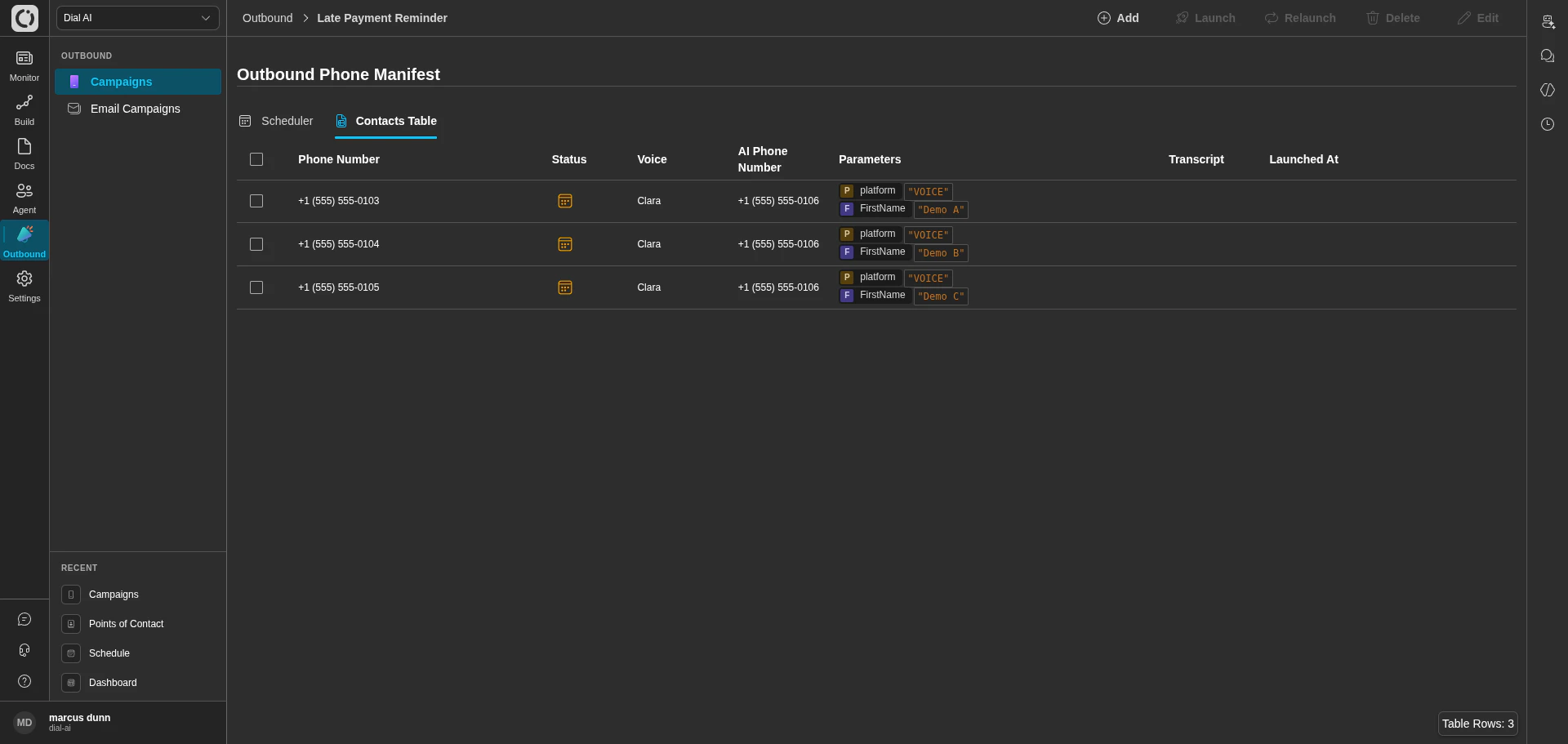
Contacts Table — the queue of contacts this campaign will dial
Top-right toolbar:
- Add — append contacts to the campaign. The add dialog supports CSV upload and inline entry.
- Launch — manually launch the selected contacts (overrides batch-size pacing for emergencies).
- Relaunch — re-dispatch contacts that already ran. Useful for retry-after-fix scenarios.
- Delete — remove contacts from the campaign.
- Edit — modify exactly one contact’s parameters before it dispatches.
Manual launch console
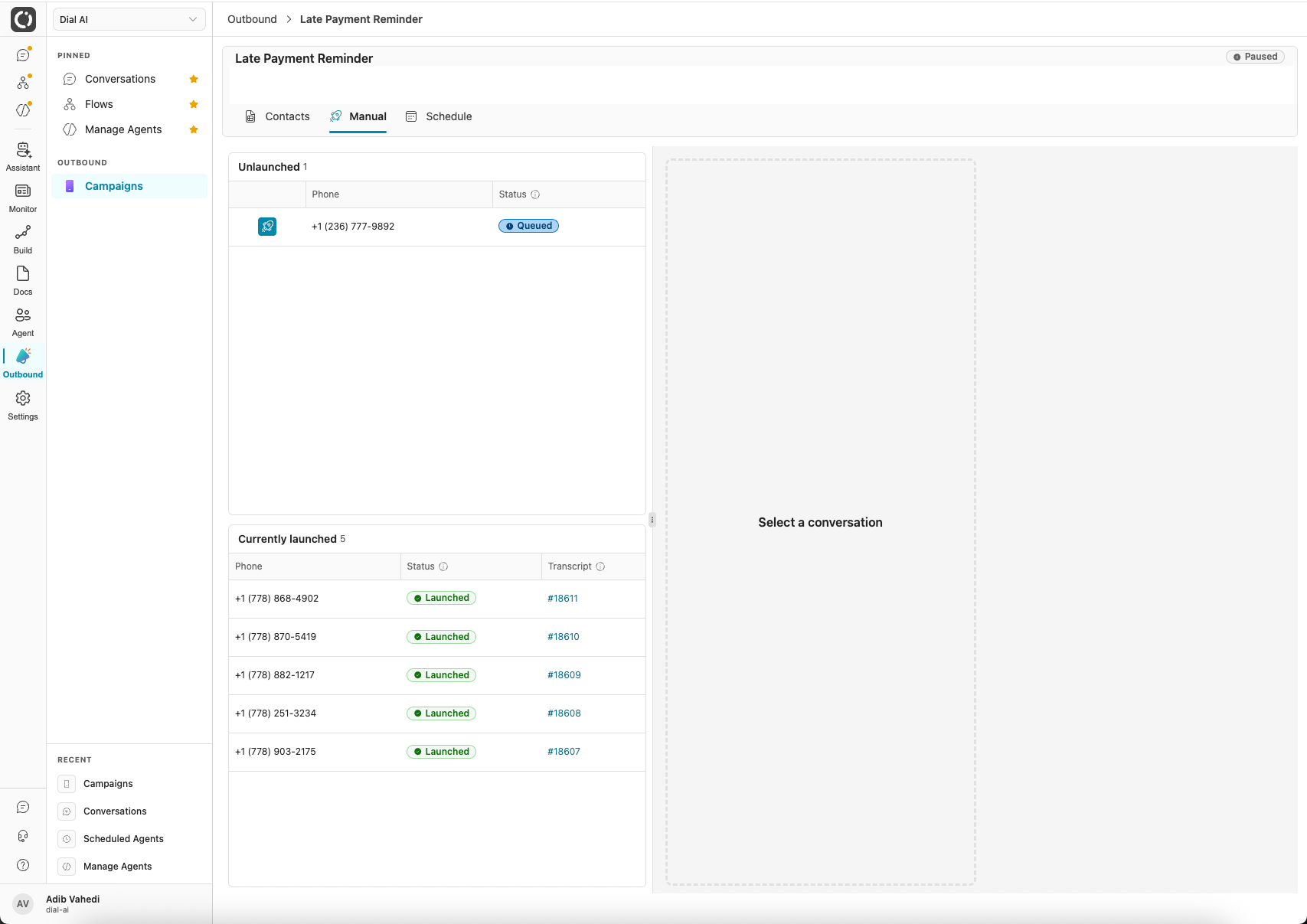
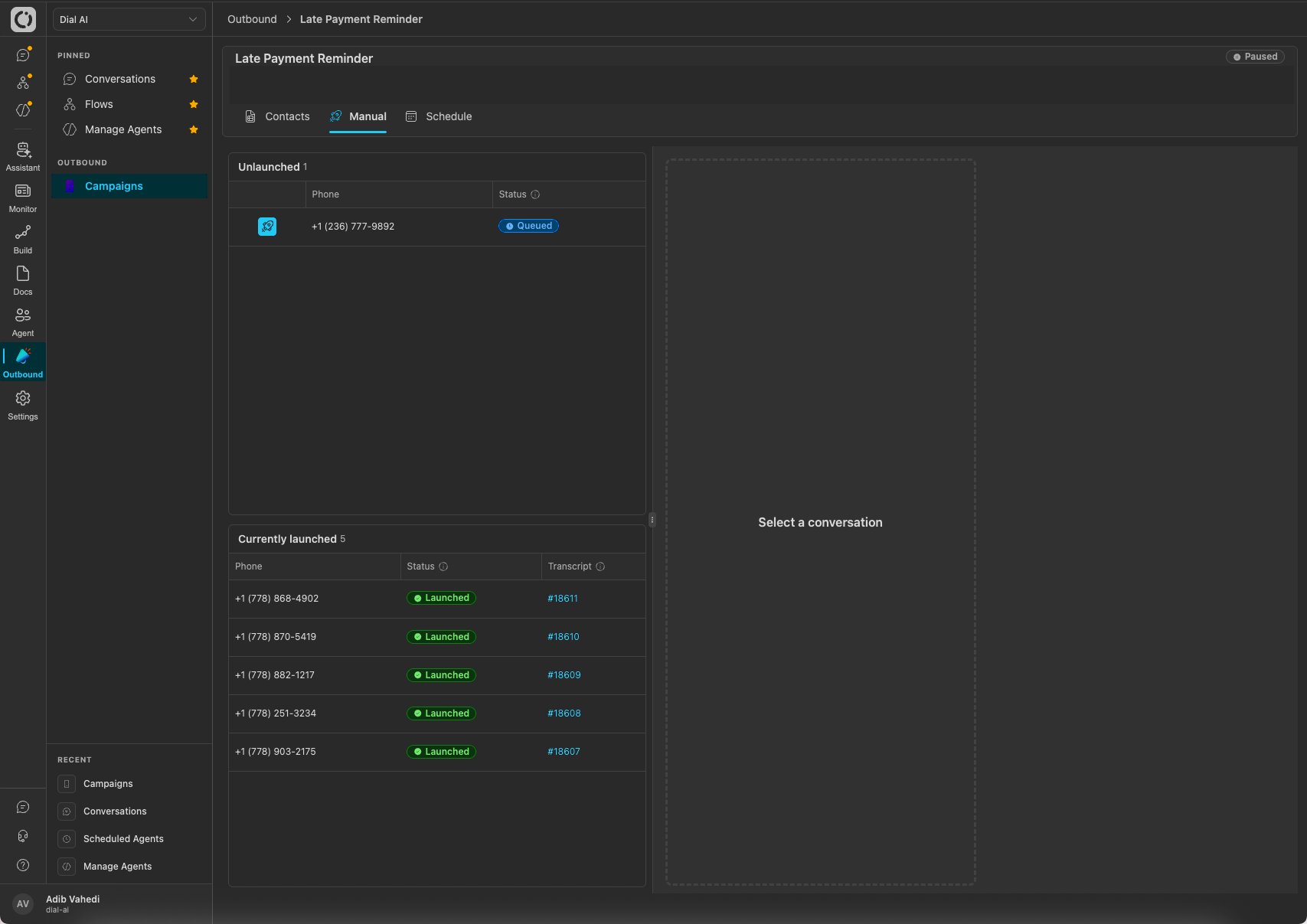
Manual tab: launch calls on demand and watch them live
- Unlaunched: contacts still queued. Click the launch button on a row to dispatch that call immediately.
- Currently launched: calls in flight or just completed, each with a live status and a link to its transcript.
- Live conversation panel: select any launched call to watch the conversation in real time, including the agent’s messages and (expandable) its thoughts.
Dispatch Single
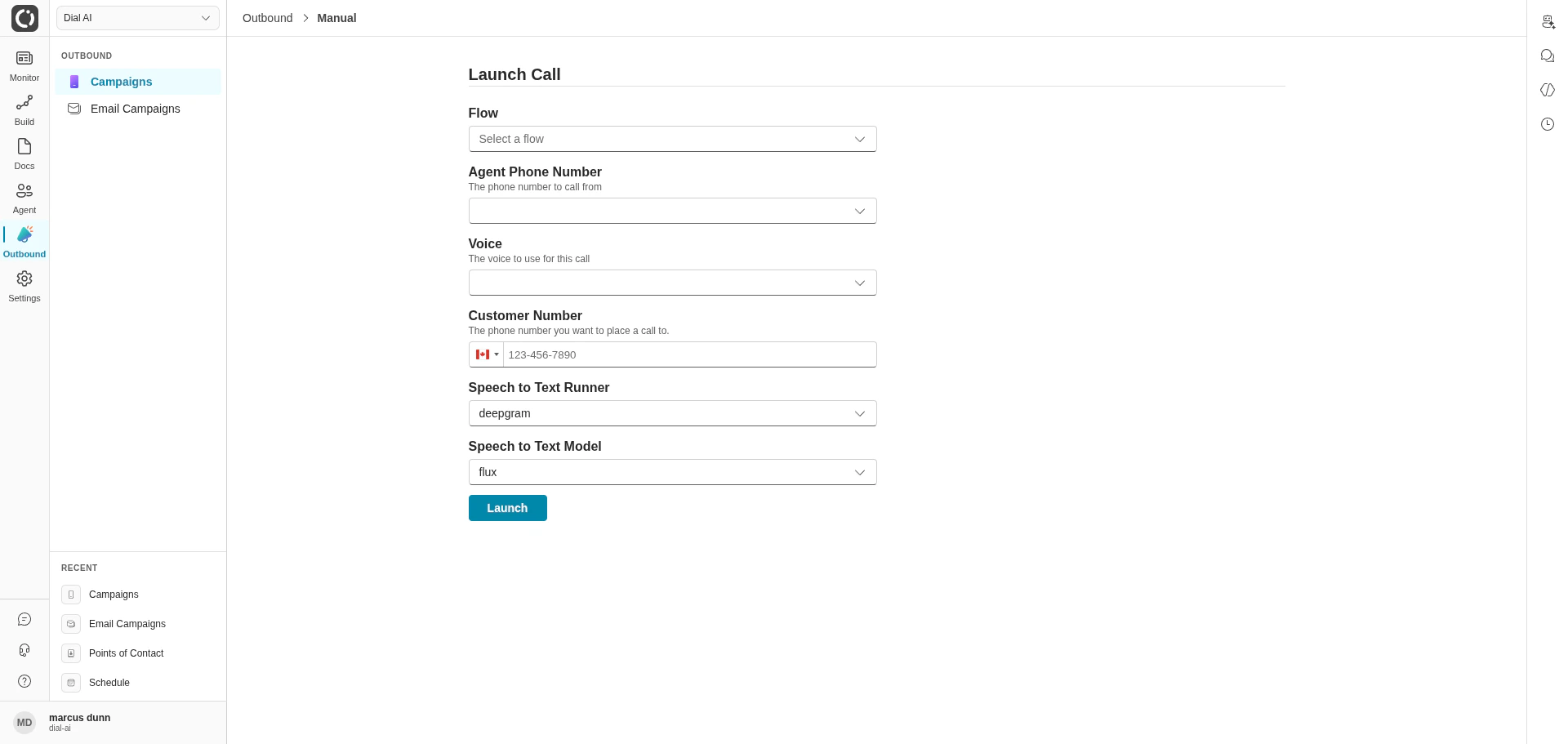
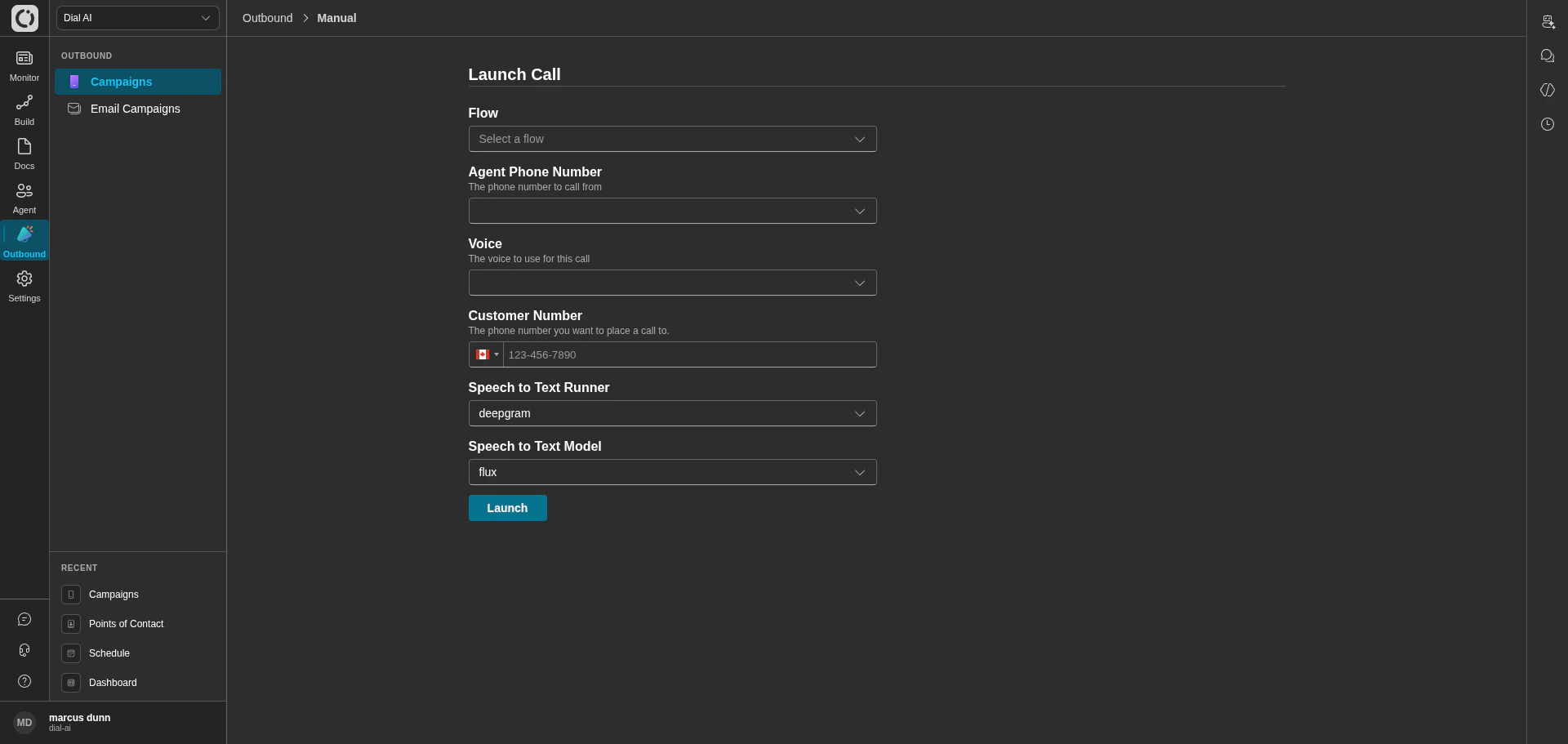
Launch Call — one-off outbound dispatch outside any campaign
- Flow — the conversation flow to run.
- Agent Phone Number — the caller-ID number to dial from.
- Voice — the synthetic voice.
- Customer Number — the number to dial.
- Speech to Text Runner and Model — transcription configuration (default: deepgram / flux).
Per-contact parameters
Each contact in a campaign can carry parameters that get merged into the flow at call time. The Contacts Table shows these in the Parameters column — for example, aFirstName parameter so the agent says “Hi Demo A, this is…” instead of a generic greeting.
Set per-contact parameters when uploading the contact manifest, or use Edit on a single row to tweak before dispatch.
Compliance: Do-Not-Call
Manage your tenant’s Do-Not-Call suppression list under Settings > Operations > Do Not Call — see Operations. Before launching a campaign, review the DNC list against your contact manifest to keep prohibited numbers out of the queue.Tips
- Start with a small batch size. A batch size of 1–3 lets you watch the first few calls before opening the floodgates.
- Use call-time windows. Even if your contacts span timezones, the campaign Scheduler’s calendar makes it easy to respect “no calls before 9am or after 8pm local time” rules.
- Set caller-ID to a number the customer recognizes. Calls from unrecognized numbers get answered far less often.
- Watch the first conversations. Use Live View to monitor the first few real outbound calls — that’s where flow bugs surface fastest.
Related
Email campaigns
Outbound via email instead of voice.
Points of Contact
Configure the caller-ID numbers campaigns dial from.
Live View
Watch calls go out in real time.
Operations
Manage the Do-Not-Call list.