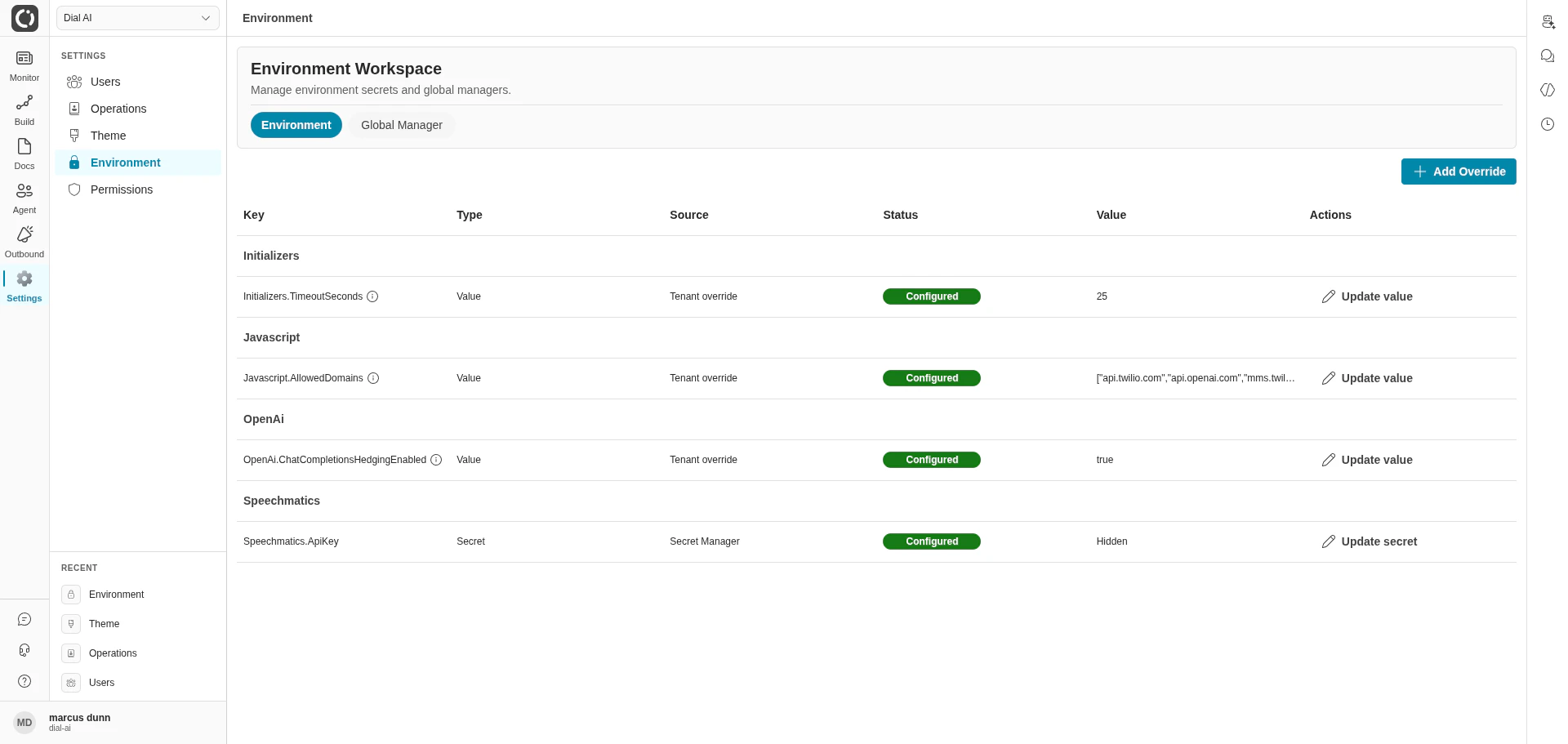
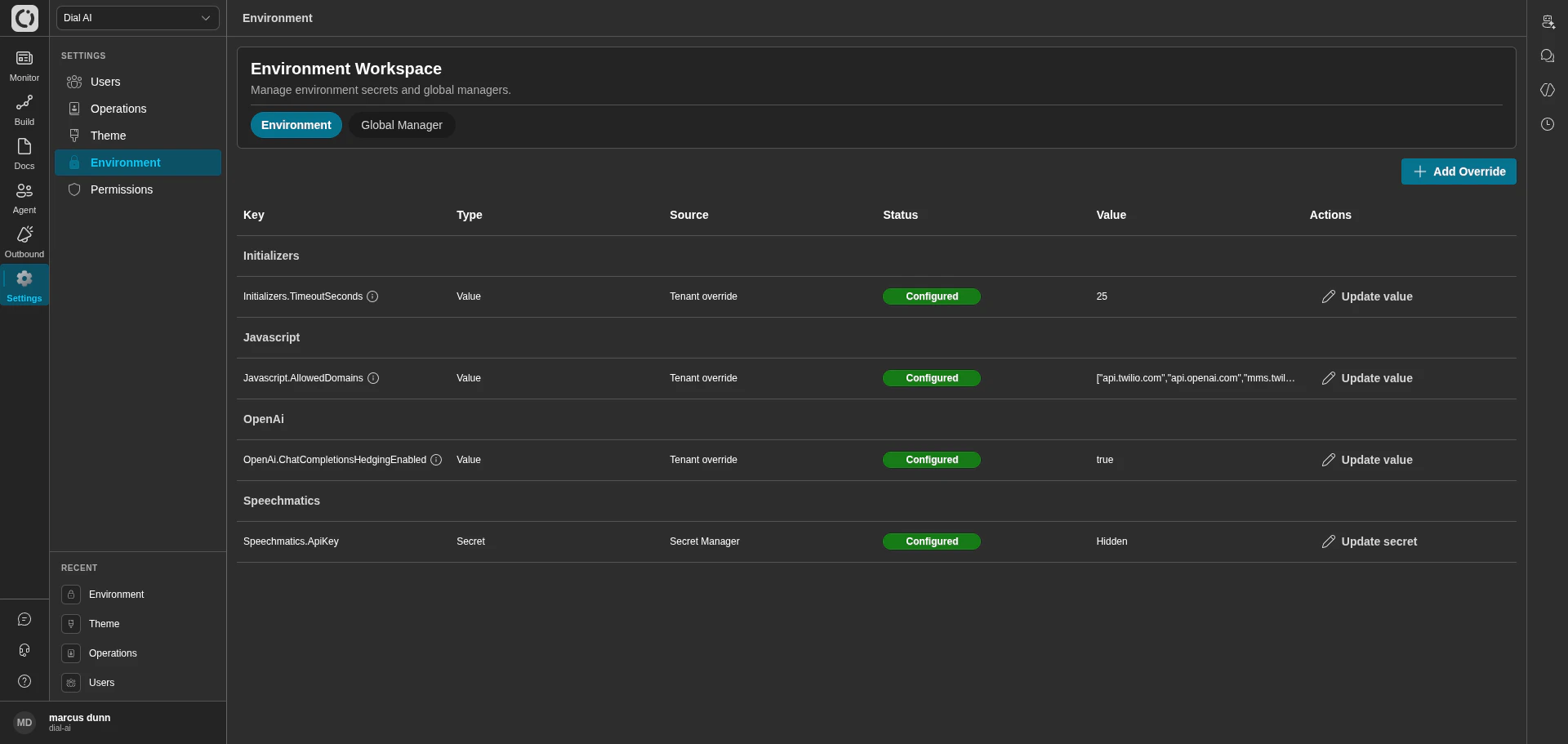
Environment — the tenant's configured variables and secrets
Accessing Environment
Navigate to Settings > Environment in the left sidebar.Environment tab
The Environment tab lists every config entry visible to your tenant, grouped by namespace (e.g.,Initializers, Javascript, OpenAi, Speechmatics).
Click the information icon next to a key to see its description and accepted format.
Adding an override
1
Click Add Override (top right)
Opens the override dialog.
2
Pick the key
Choose the variable from the catalog. The catalog lists every variable the platform recognises.
3
Set the value
For plain values, type the new value. For secrets, you’ll be prompted to write to the configured secret manager.
4
Save
The override takes effect immediately for new conversations.
Global Manager tab
The Global Manager applies the same change to multiple tenants at once. Useful for platform-wide rollouts where you don’t want to click through tenants individually.1
Pick scope
Toggle All to target every tenant, or turn it off and pick specific tenants from the multi-select.
2
Pick a key
Choose the variable to roll out.
3
Set the value
Enter the new value in the Action panel.
4
Review the per-tenant table
The table below shows the current value for each selected tenant — useful for spotting tenants where an override is intentional and shouldn’t be clobbered.
5
Apply
Pushes the change to every tenant in scope.
Global Manager is typically restricted to platform admins. Most tenant operators don’t have access — and shouldn’t need it.
Environment vs flow Variables
Don’t confuse this page with flow Variables (the per-flow knobs on the flow editor’s Variables tab):
If a value is shared across multiple flows, it belongs here. If a value is specific to one flow’s behavior, it belongs on the flow’s Variables tab.
Related
Theme
Tenant branding — display name, logos, palette.
Flow configuration
Per-flow Variables, Wrap Up, Start Up, and more.
Permissions
Roles that can read or modify these values.