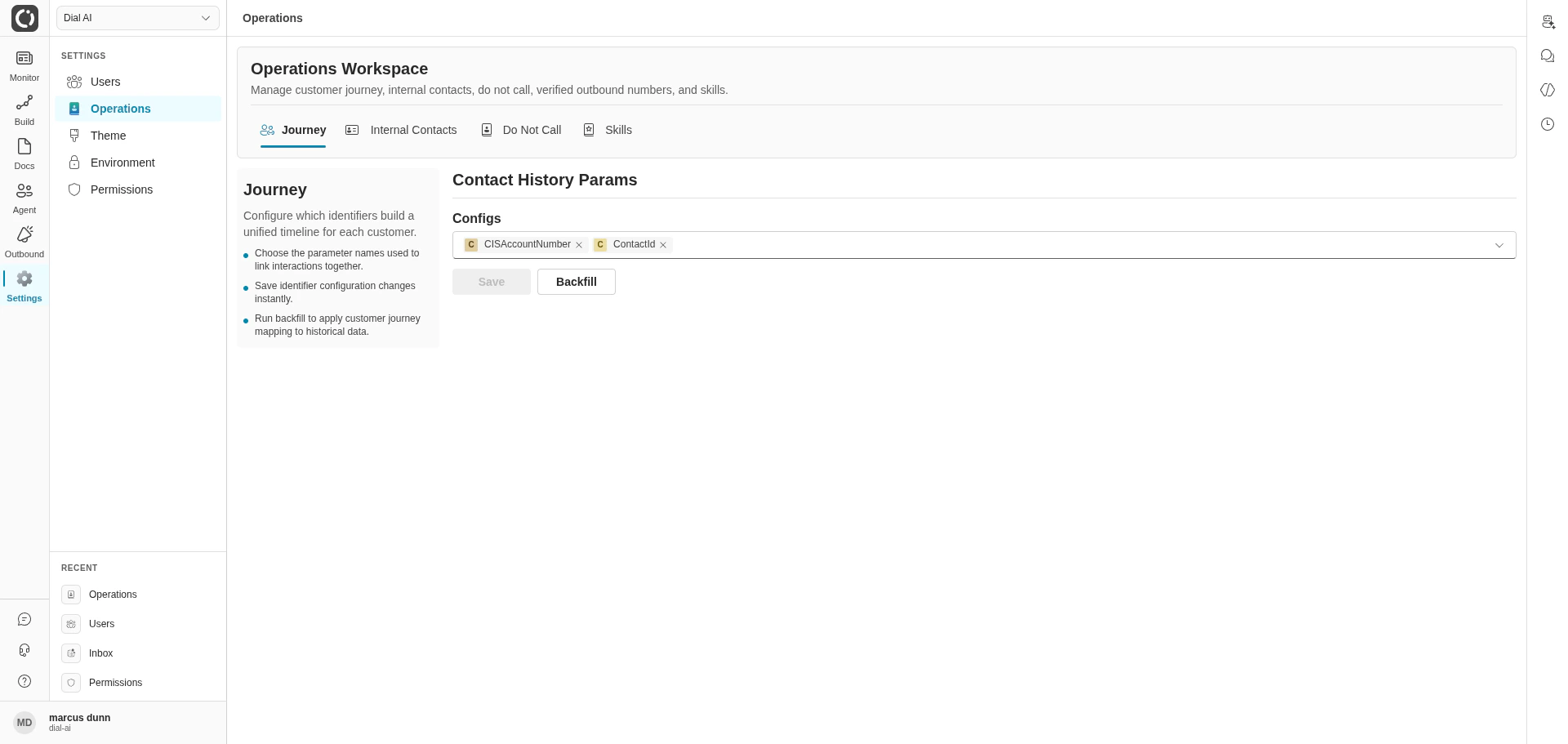
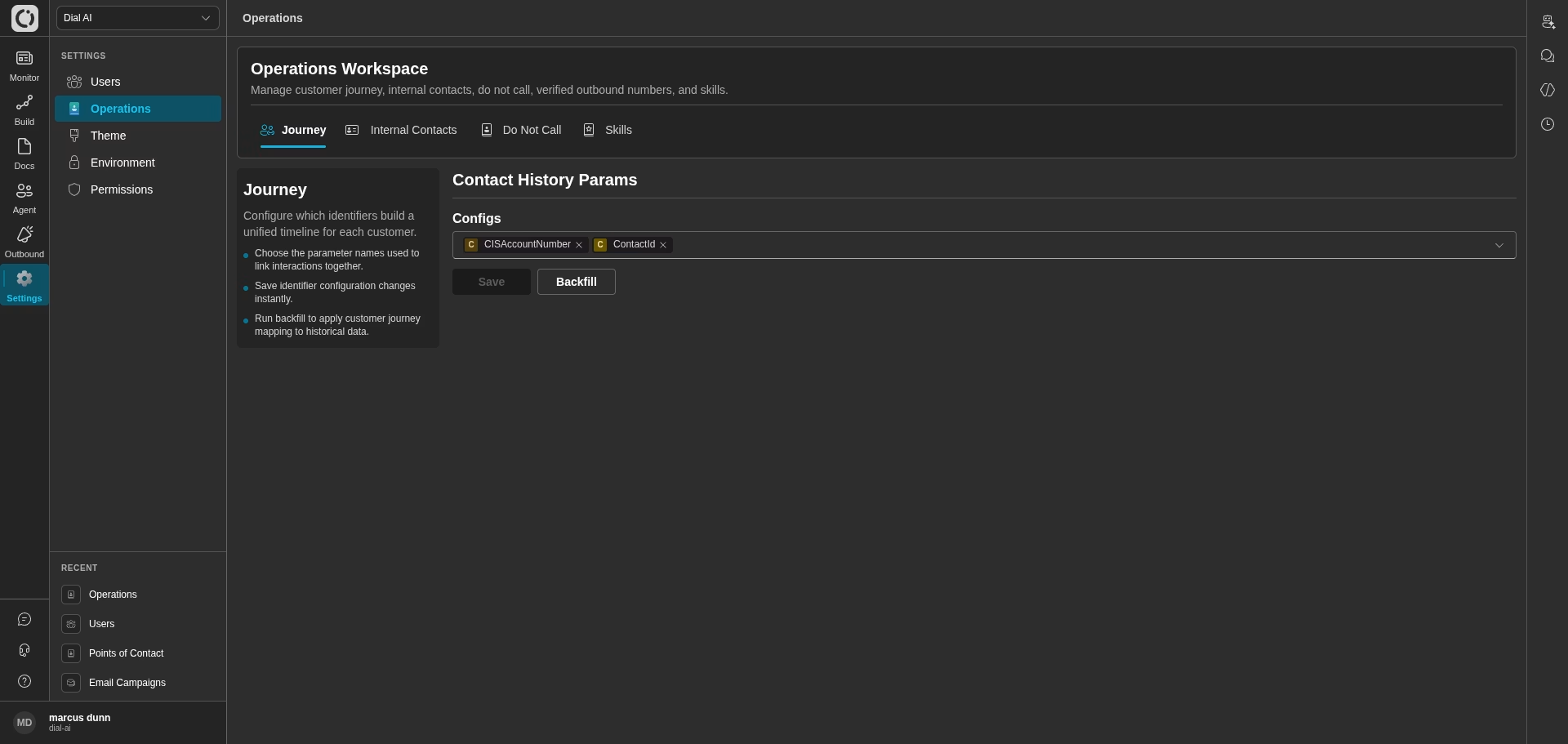
Operations — Journey tab, where identifiers that stitch a customer timeline are configured
Accessing Operations
Navigate to Settings > Operations in the left sidebar.Journey
The Journey tab controls which parameter names are used to stitch separate conversations into a single customer timeline. When an agent collects a value likeCISAccountNumber in one conversation and the same value shows up again next week, the platform threads those conversations together in Contact History — but only for parameters listed here.
1
Choose identifying parameters
Under Contact History Params, use the Configs dropdown to pick the parameter names that uniquely identify a customer (e.g.,
CISAccountNumber, ContactId, phoneNumber).2
Save
Click Save to apply.
3
Backfill (optional)
Click Backfill to re-thread historical conversations using the updated identifier set. Useful right after adding a new parameter.
Parameters chosen here must actually be set by your flow’s Functions during the conversation — otherwise the platform has nothing to stitch on.
Internal Contacts
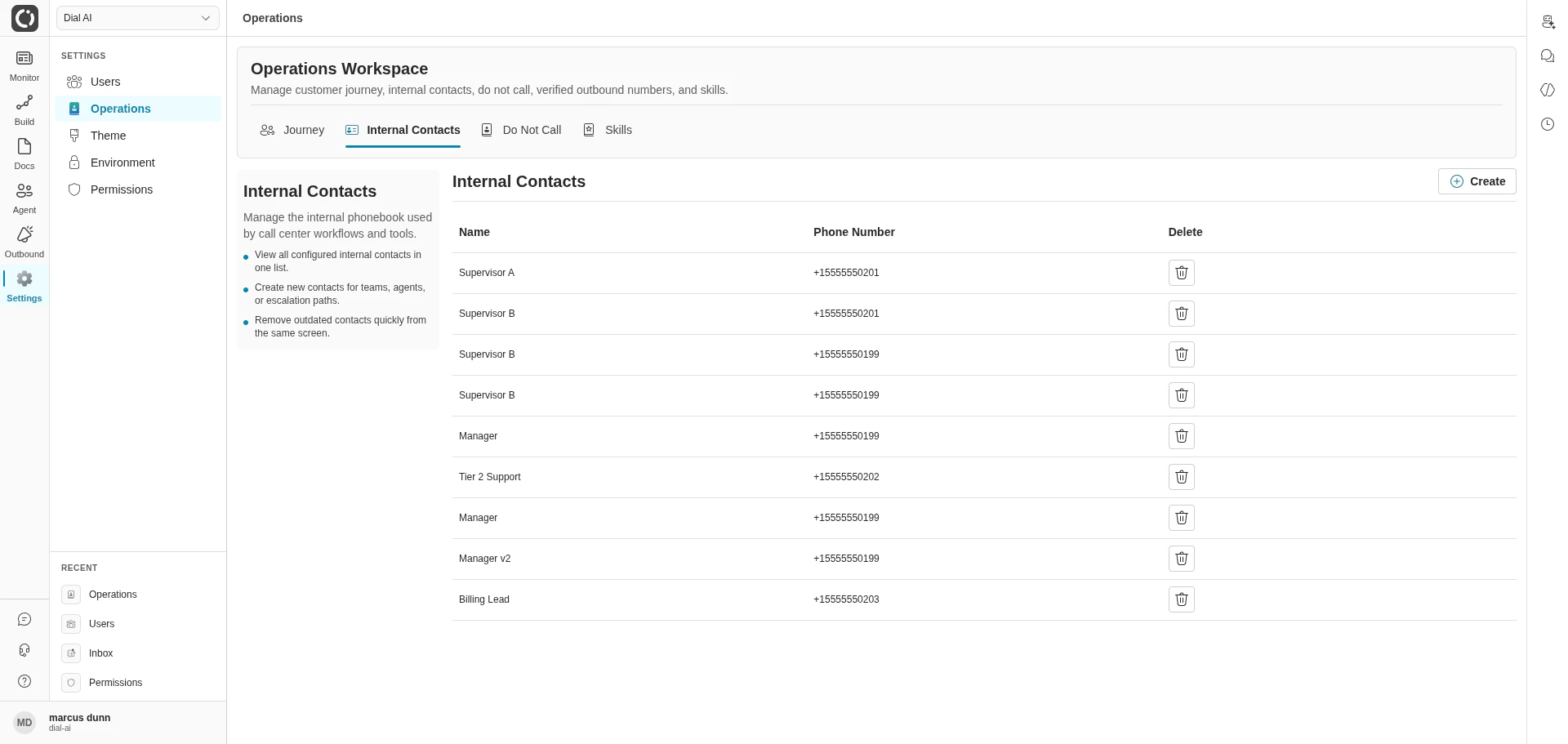
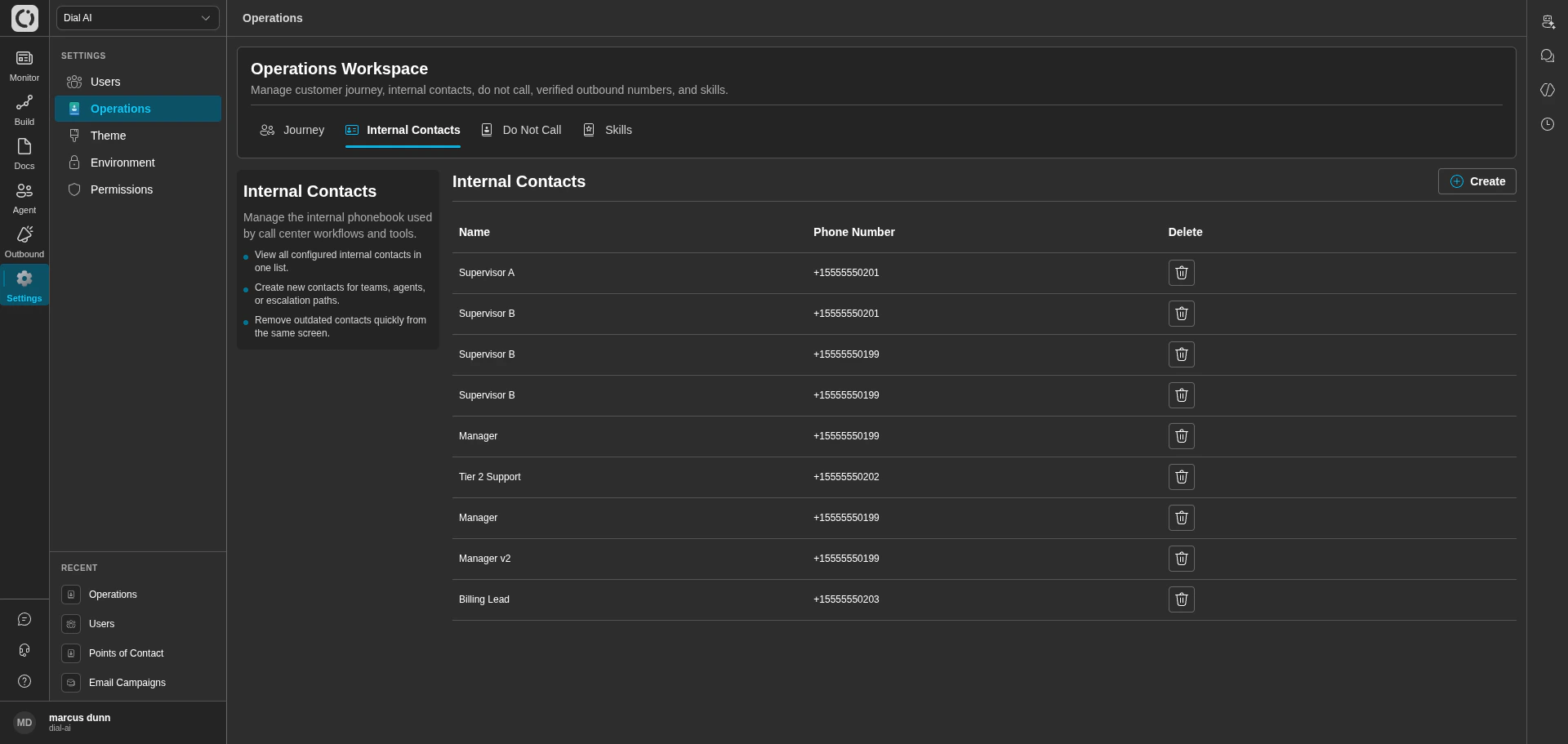
Internal Contacts — the phonebook used by call-transfer steps
Top-right actions:
- Create — add a new internal contact.
- Delete (row-level icon) — remove an outdated entry.
Do Not Call
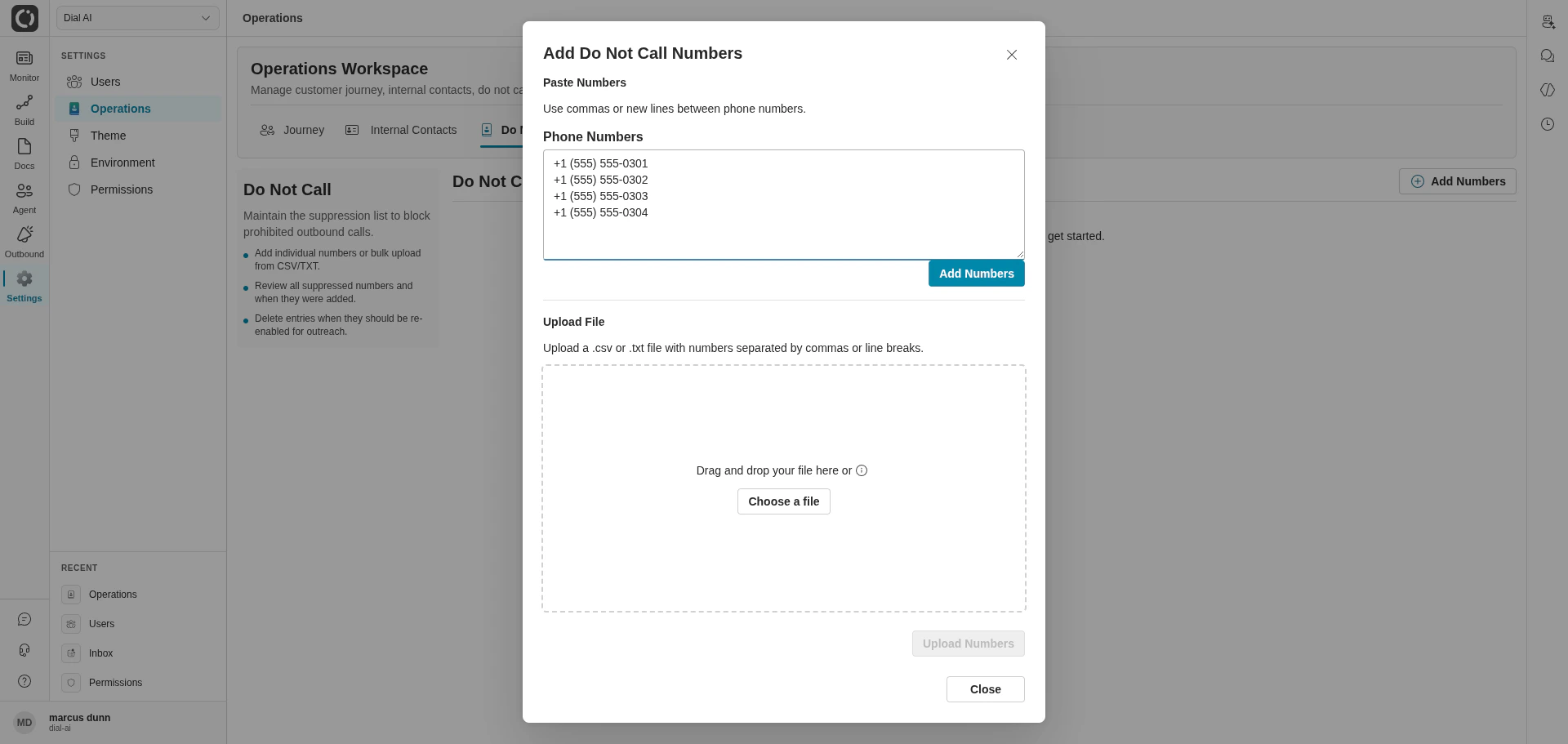
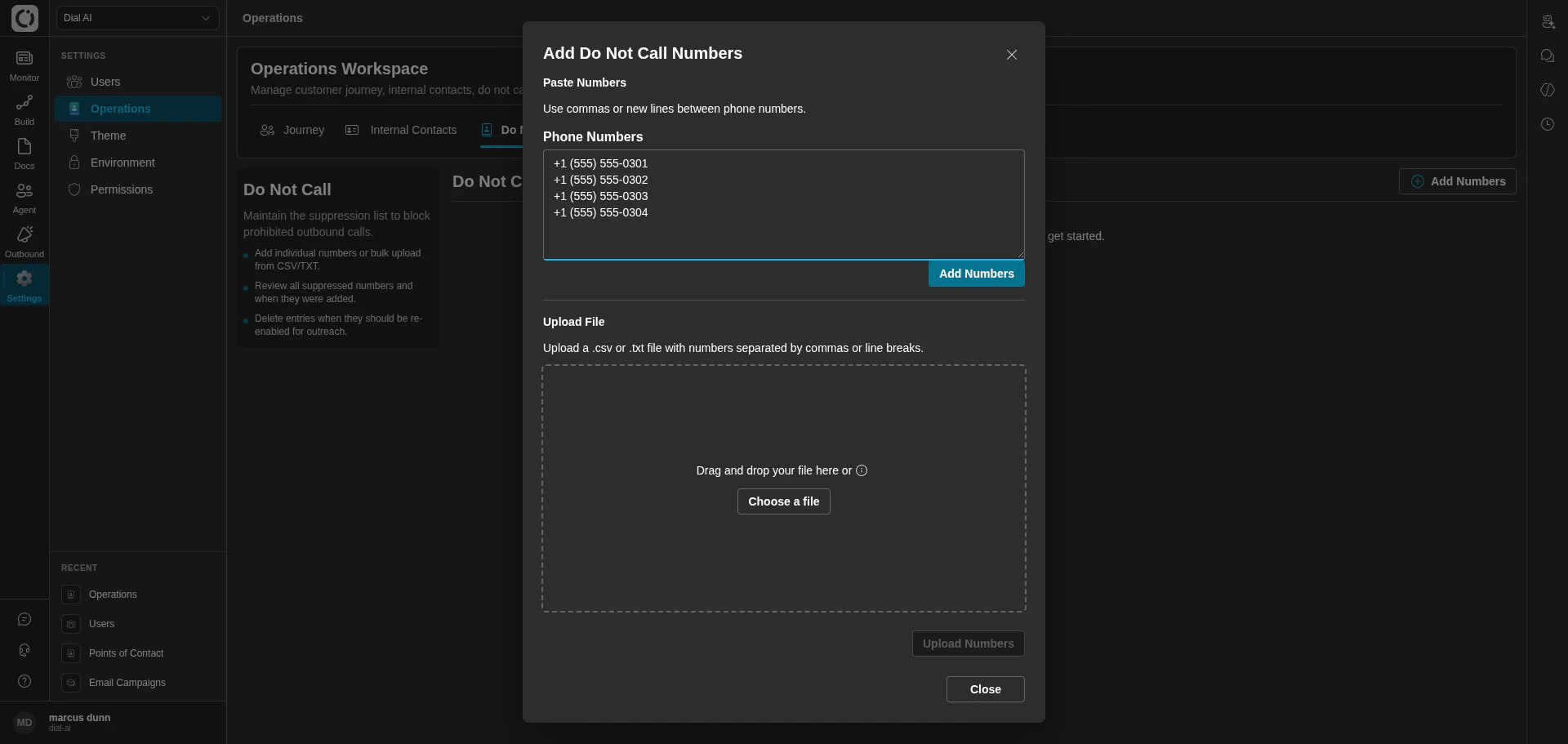
Do Not Call — the outbound suppression list, with the Add dialog open
1
Click Add Numbers
Opens the bulk-add dialog. Paste one number per line, or upload a CSV/TXT file.
2
Submit
The numbers appear in the list and are immediately respected by outbound campaigns.
3
Remove an entry
Click the delete icon on a row to lift the suppression for that number.
Skills
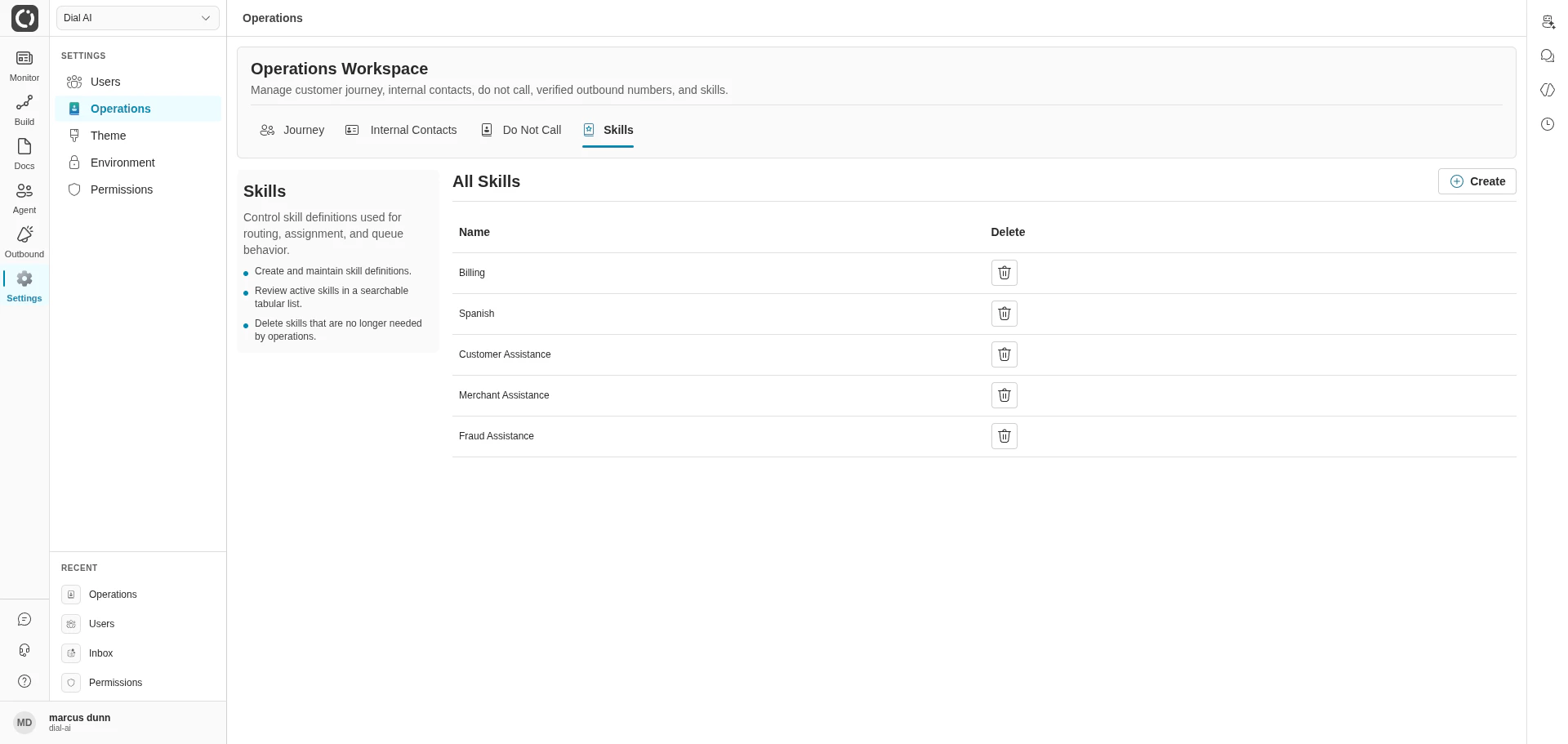
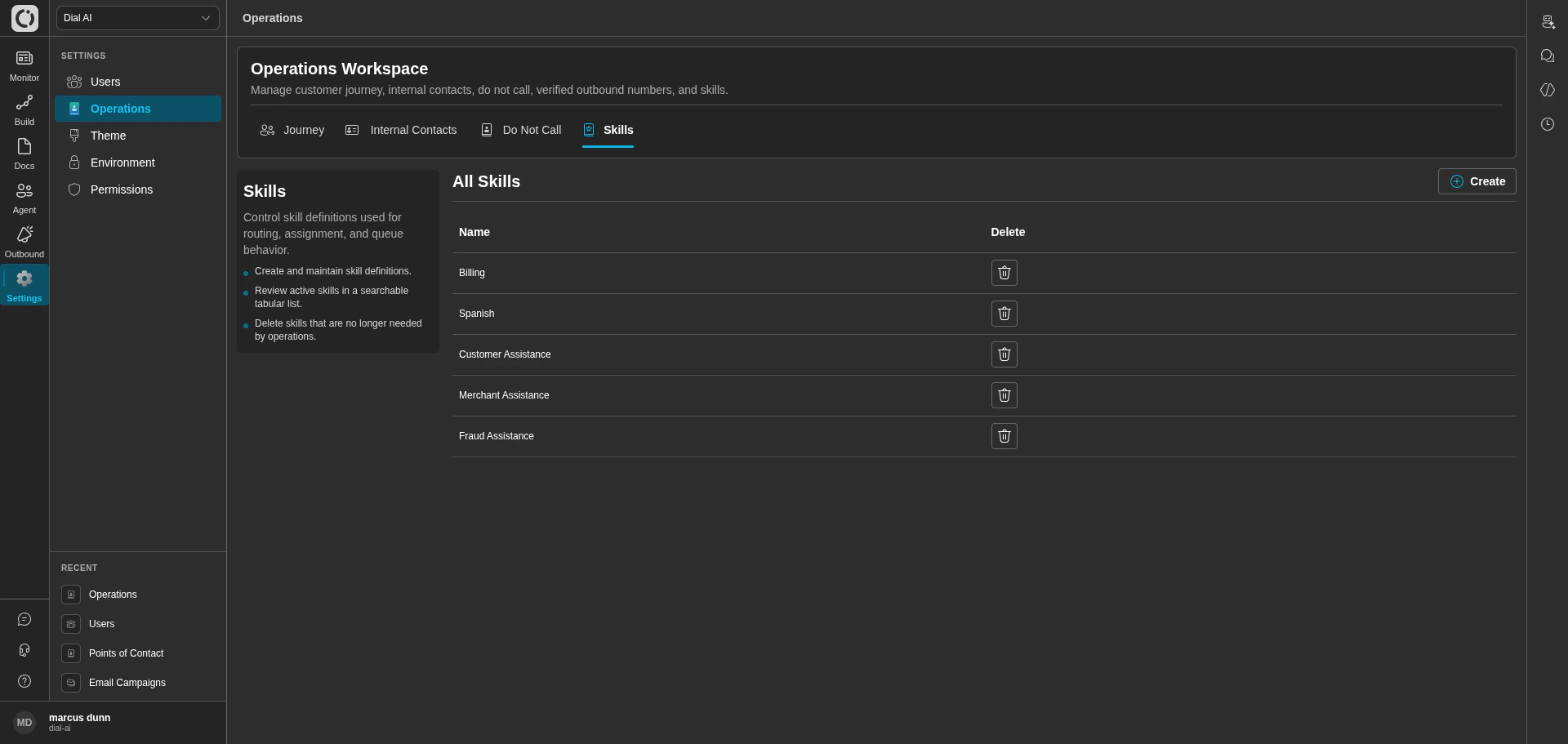
Skills — the routing tags human agents pick from
Only users with the DialAiAdmin role can manage skills.
Creating a skill
1
Click Create
Opens the create dialog.
2
Enter a name
Use a short, recognizable label — it appears verbatim in users’ Personal Configuration dropdowns.
3
Click Create
The new skill is immediately selectable by users.
Deleting a skill
Click the delete icon on the skill row, then confirm. Deletion is irreversible.Best practices
Related
Users
Assign skills and routing settings to operators.
Personal Configuration
Where each user selects their own skills.
Outbound Campaigns
Where the DNC list is enforced.
Points of Contact
Where Contact History (driven by Journey params) lives.