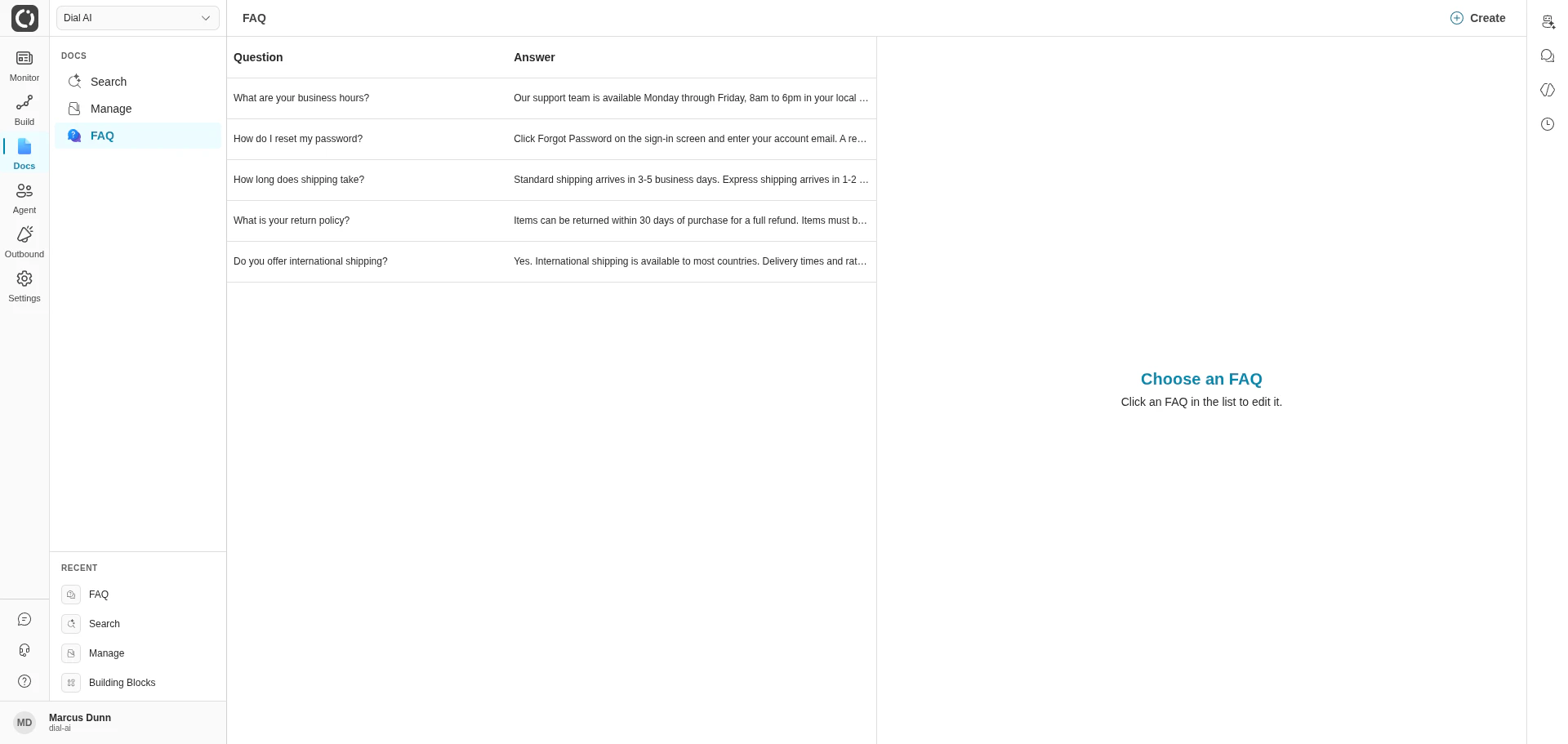
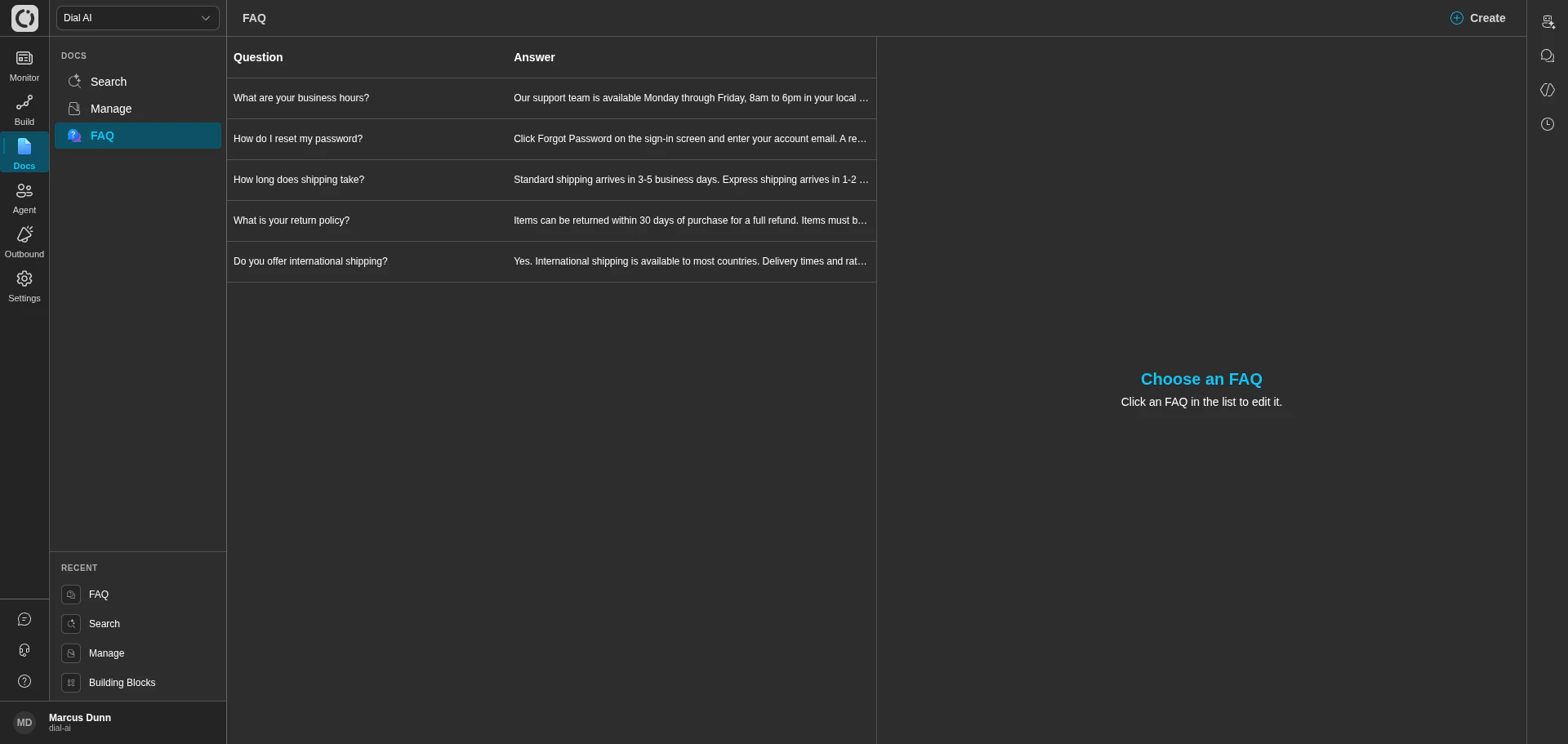
FAQ list with the question / answer table on the left and the edit panel on the right
Accessing the FAQ page
Navigate to Docs > FAQ in the left sidebar.What’s on the page
A two-pane layout:- Left panel: the list of every FAQ in your tenant, showing the question and answer for each. New tenants see “No FAQs found. Please create a new FAQ.” until the first one is added.
- Right panel: the edit panel for the currently selected FAQ. When nothing’s selected, it shows “Choose an FAQ — Click an FAQ in the list to edit it.”
- Create in the top-right opens a new FAQ form.
Creating an FAQ
1
Click Create
Opens the new-FAQ form.
2
Write the question
The exact phrasing matters less than the meaning — the matcher uses similarity, not literal string match. But the question should be a real question a customer would ask.
3
Write the answer
Keep it tight — 1 to 3 sentences. The agent will paraphrase the answer to fit the conversation, but giving it a short, definitive baseline keeps the responses consistent.
4
Save
The FAQ appears in the list.
Editing and deleting
- Edit: click any row in the list to load it into the right panel. Make changes; save.
- Delete: select the FAQ and use the delete action in the edit panel. Confirm.
How FAQs reach the AI agent
FAQs are only used by flows that have at least one FAQ attached on the Documentation tab of Configure Flow — see Flow Documentation. When a customer’s message resembles an FAQ question, the matched FAQ is provided to the agent alongside any retrieved documents. FAQs also show up in Document Search results — the standalone search interface treats FAQs and documents as one combined index.What makes a good FAQ
- Concrete. “What are your business hours?” beats “Tell me about availability.”
- Definitive. Save FAQs for things with a single right answer. Things that vary by context belong in a thought or a function, not an FAQ.
- Short. If the answer needs more than three sentences, it’s probably a document, not an FAQ.
- Singular. One question per FAQ. Don’t combine.
- Currency. Stale FAQs are worse than missing ones. Review the list whenever a policy changes.
When to use FAQs vs documents vs thoughts
If you find yourself adding the same FAQ across many flows, the question may belong in a document instead.
Related
Manage documents
Upload PDFs and sync from S3 / Confluence.
Flow documentation
Attach FAQs to a flow.
Document search
Search across documents and FAQs together.