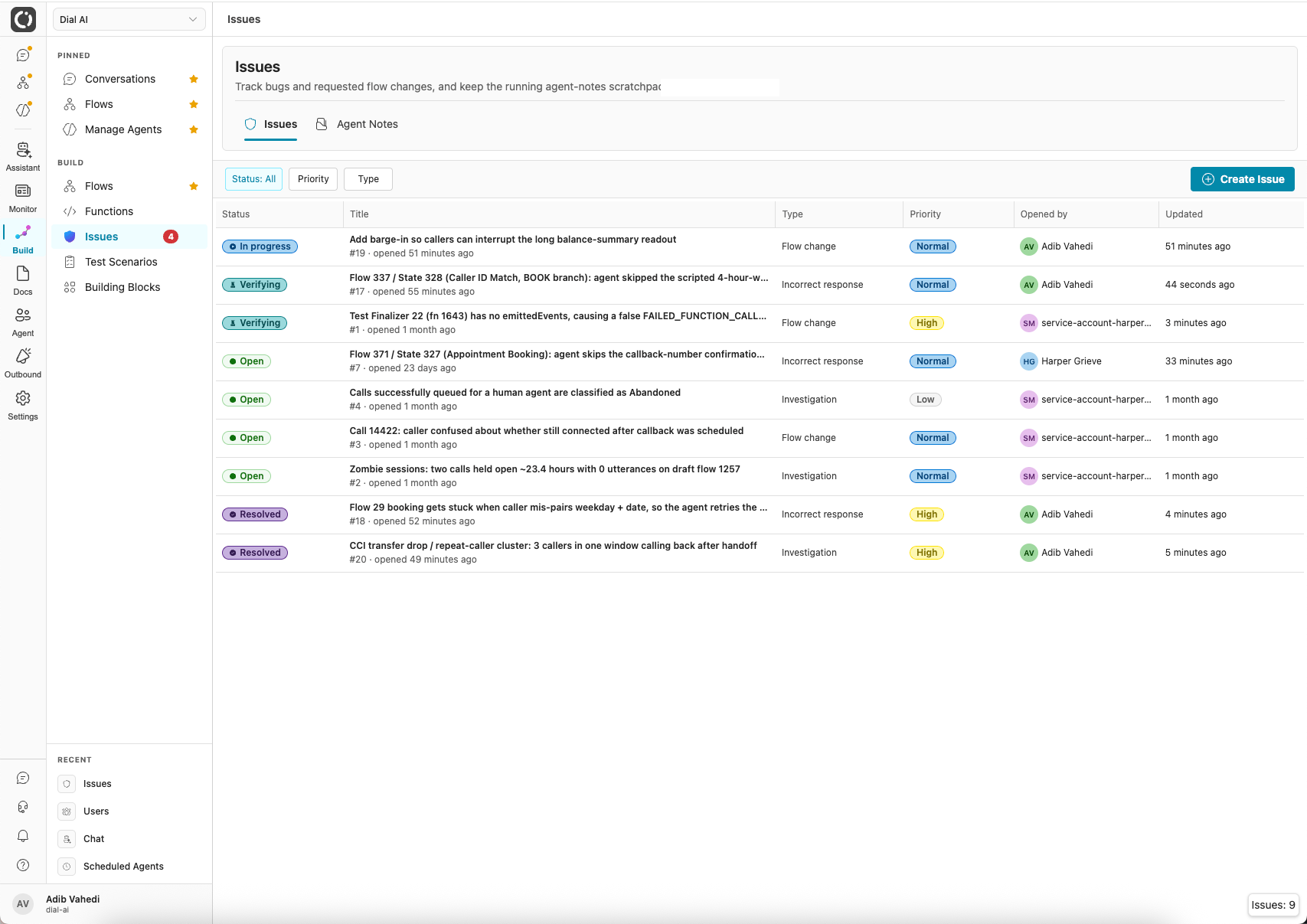
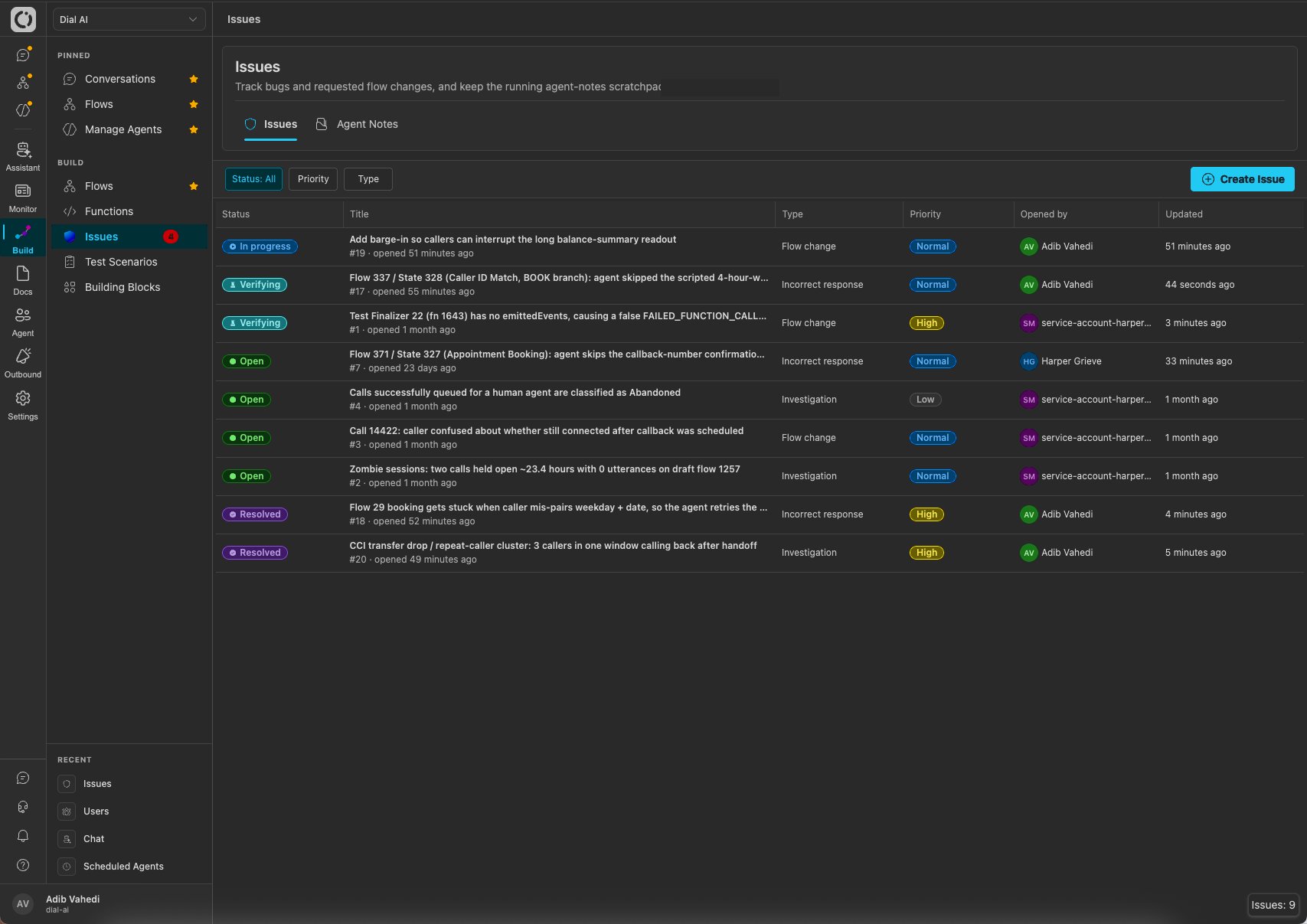
The Issues page: every tracked work item in your tenant
Accessing Issues
Navigate to Issues in the left sidebar.What’s on the page
The issues table shows every issue in the tenant.
Filter by status, priority, or type using the controls above the table, and click Create Issue to file one manually.
Inside an issue
Click any row to open the issue. The left column holds the description and a running activity feed: every status change and comment, oldest first. The right rail is where you work the issue: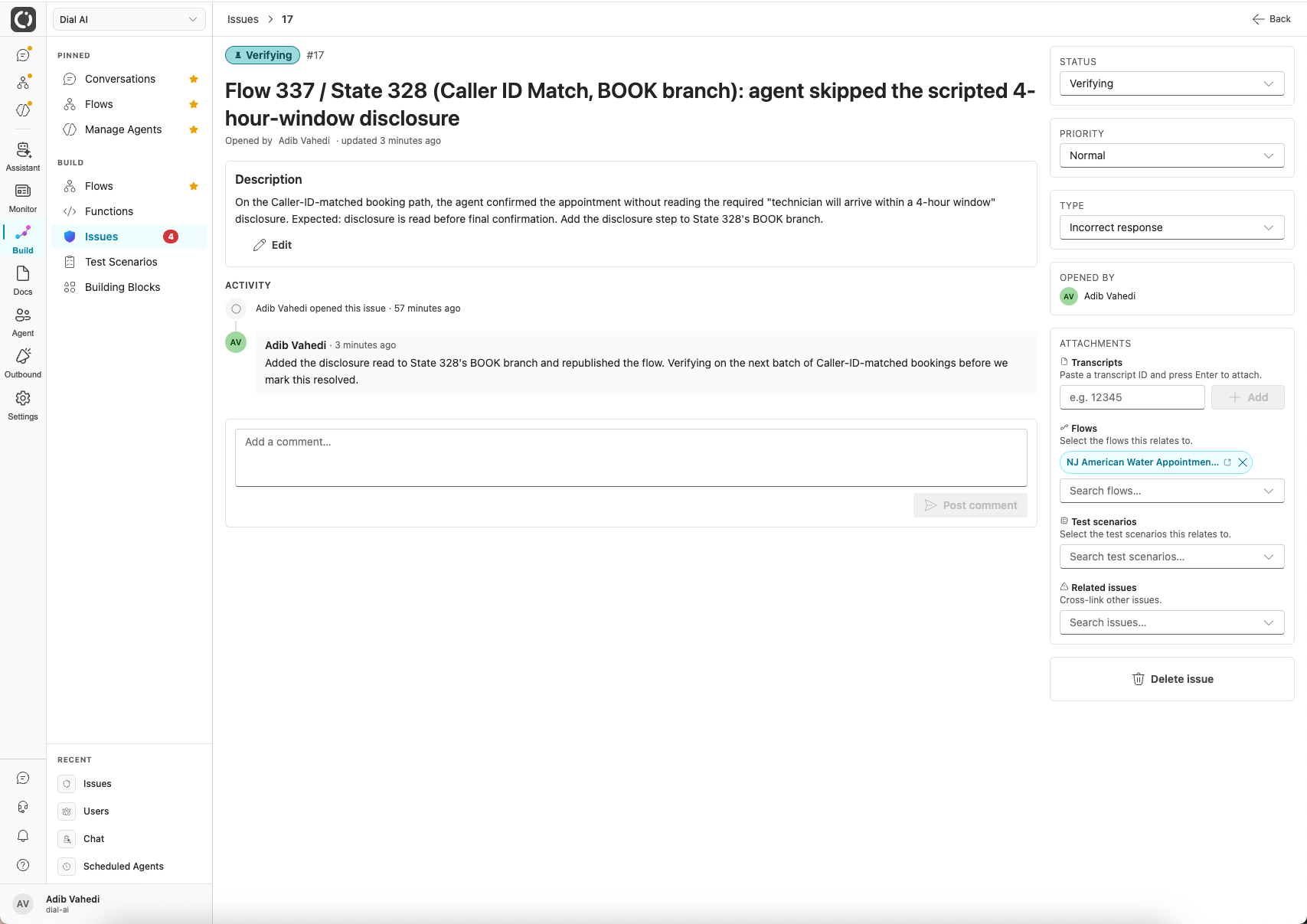
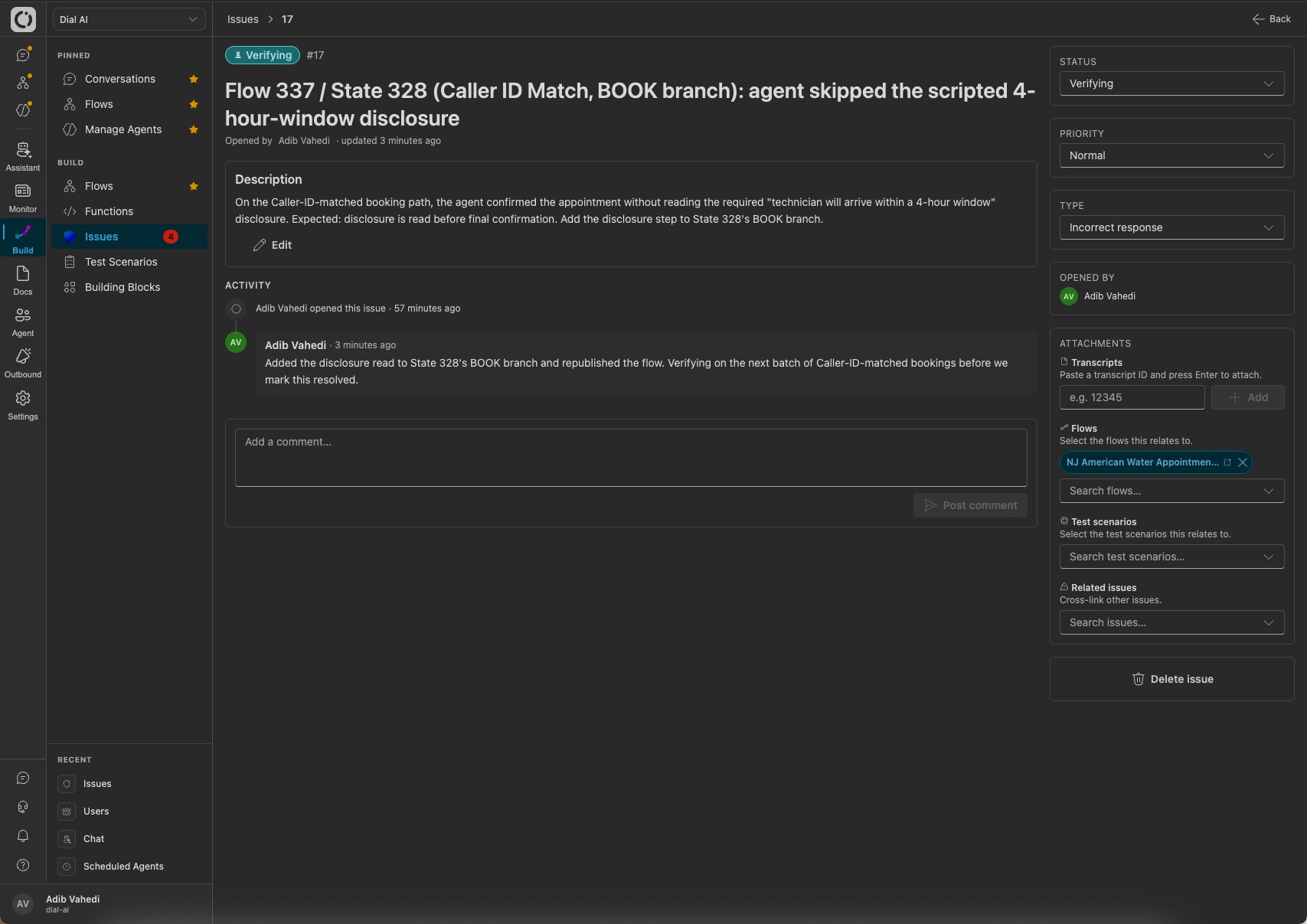
An issue opened up: description and comment thread on the left, controls and attachments on the right
- Status / Priority / Type: change any of them inline from the dropdowns.
- Attachments: link the issue to the things it’s about: paste a transcript ID, or search for a flow, test scenario, or related issue. A reviewer can then jump straight from the issue to the exact call, flow, or test it concerns.
- Comment: add context to the thread; each comment is stamped with who wrote it and when.
Issue lifecycle
Comments and attachments
Every issue has a flat comment thread for discussion. Issues can also attach to the things they’re about: transcripts, flows, test scenarios, and other issues. A reviewer can jump straight from “the agent said the wrong thing” to the exact call where it happened.Who files issues
- Your team, via Create Issue.
- The review agent, when call review flags a conversation that needs a fix rather than just a flag.
- Internal agents, which can open and update issues as they work so their findings are handed off with root-cause summaries and reproducible steps.
Proposed changes: closing the loop
The most important thing attached to an issue is a proposed change: a structured fix proposal, distinct from the free-text comments. It carries the root cause, the precise change, an acceptance test, and risk/rollback notes. The most common author is the review agent: when a flow accrues review corrections, they’re distilled into a suggested call-review-guidance update and filed as a proposed change on a flow-targeted issue. A proposal moves through its own statuses: proposed, then approved / needs changes / rejected, and finally applied or superseded.Approve & apply
Reviewing a proposal is one click: Approve & apply writes the suggested guidance to the flow and marks the proposal applied, which moves the parent issue to Verifying. Review findings become applied flow improvements in minutes, with the issue trail as the audit record.Applying a proposed change is always a human action. Agents can prepare and file proposals, but never apply them.
Agent Notes
The second tab holds the shared scratchpad. Notes work like issues without a lifecycle: create them, attach them to transcripts or flows, and search them later. Use notes for context you’d want the next person (or agent) to know; use issues for work that must get done.Related
Conversations
Where review flags surface on individual calls.
Testing flows
Verify a fix with test scenarios before resolving.
Flows
Where applied guidance changes land.