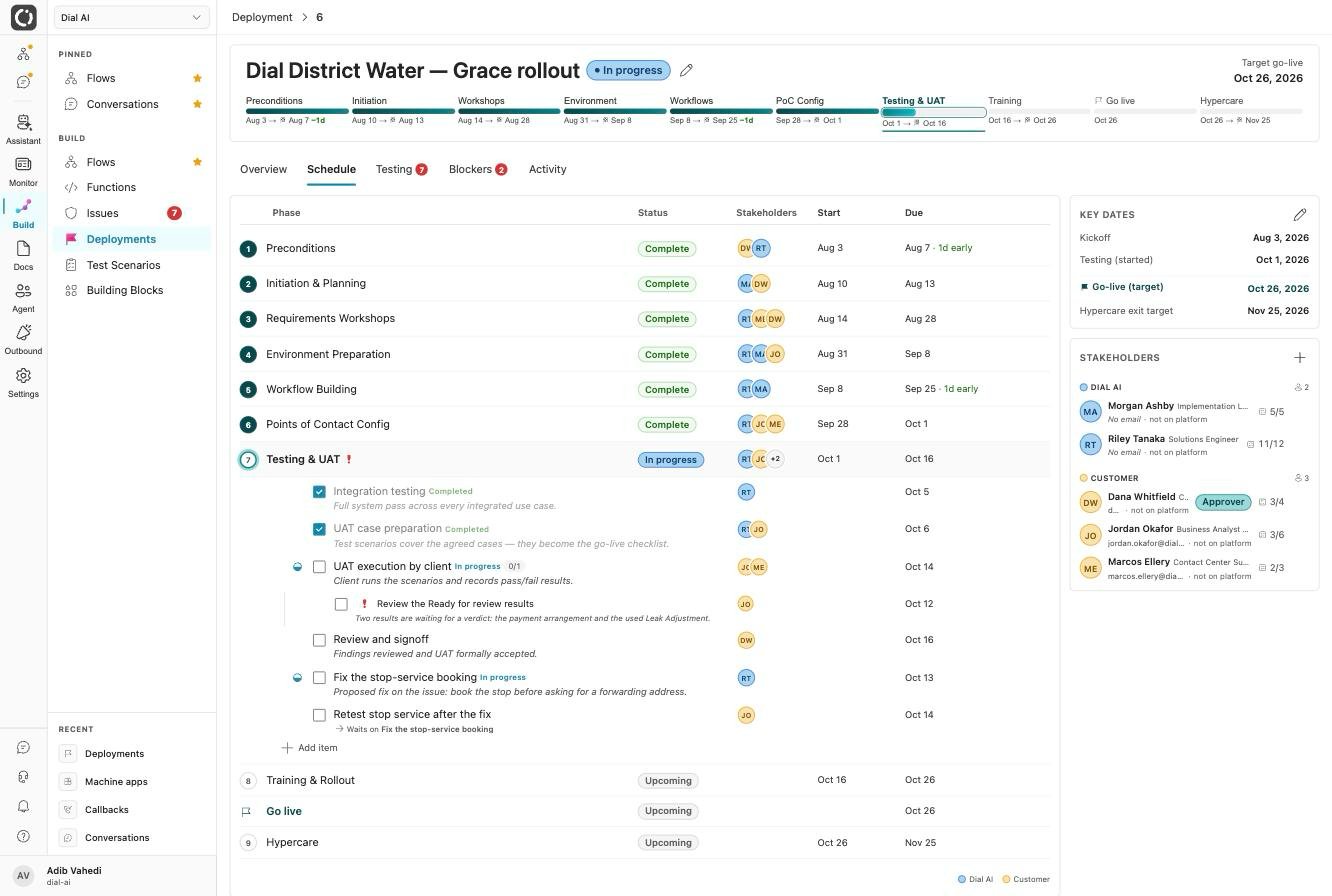
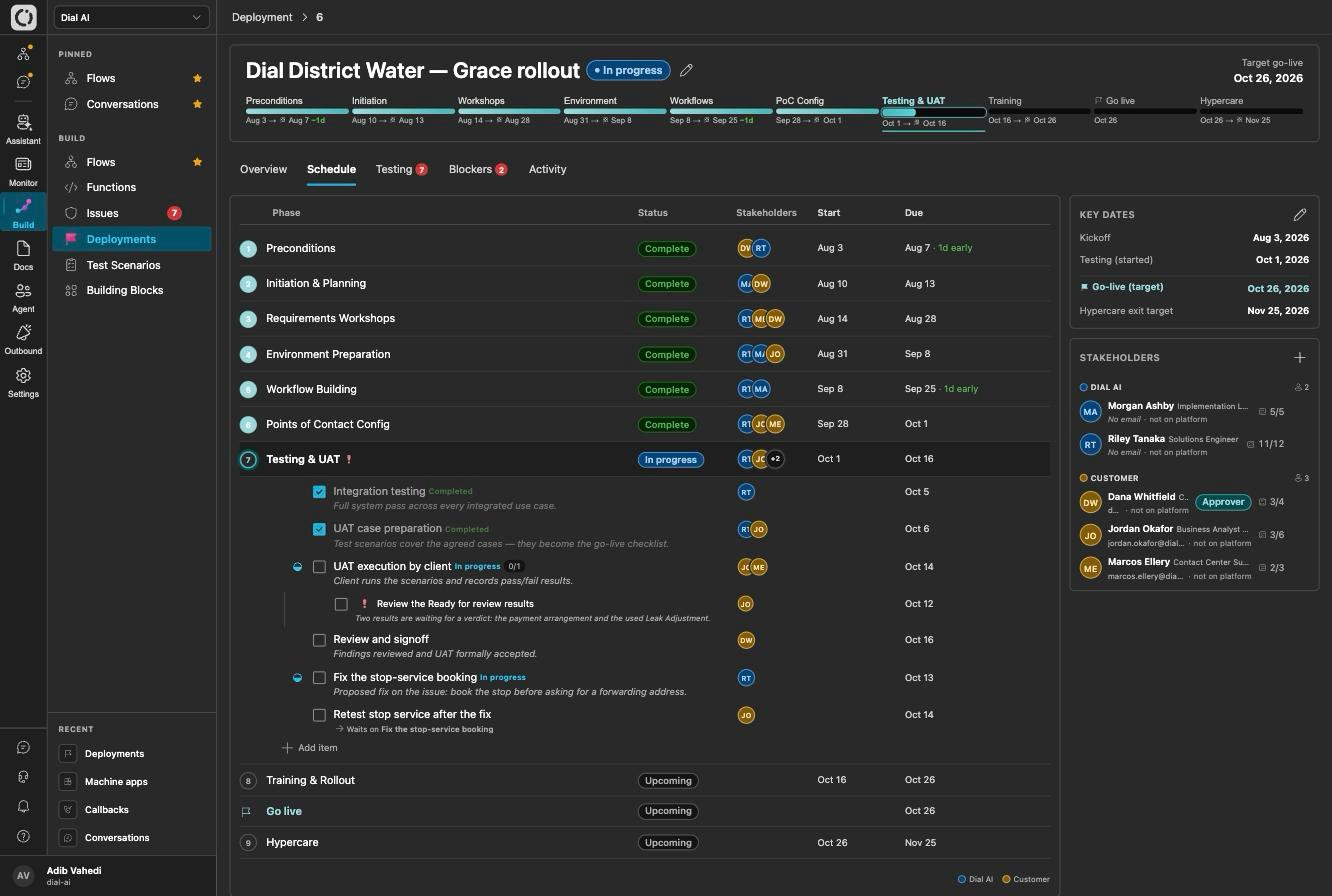
A deployment's milestone bar and schedule, from Preconditions through Hypercare
Engagement phases
Every deployment is a sequence of phases, shown as a milestone bar across the top: Preconditions, Initiation & Planning, Requirements Workshops, Environment Prep, AI Config & CIS Integration, IVR Call Routing, Testing & UAT, Training & Rollout, and Hypercare. Each phase holds checklist items with planned and actual dates, a responsible party, per-task stakeholder assignments, and an optional approver sign-off. Ticking the items rolls their status up to the phase automatically, and any item can be flagged high priority.Tabs
- Overview — the engagement at a glance, with the calendar (a timeline of every phase and a three-week agenda of what is due) and the latest updates.
- Schedule — the full phase-by-phase checklist, where you set each checkpoint’s status and dates.
- Testing — the UAT suite (see below).
- Blockers — the issues standing in the way of this go-live.
- Activity — one timeline of everything that happened, newest first.
Testing and UAT
The flow a deployment ships is first-class: every test scenario on that flow is automatically in the deployment’s UAT suite, with no attaching required. The Testing tab is the go-live checklist, and each scenario’s latest run decides whether it passes the gate. You can park a scenario as informational, or pull in a shared regression case from another flow, with an explicit attachment.Stakeholders, comments, and the log
- Stakeholders — the people on the engagement, grouped by team and split into Dial AI, customer, and vendor.
- Comments — a board with @mentions that notify the people named.
- Engagement log — what happened outside the tracker: meetings, emails, calls, decisions, and milestones.
Status reports
Export the deployment as an Excel status report a customer’s PMO can file weekly, or the Project Plan on its own for tools that read only the first sheet. A report covers a window (a day, week, month, or a custom range) and shows both where things stood when the window closed and what moved during it, plus what is due in the next two weeks. Reports use your tenant’s brand colours and logo. You can also schedule reports to be generated and kept on a repeat. Nothing is emailed anywhere: whoever wants to share a report downloads it and passes it on.Related
Test scenarios
Build the UAT suite a deployment gates on.
Issues
Track blockers and findings.
Flows
The flow a deployment ships.