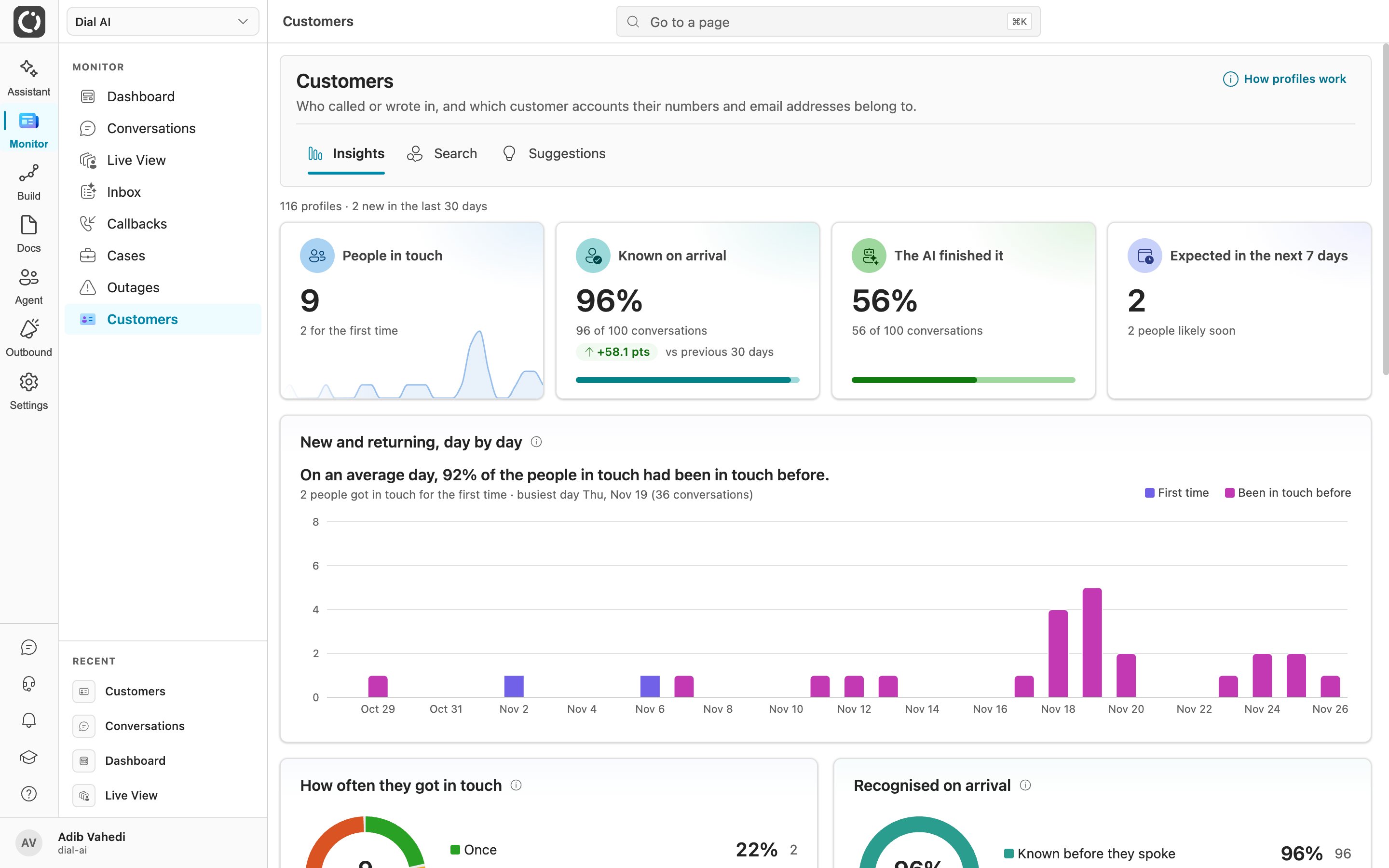
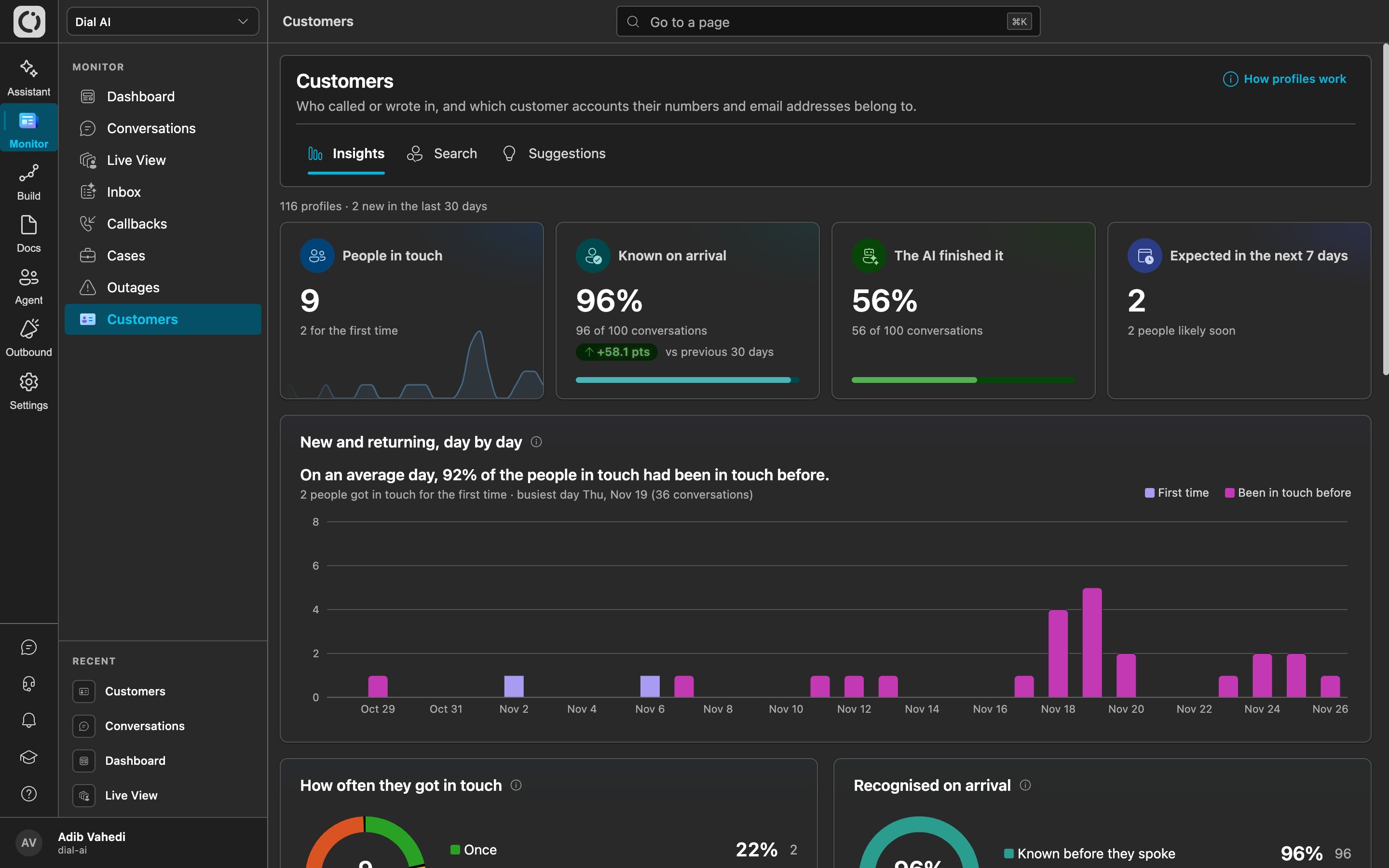
The Customers page: who got in touch, who was known on arrival, and who is likely to get in touch soon
Customer profiles are new. Dial AI turns them on for your organization and looks after the Customers page while they settle in. Talk to your Dial AI team to turn them on.
What a profile shows
Open a contact from the Customers page, or click Profile on a conversation.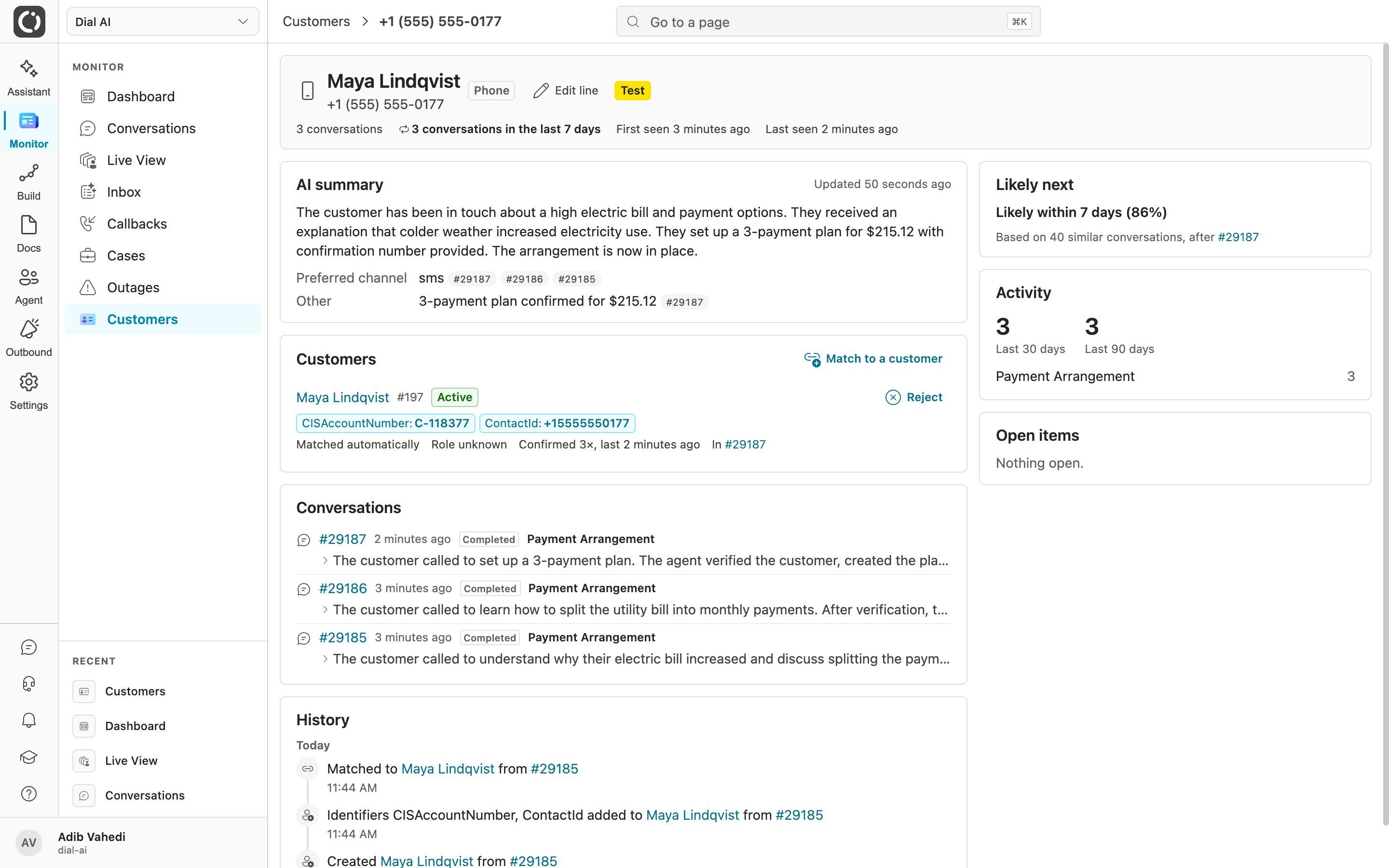
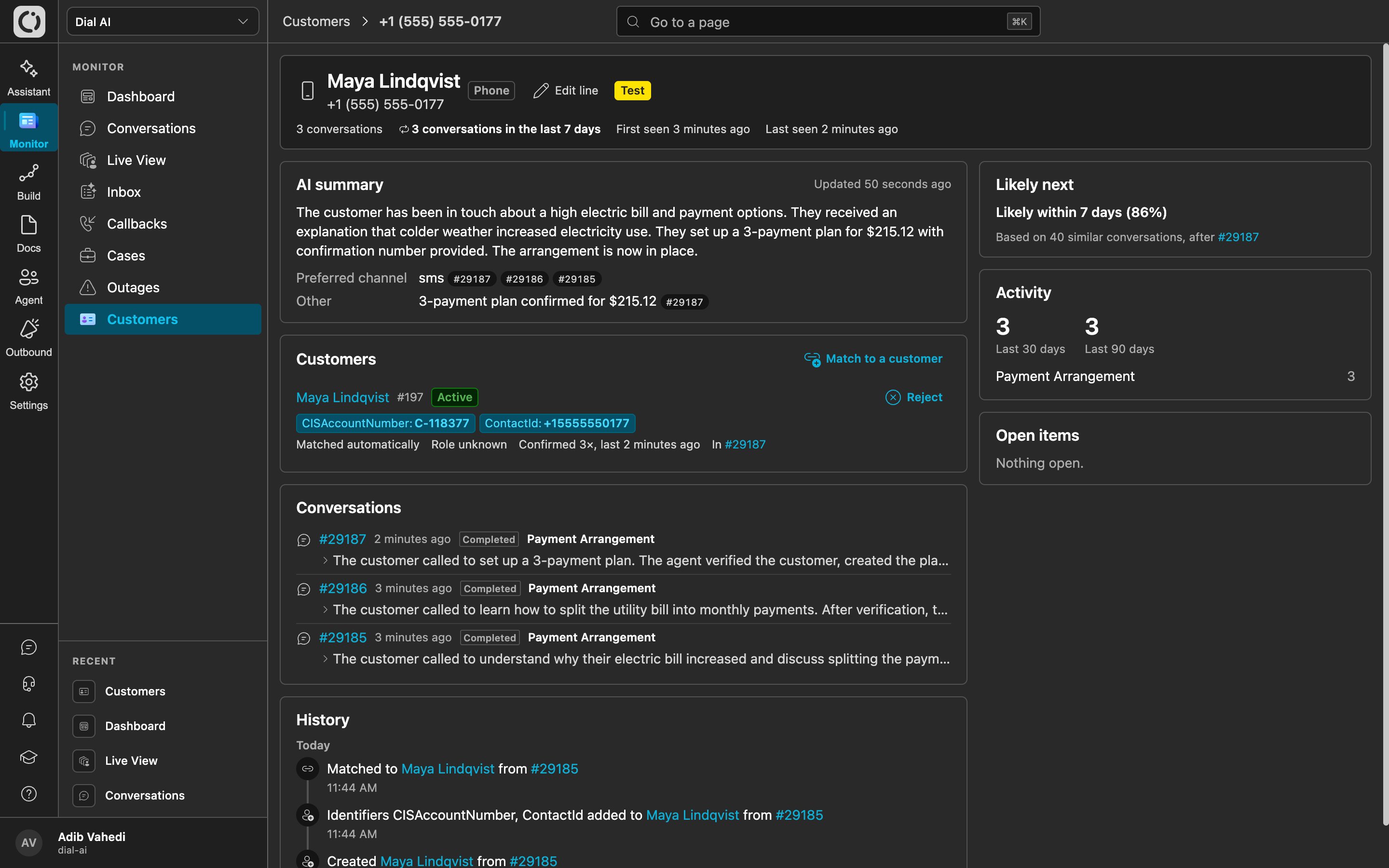
A contact's profile, with the AI summary, the matched customer and every conversation
- AI summary. A few sentences on what the customer has been in touch about, written from the summaries of their recent conversations. Each detail below it links to the conversations it came from.
- Customers. The customer this contact belongs to, the identifiers that matched them (such as an account number), and how the match was made.
- Conversations. Every conversation from this contact, newest first, with its reason and summary.
- Likely next. How likely the customer is to get in touch again in the next 7 days.
- Activity and History. How often they got in touch, and every change made to the profile.
Predicted reason
When a known customer gets in touch again, the platform reads the summaries of their earlier conversations and makes a short guess at why they are calling. The guess shows at the top of the conversation as Predicted reason.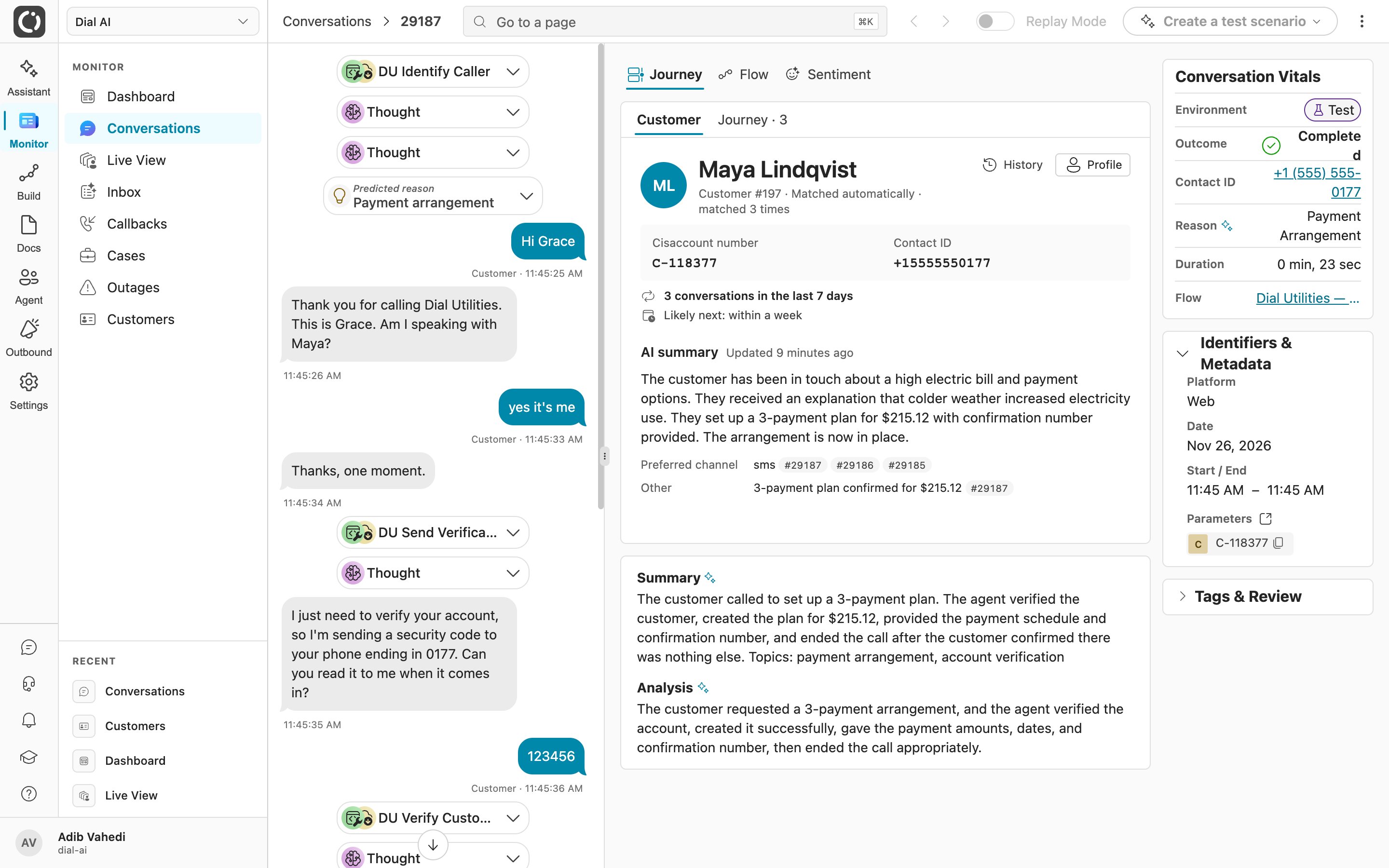
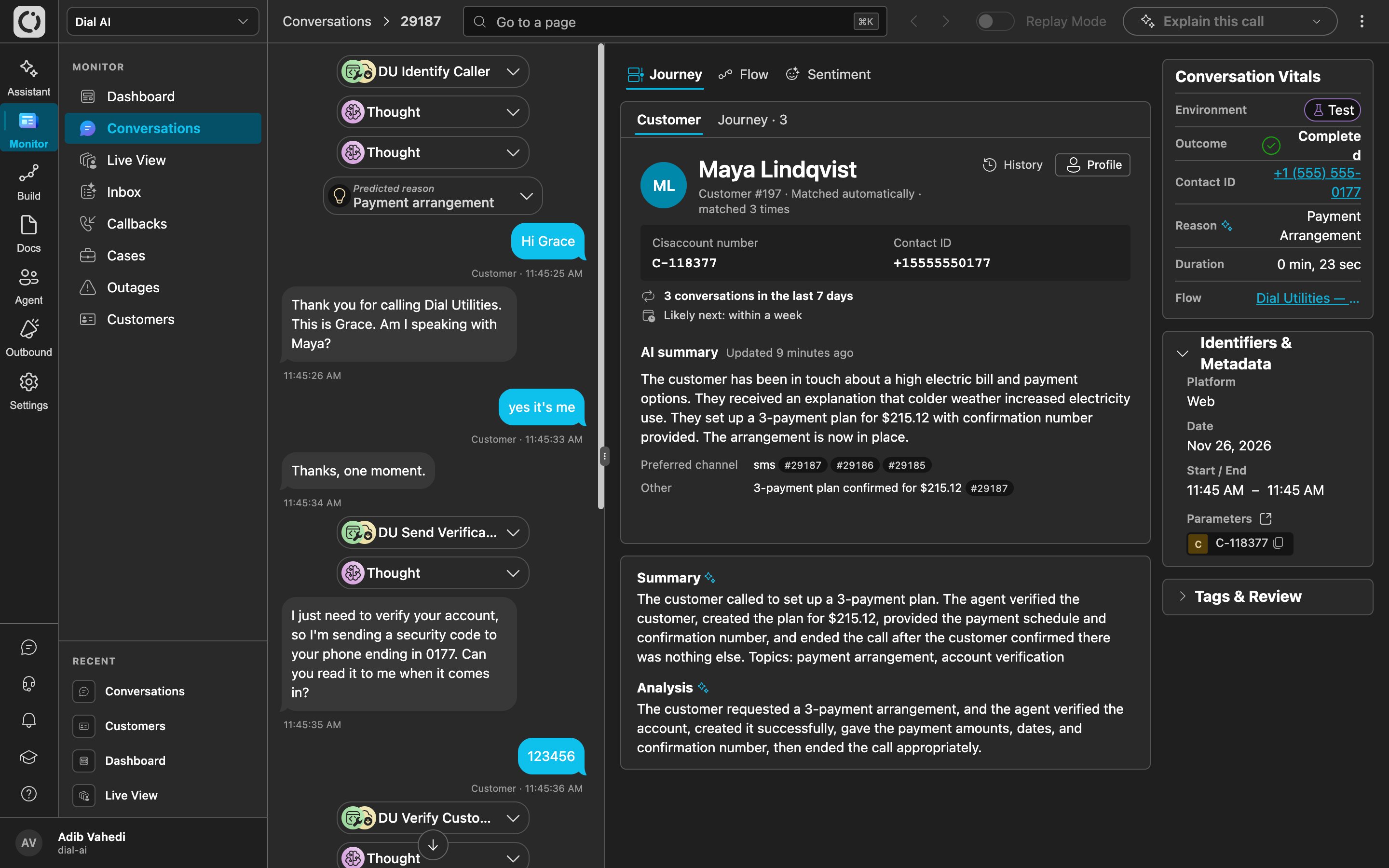
A conversation that opens with a predicted reason of payment arrangement
- The guess is made only when the customer has at least two earlier conversations with a summary.
- It is made before the AI’s first reply, so the AI can use it from the start. Open the row to see the explanation and the conversations it came from.
- When your organization chooses to give it to the AI, the AI treats it as a guess, not as something the customer said. It may ask, for example, “Are you getting in touch about the payment plan we talked about?”, and it never shares account details before the customer is verified.
- The guess is not used for the conversation’s summary, its review or its call reason, so it never changes how the conversation is reported.
Frequent callers
A notification can tell your team when one phone number calls many times within 24 hours, so someone can look into why. Set it up in Notification Settings with the number of calls that should trigger it. Each rule can go to different people, for example supervisors at 3 calls and managers at 5.Related
Conversations
Review any conversation, with its summary, analysis and journey.
Inbox
Take over conversations, with the customer’s context beside them.