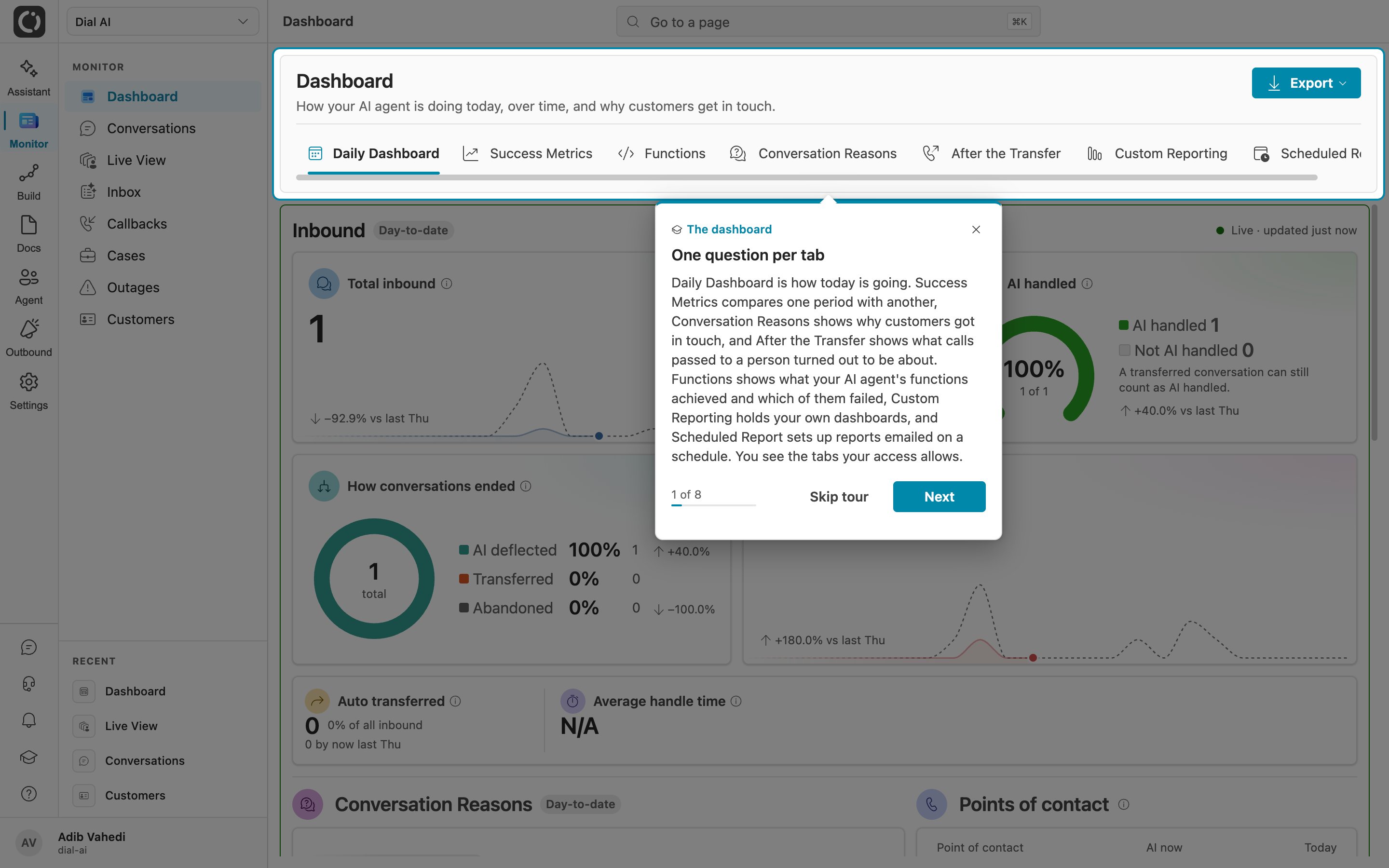
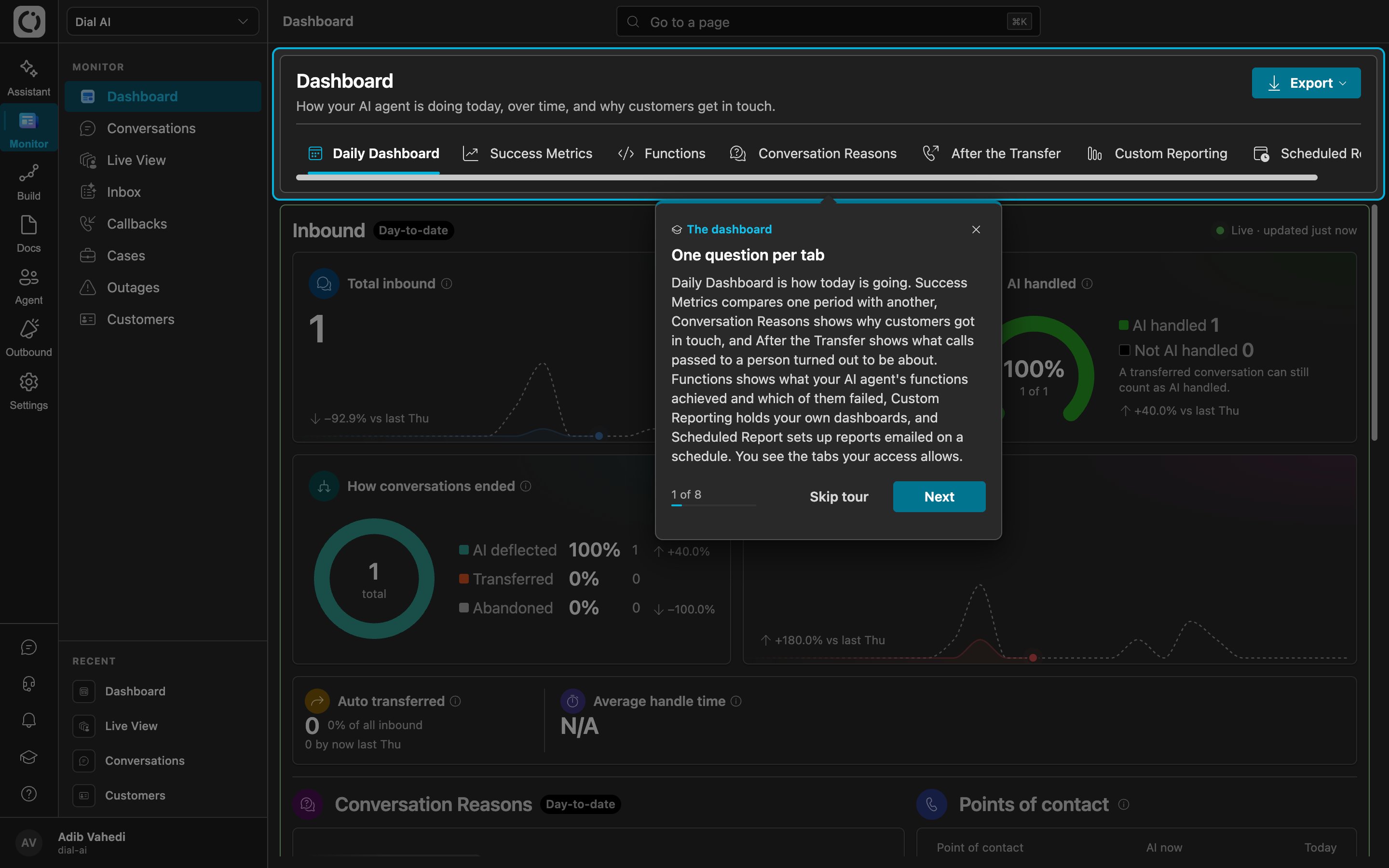
A guided tour of the Dashboard. Each step points at a part of the page and says what it is for.
Start a tour
There are three ways to start a tour:- The first time you open a page. A small New to this page? card offers the tour. Click Take the tour, or Not now.
- From the Training page. Open Training from the graduation cap icon at the bottom of the left rail, and click Start on any tour.
- From the tour menu. The same icon lists the tours for the page you are on under Take a tour.
The Training page
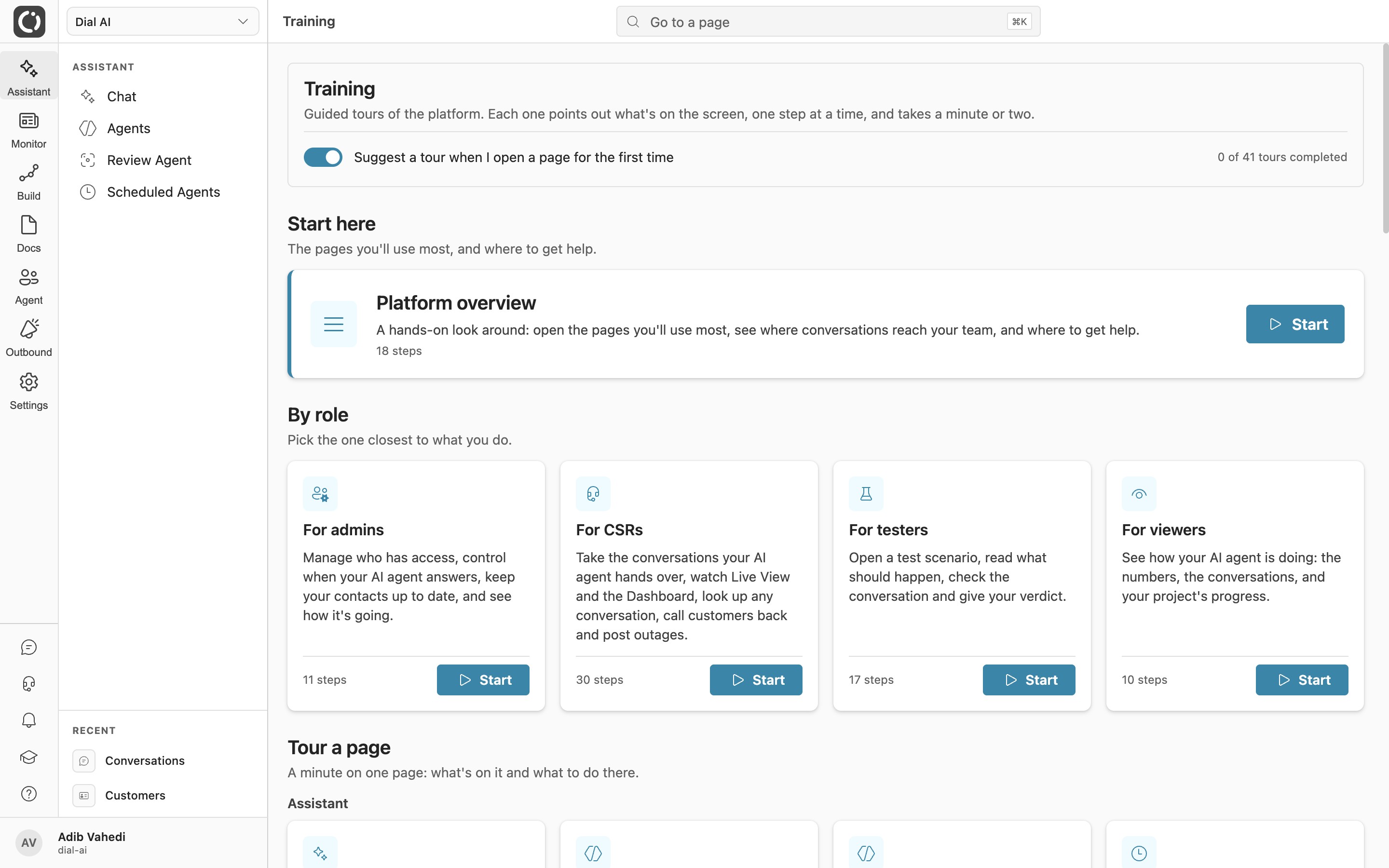
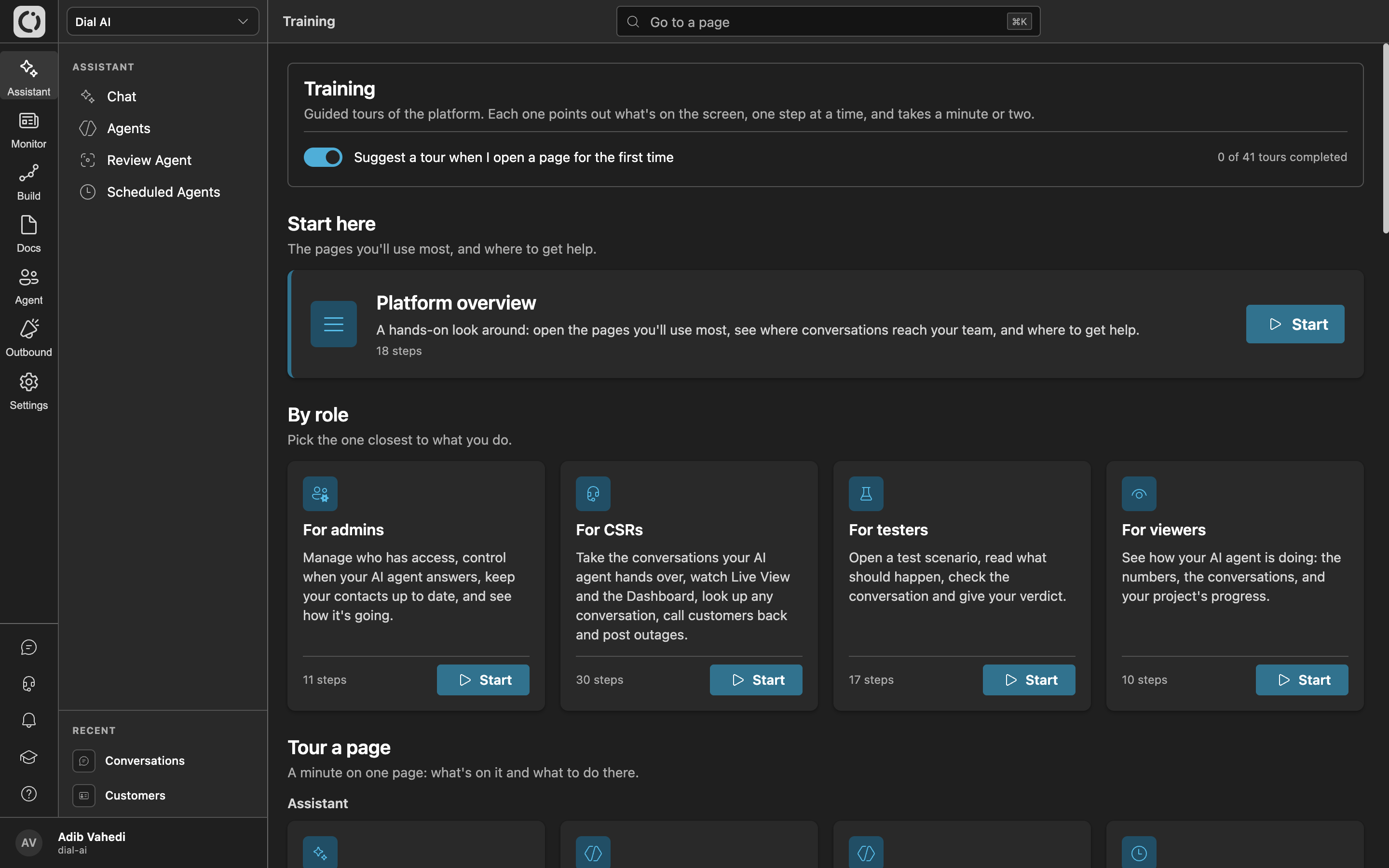
The Training page lists every tour, by role and by page
The page counts the tours you have completed. You only see the tours for pages your access allows.
To stop the New to this page? card from appearing, turn off Suggest a tour when I open a page for the first time at the top of the Training page.
Related
Training hub
Short videos and handbooks for every part of the platform.
Introduction
A first look at the platform.